Connect Interactive Brokers
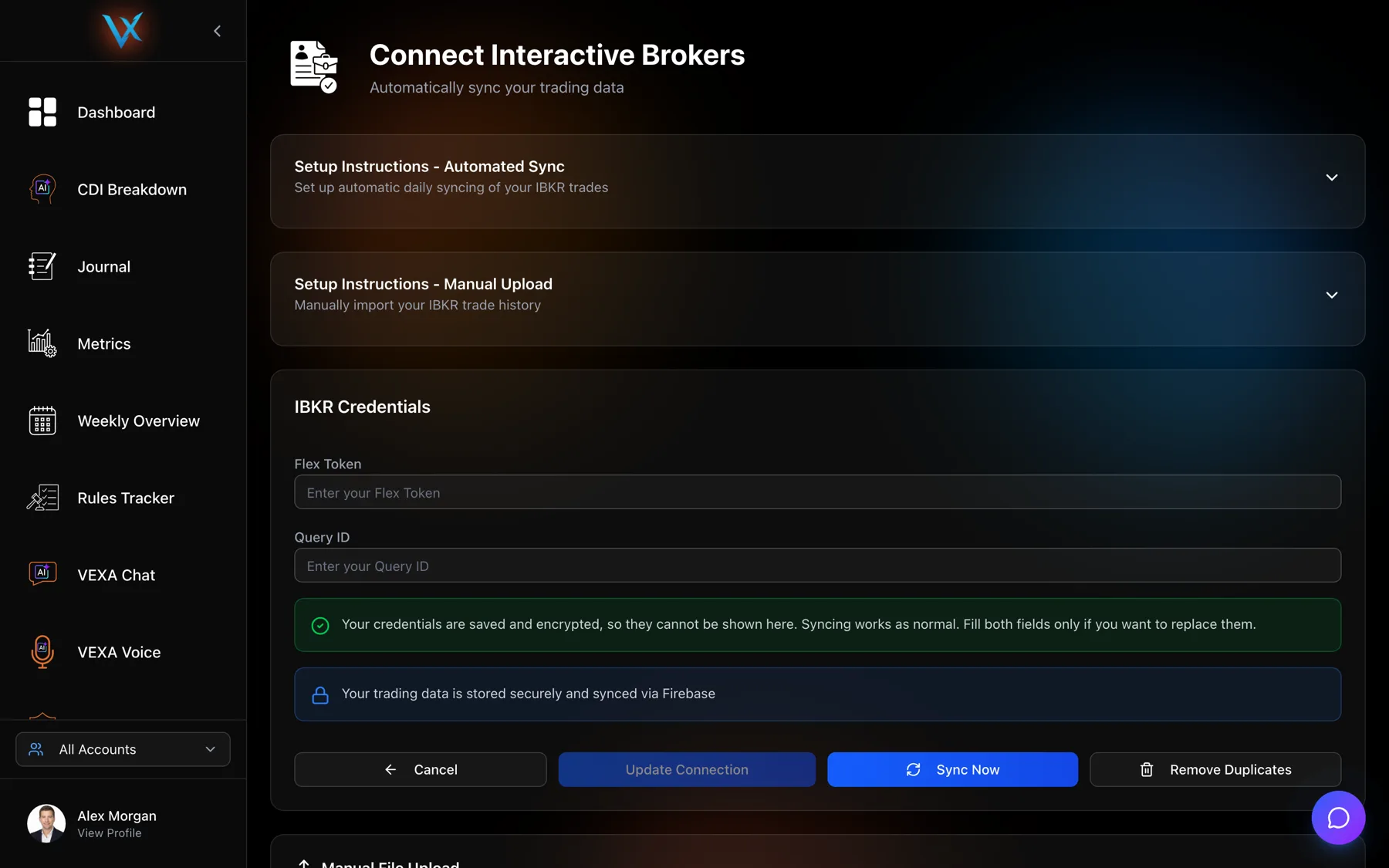
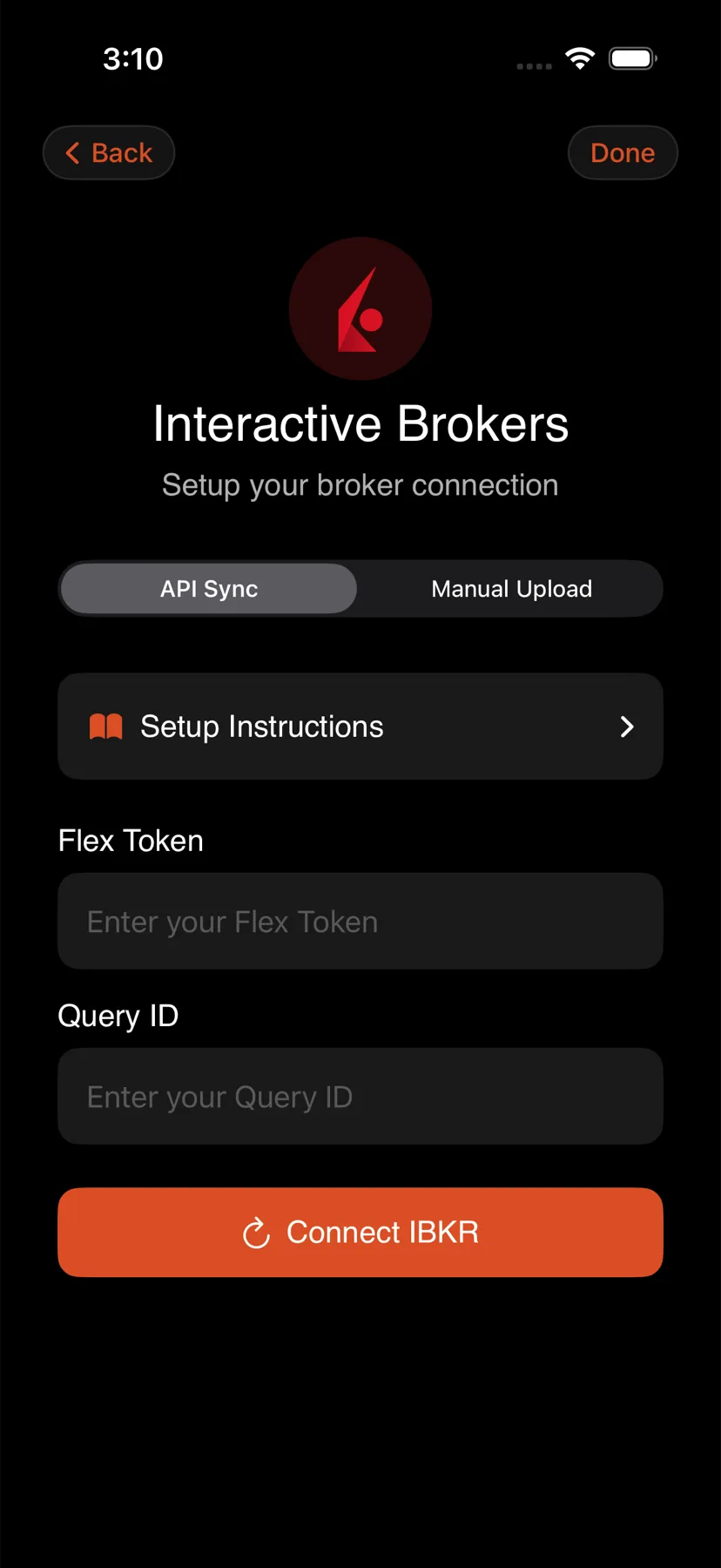
IBKR is VEXA's most complete integration. It uses two different Flex Query types for two different jobs, and mixing them up is the most common IBKR problem.
On this page
What this does
Interactive Brokers is the broker VEXA supports most completely: an API sync you run whenever you want it, a file import, multi-account handling, and a duplicate-removal tool none of the other brokers have.
Two Flex Queries, two jobs
This is the thing to get right before anything else. IBKR calls both of them Flex Queries and they are not interchangeable.
| You want | Build this | Article |
|---|---|---|
| Trades pulled from IBKR when you press Sync, with no file to export | an Activity Flex Query | Set up the Activity Flex Query |
| A file you upload yourself | a Trade Confirmation Flex Query | Export a Trade Confirmation Flex Query |
The two recipes use different date and time formats, so an Activity file will not upload and a Trade Confirmation id will not sync. If a screen inside VEXA names the other one, follow the table above.
Before you start
- You need the Master Account, the one whose id starts with
U. Flex Web Service is configured there. - The API sync reaches the last 365 days, rolling. The file export can reach all of your history, so most people set up both: the sync for going forward, one file for the backfill.
- When you generate the Flex token, set Expire After to a year. A short expiry works today and fails silently in a few months.
- Stocks, options, futures, forex and crypto are all supported.
Which one to set up first
Set up the API sync. Once the token is saved, updating your trades is one tap rather than another export.
Then, if you want history older than a year, build the Trade Confirmation query, choose a period of All, and upload the file once. The overlap between the two is discarded, so there is nothing to be careful about.
Multiple IBKR accounts
Upload a file covering several IBKR accounts and VEXA splits it by account id and creates one VEXA account for each. You do not need to export them separately.
One setting breaks this: Display Account Alias in Place of Account ID. Leave it set to No. With aliases in place of ids, VEXA cannot tell the accounts apart.
Limits and gotchas
- XML will not upload. IBKR offers CSV, XML and HTML. Manual upload reads CSV. An XML file produces “No valid executions found in file after parsing and validation”.
- Choose the Trade Confirmations section, then tick all of its fields. Leave fields out and the upload stops on the columns it cannot find, which leaves VEXA nothing to reconstruct.
- The rolling window re-delivers old fills. IBKR hands back the same 365 days every time it is asked. VEXA keeps a registry of fills it has already consumed and filters them out. If you ever see a position with an impossible size, that machinery is what to mention when you report it.
- SPLG now reports as SPYM. IBKR’s ticker transition is applied globally so both sides of the change net into one position. Your old SPLG trades appear under SPYM. Nothing is lost.
- Flex data older than a week triggers a staleness warning in the sync. It means your query period is too narrow. Set it to Last 365 Days.
What you should see
After connecting the sync: the account shows an Active badge, and a first pull runs immediately. On a busy account the first sync takes a minute or two.
After uploading a file: a result panel naming the detected format, with counts. Multi-account files produce more than one account in your broker list.
If it doesn’t work
- The upload says no valid executions were found. Either the file is XML rather than CSV, or it is an Activity Flex export rather than a Trade Confirmation one, or the Trade Confirmations section was saved without all of its fields.
- The sync started failing after months of working. The Flex token expired. Generate a new one, set the expiry to a year, and paste it in. See Reconnect a broker.
- You see the same trade twice. IBKR is the one broker with a repair button. See Remove duplicate trades.
Related
Still stuck? Email support@vexatrade.ai.