Which import method should I use?
A short decision path from your broker to the right import route, and the cases where the file is better than the automatic sync.
On this page
What this does
Gets you to the right route in one pass instead of trying all of them.
Before you start
Find your broker in Supported brokers first. The answer below depends on which of the three states it is in.
Work down this list and stop at the first match
Your broker is a forex or CFD broker you trade through MetaTrader. Use Automated Sync. Enter your broker, server, account number and investor password, and VEXA syncs your closed trades once a day, no install and no desktop needed. If you want updates faster than once a day, install the VEXA Sync Expert Advisor on your desktop terminal instead. Either way, upload one Detailed Report or export first to bring in your back history. Start at MetaTrader 4 or MetaTrader 5.
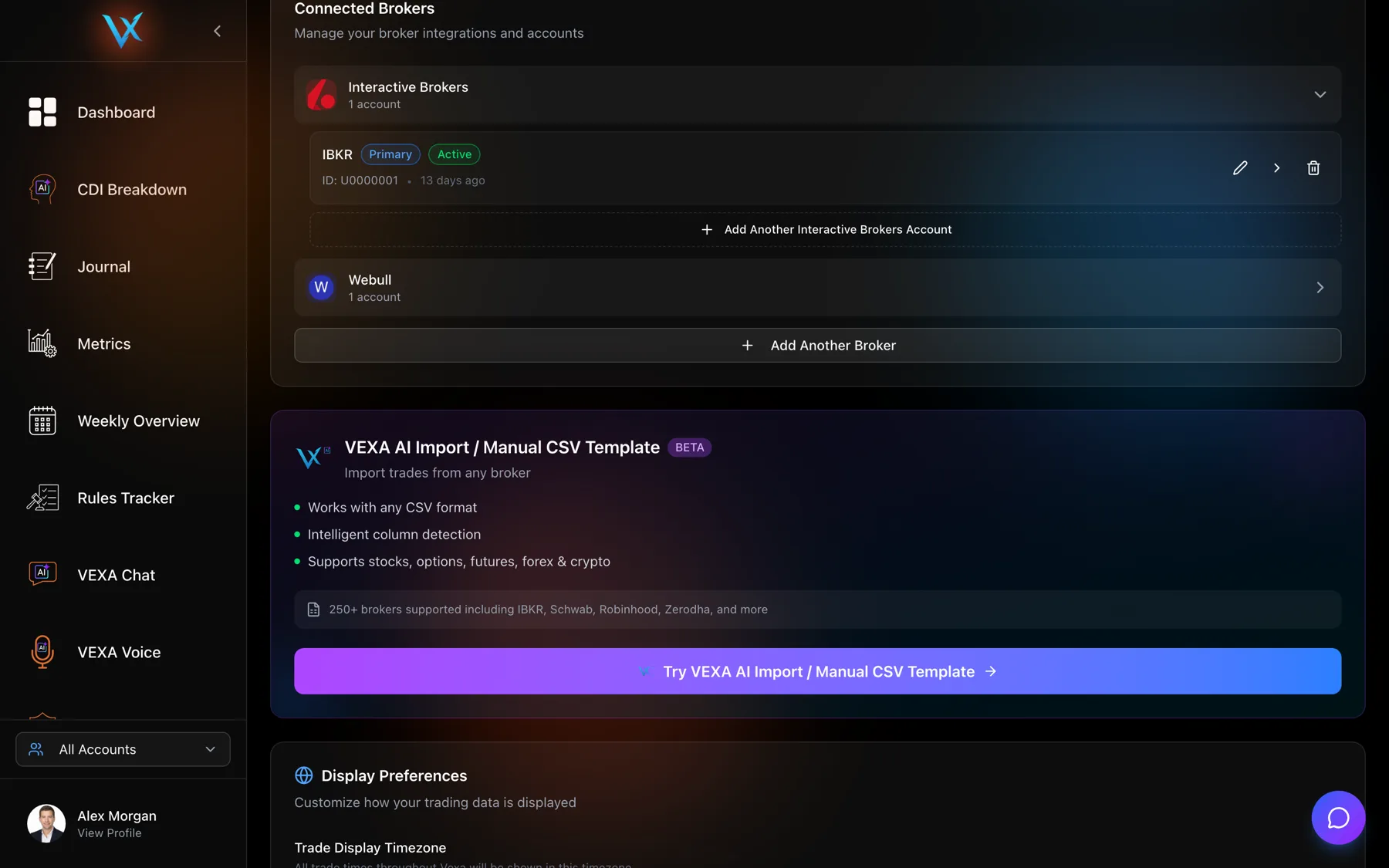
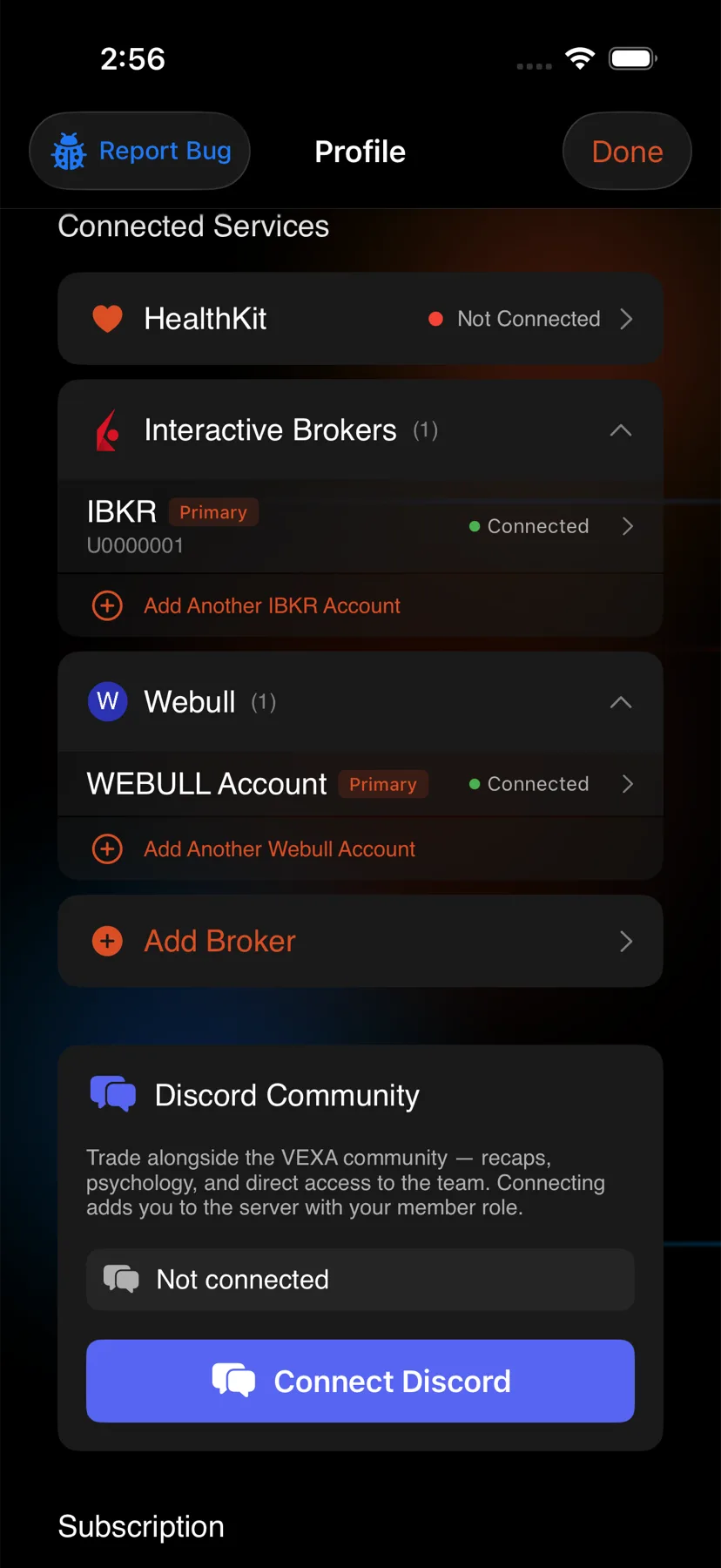
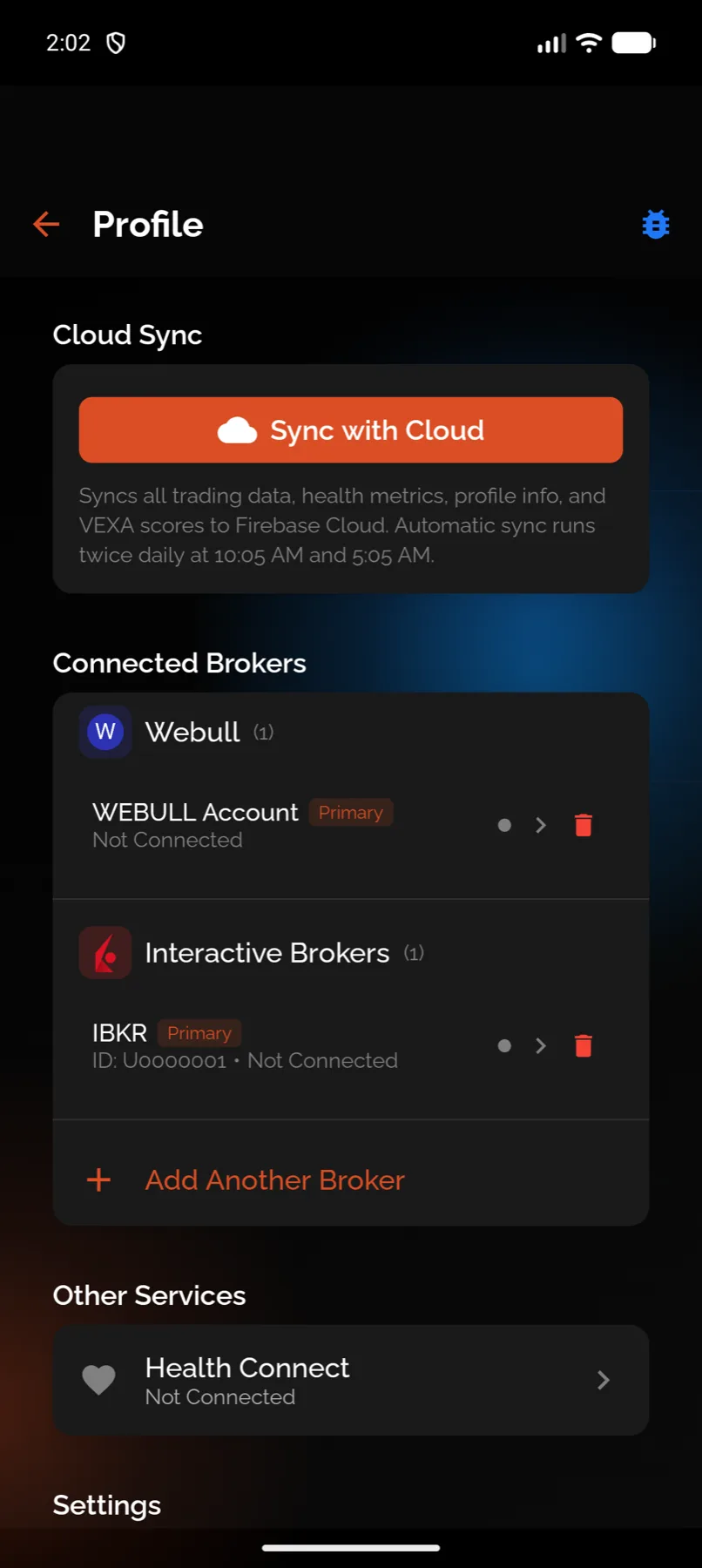
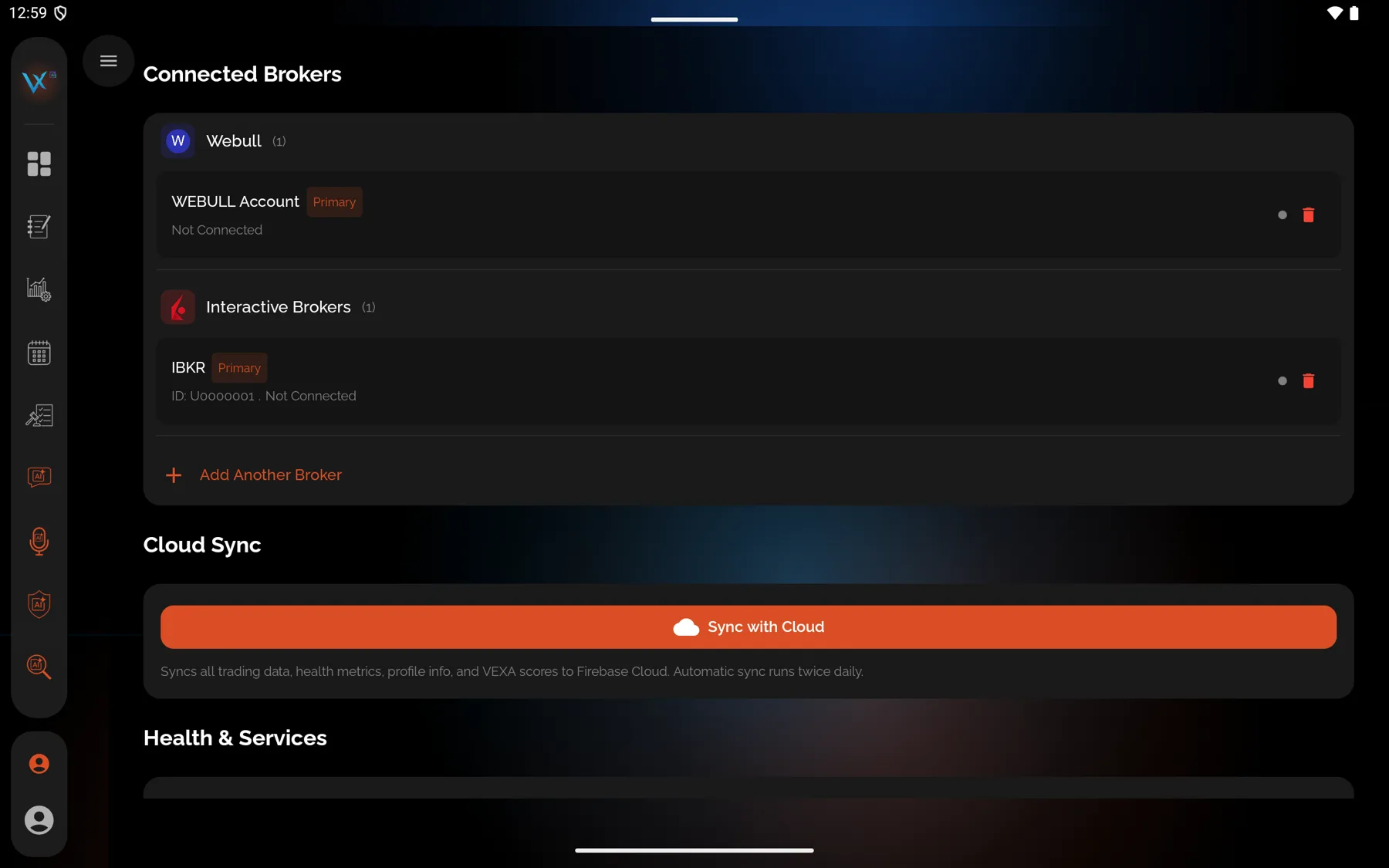
Your broker’s automatic sync is live. Connect it. Once connected you stop thinking about imports. Ten brokers are in this state: see the sync column in Supported brokers. Note the history limits, though. Several APIs only reach back 180 days, so if you want years of history, connect the sync and upload one file to backfill.
Your broker’s automatic sync says Coming soon, or the broker has no public API. Upload a file. It is not a downgrade: for TradeStation, Zerodha, Upstox and the prop platforms, the file reaches back further than the API ever will.
Your broker is not in VEXA at all. Use VEXA AI Import with whatever CSV your broker gives you. Web app only.
Your broker gives you nothing usable, or you trade somewhere with no export. Use the VEXA CSV template and type your fills in. Web app only.
Cases where the file beats the sync
- You want history older than the API window. Binance and Bybit both cap the sync well short of what their own export gives you.
- Your broker charges per API call or rate-limits hard. Not a problem in practice, but a single file import is one operation.
- You are reconstructing a specific period. Upload the file for those dates. VEXA discards anything it already holds, so overlap costs nothing.
Cases where the file is a trap
- Per-segment exports. Zerodha and Upstox export equity, futures and options, commodity and currency as separate files. Upload one and half your trades are missing, with no error to tell you.
- Per-product exports. Bybit splits spot, derivatives and options. Binance splits spot, futures and margin.
- Wrong report type. MetaTrader 4’s Normal report, MetaTrader 5’s Positions view, and Coinbase’s Gain and Loss report all look right and carry nothing VEXA can use.
Each broker’s own article states which export to take.
What you should see
Whichever route you pick, the outcome is the same: closed trades in Journal and Metrics, open positions in Portfolio, and your scores recalculated. Nothing about the route changes how a trade is analysed afterwards.
If it doesn’t work
- You picked a route and the screen showed a banner instead. The automatic sync for that broker is not switched on yet. Switch to the upload tab.
- The file imported and the numbers look wrong. Check the broker’s own article for a history limit or a per-segment split before assuming the parse failed.
Related
Still stuck? Email support@vexatrade.ai.