Delete a broker account
The dialog asks whether to keep or delete the trades that came in under the account. This is what each choice does, and which one you almost certainly want.
On this page
What this does
Removes a broker account from VEXA, and asks you what should happen to the trades that arrived under it. That question is the whole article. Answer it wrong in the destructive direction and the trades are gone for good.
Before you start
- Read the dialog. It is the most consequential dialog in VEXA and the two buttons look similar.
- The safe choice is the default. VEXA will not delete your history unless you actively select the option that says it will.
- If you are only trying to fix a broken connection, do not delete anything. See Reconnect a broker.
- Deleting an account also clears the open positions VEXA was holding for it.
Steps
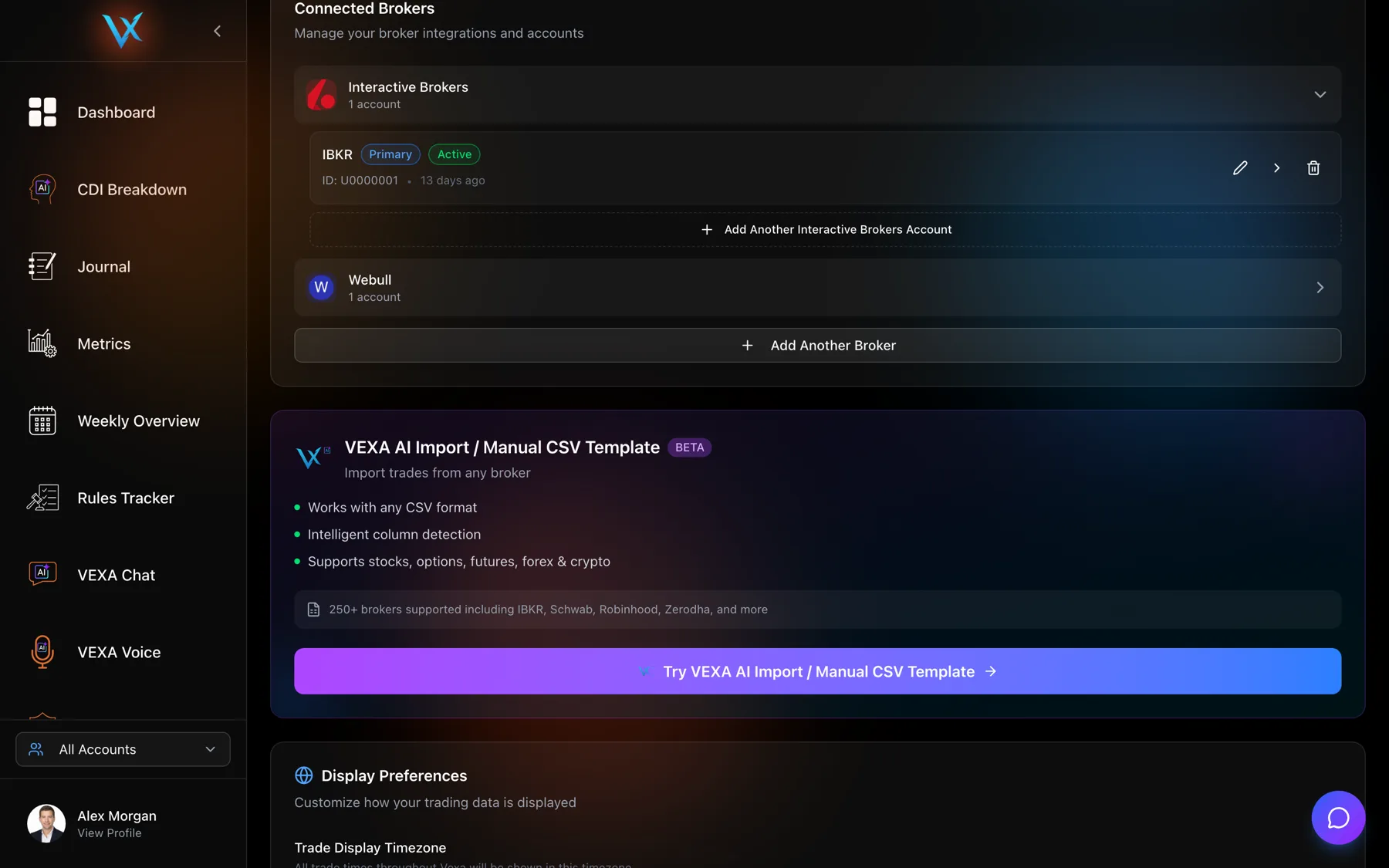
- In the sidebar, find the card with your name at the bottom and click View Profile.
- Scroll to Connected Brokers and expand the broker.
- Click the trash icon on the account’s row.
- Read both options in the dialog, then pick one.
- Confirm.
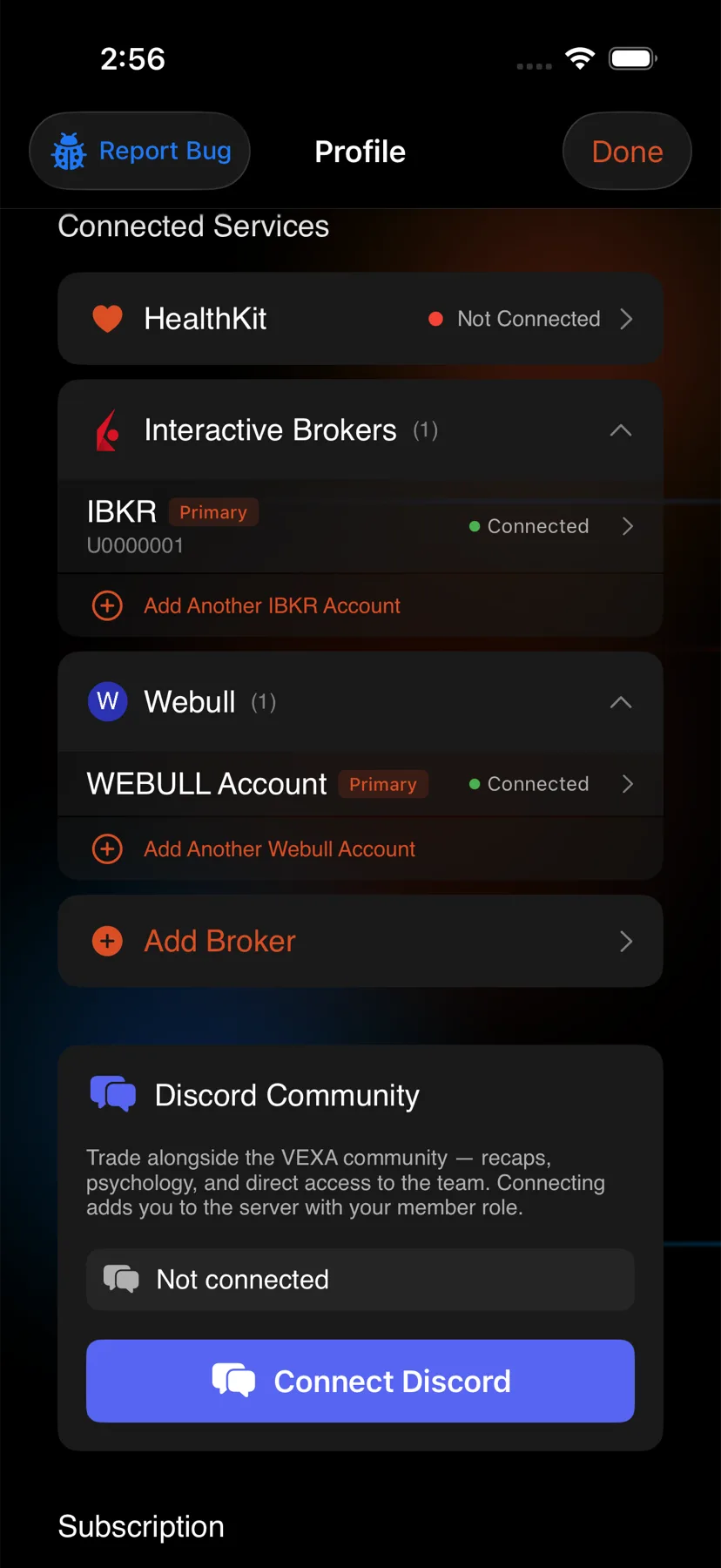
- On Home, tap the circular avatar at the top right.
- Scroll to Connected Services and tap the account.
- Tap Delete Account.
- Read both options in the dialog, then pick one.
- Confirm.
- In the sidebar, tap the profile chip at the bottom, then View Profile.
- Scroll to Connected Services and tap the account.
- Tap Delete Account.
- Read both options in the dialog, then pick one.
- Confirm.
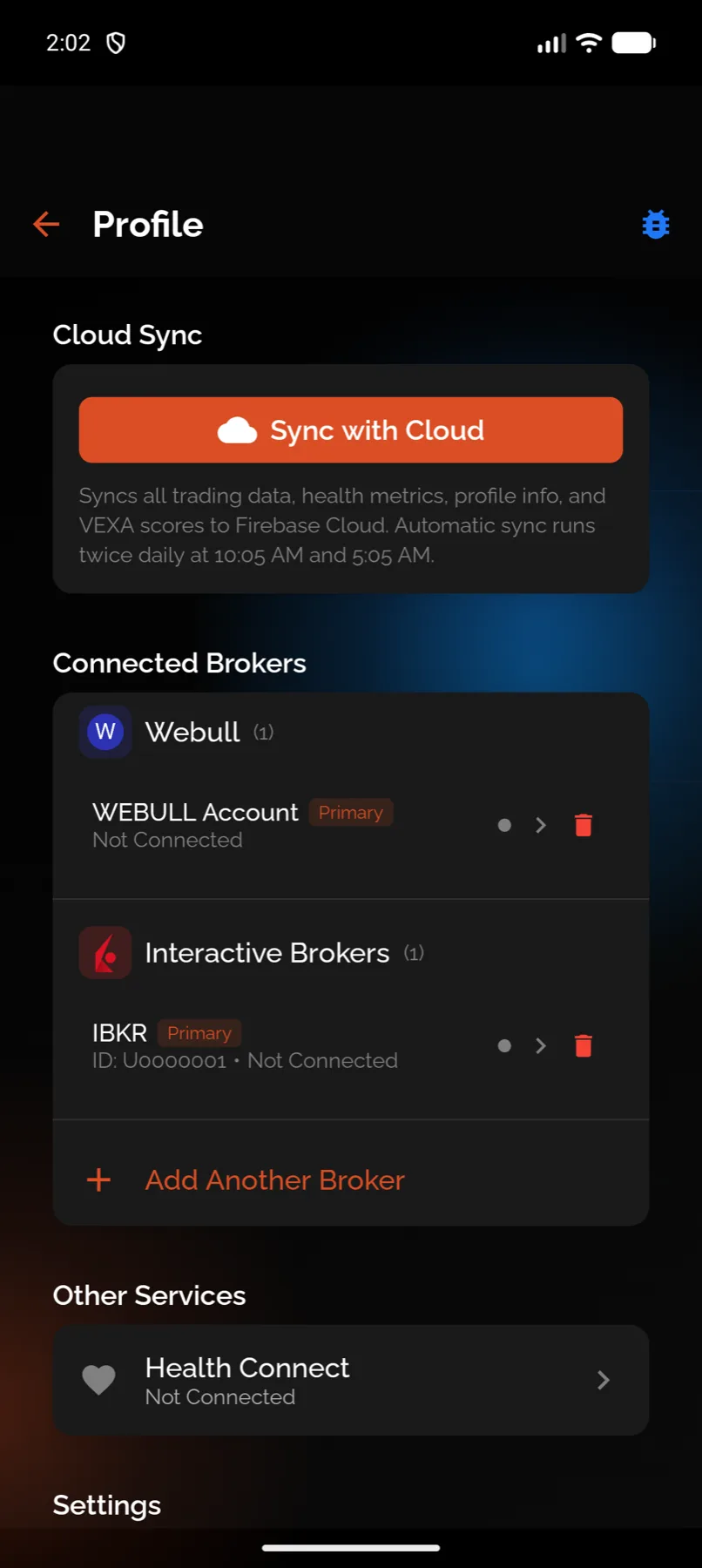
- On Home, tap the circular avatar at the top right.
- Scroll to Connected Brokers and find the account.
- Tap the delete icon on its row.
- Read both options in the dialog, then pick one.
- Confirm.
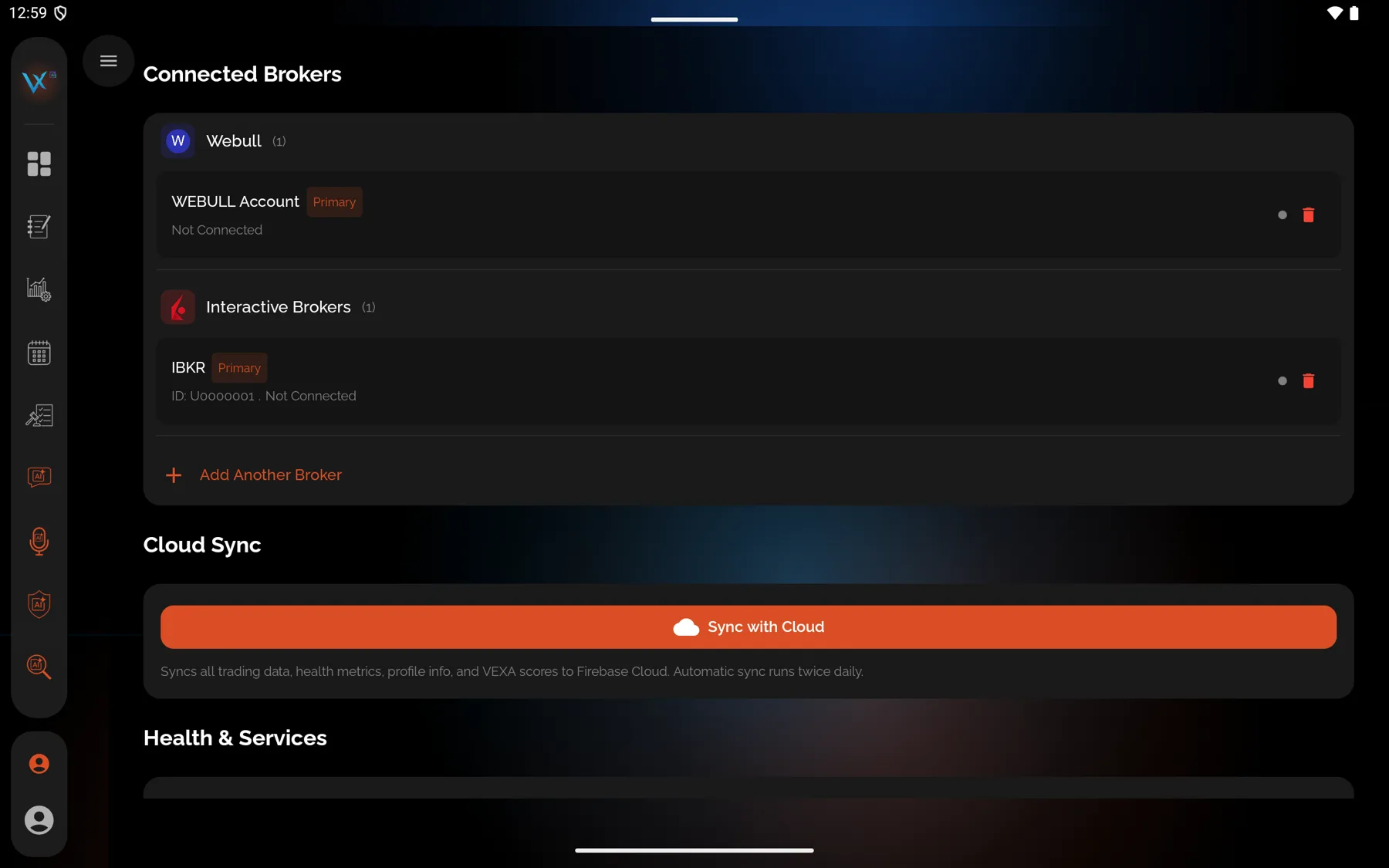
- In the sidebar, tap the profile chip at the bottom.
- Tap Connected Brokers and find the account.
- Start the deletion from the account’s row.
- Read both options in the dialog, then pick one.
- Confirm.
The two choices
Keep trades (unlink from broker). The default, and the one nearly everyone wants. VEXA forgets the connection and the credential. Your trade history stays exactly as it is, no longer attached to a broker account. The button reads Remove Account.
Delete trades with account. VEXA removes the connection and every trade that came in under it. The button reads Delete Account & Trades and it is red. This cannot be undone and there is no export step first.
Which one you actually want
- Switching brokers, or closing an account you traded at last year. Keep the trades. Your history is the point of the product.
- Reconnecting after a credential broke. Neither. Reconnect instead.
- Cleaning up a duplicate account created by an upload. Keep the trades. Deduplication already stopped the trades themselves from doubling; only the account entry is redundant.
- Removing a test import, or someone else’s file you uploaded by mistake. Delete the trades. This is the case the second option exists for.
What you should see
The account disappears from the broker list, and from the account filter.
After keeping the trades, your totals are unchanged, and the trades show under All accounts but not under any specific account, because they are no longer attached to one.
After deleting the trades, your totals drop by that account’s share, and your scores recalculate.
If it doesn’t work
- You picked delete and want the trades back. Re-import them. If you still have the original export, upload it again into a new account. If you do not, they are gone.
- The account is gone but its trades are still listed. That is the keep-trades outcome working as designed.
- You deleted the wrong account. With the keep option, nothing was lost. Reconnect the broker and re-import to attach the history to an account again.
Related
Still stuck? Email support@vexatrade.ai.