Write a journal entry
The day and period editors, how saving works on each platform, the mood picker, and why tags live on trades rather than on days.
On this page
What this does
Every Journal period has a free-text editor attached to it. What you write there is stored against that day, week, month, quarter or year, and it is read back by the AI when it writes your summary and when you talk to the coach about that day.
Before you start
Saving behaves differently on the web. In the apps, the editor saves itself about two seconds after you stop typing. On the web you press a button and nothing is stored until you do. If you are used to the app and switch to a browser, look for the button before you navigate away.
The web has no mood picker. The five-emoji mood row exists on iPhone, iPad, Android and Android tablet only.
Steps
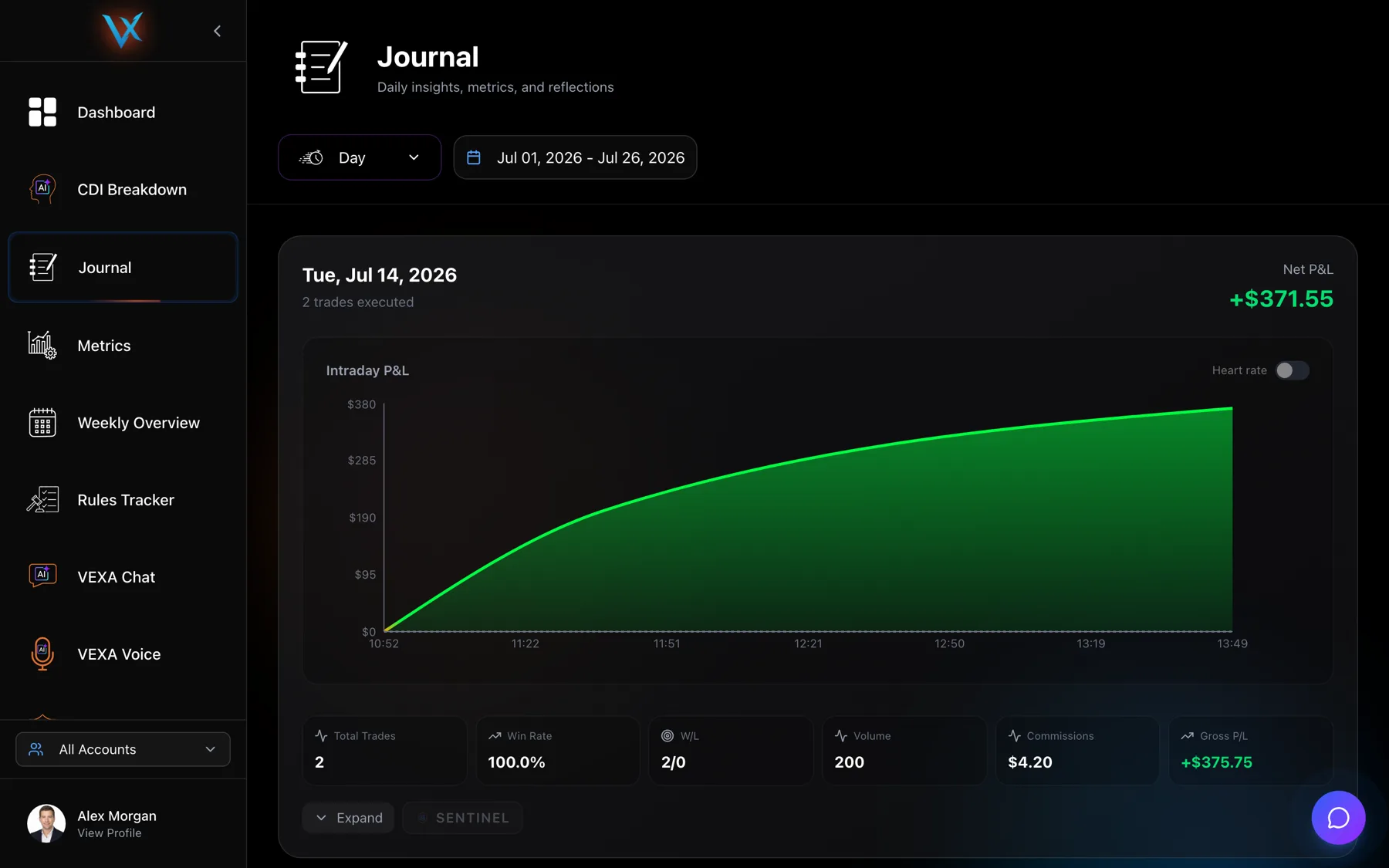
- Open Journal from the sidebar and find the day you want.
- Press Expand, then the maximise icon in the Journal column to open the full editor.
- Type into the box marked “Write your trading notes and reflections…”.
- Press Save. The button reads
Saving...while the write is in flight. - For a week, month, quarter or year, switch period first, then use the reflection editor on that card (“Write your weekly reflections, goals met, and lessons learned…”).
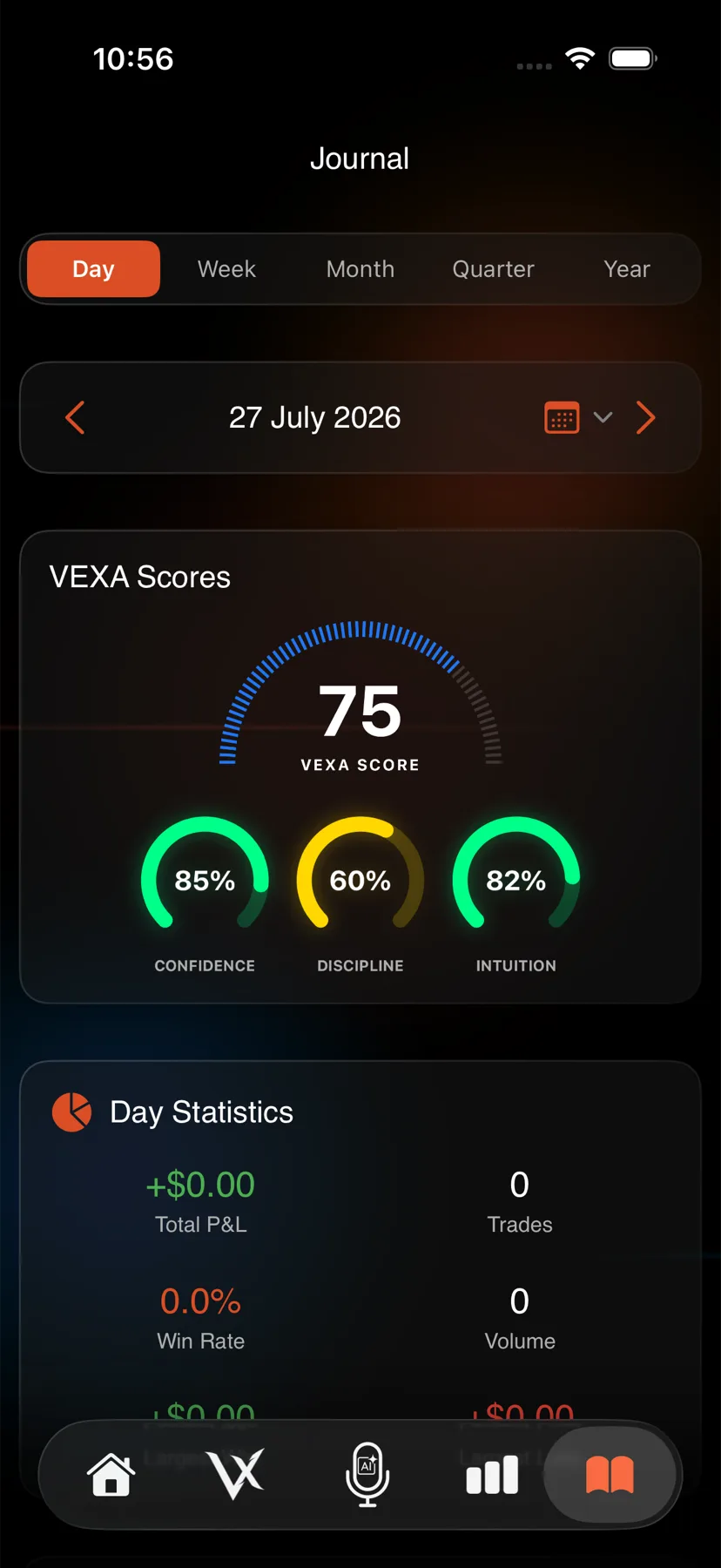
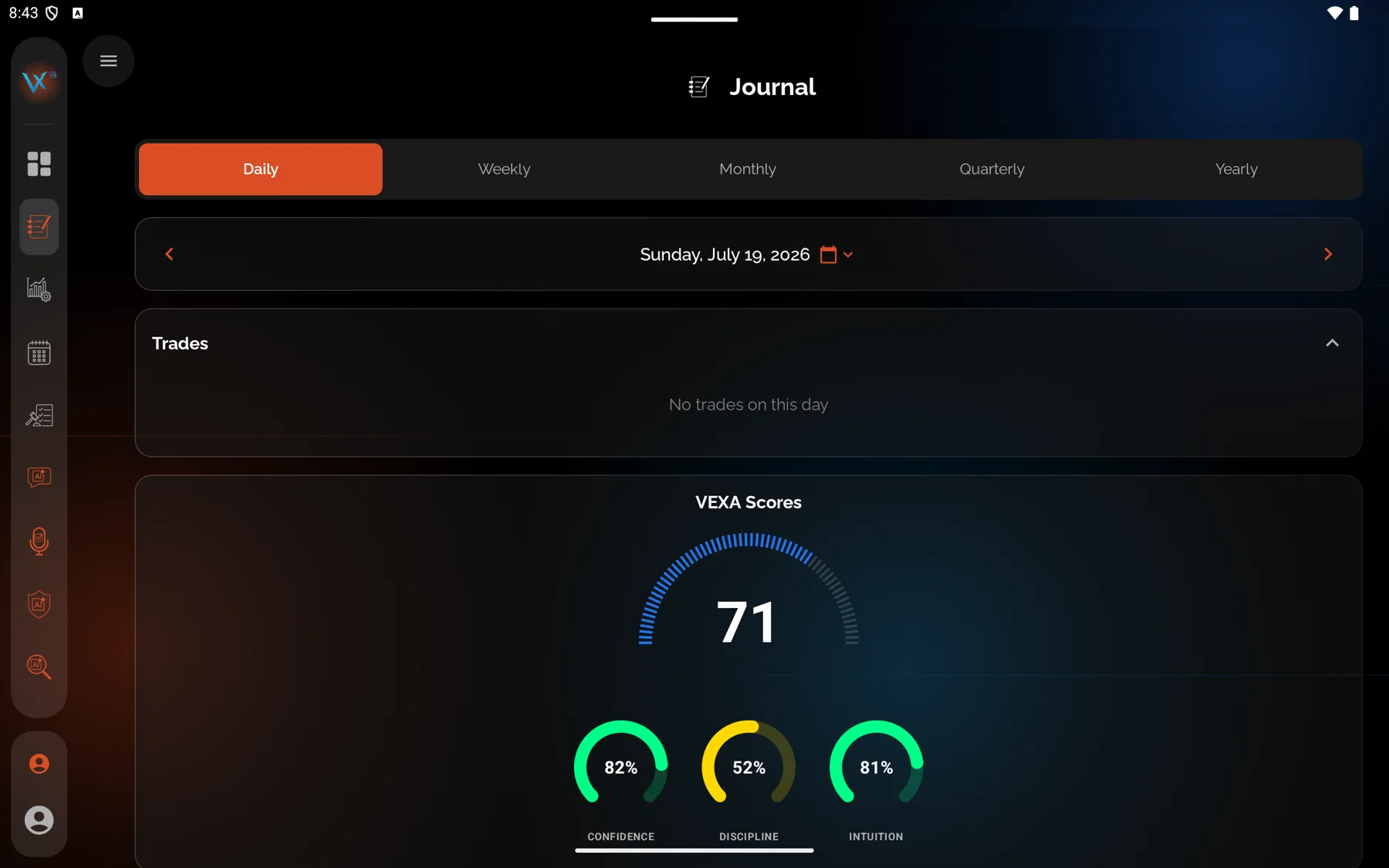
- Tap the book icon at the bottom of the screen and pick the day.
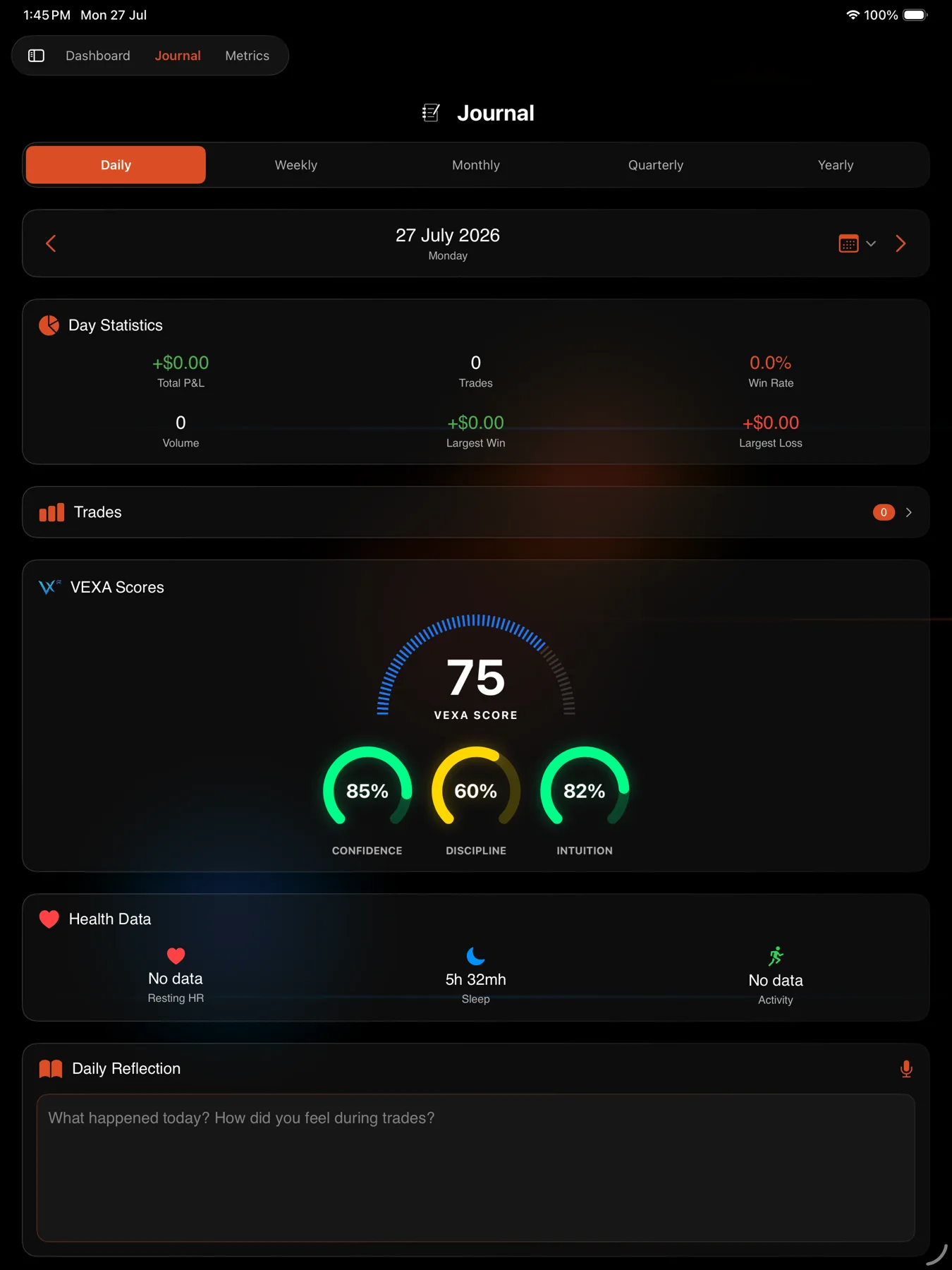
- Scroll to Daily Reflection.
- Pick a mood under “How are you feeling?”. The five options are Excellent, Good, Neutral, Poor and Terrible.
- Type into the box marked “What happened today? How did you feel during trades?”.
- Stop typing. The entry saves itself about two seconds later.
- For a week, month, quarter or year, switch period first and use that card’s own reflection editor, which autosaves the same way.
- Open Journal from the sidebar and pick the day.
- Scroll to the reflection editor near the bottom of the card.
- Pick a mood from the emoji row: Excellent, Good, Neutral, Poor or Terrible.
- Type into the box marked “What happened today? How did you feel during trades?”.
- Stop typing. The entry saves itself about two seconds later.
- Period reflections work the same way after you switch period.
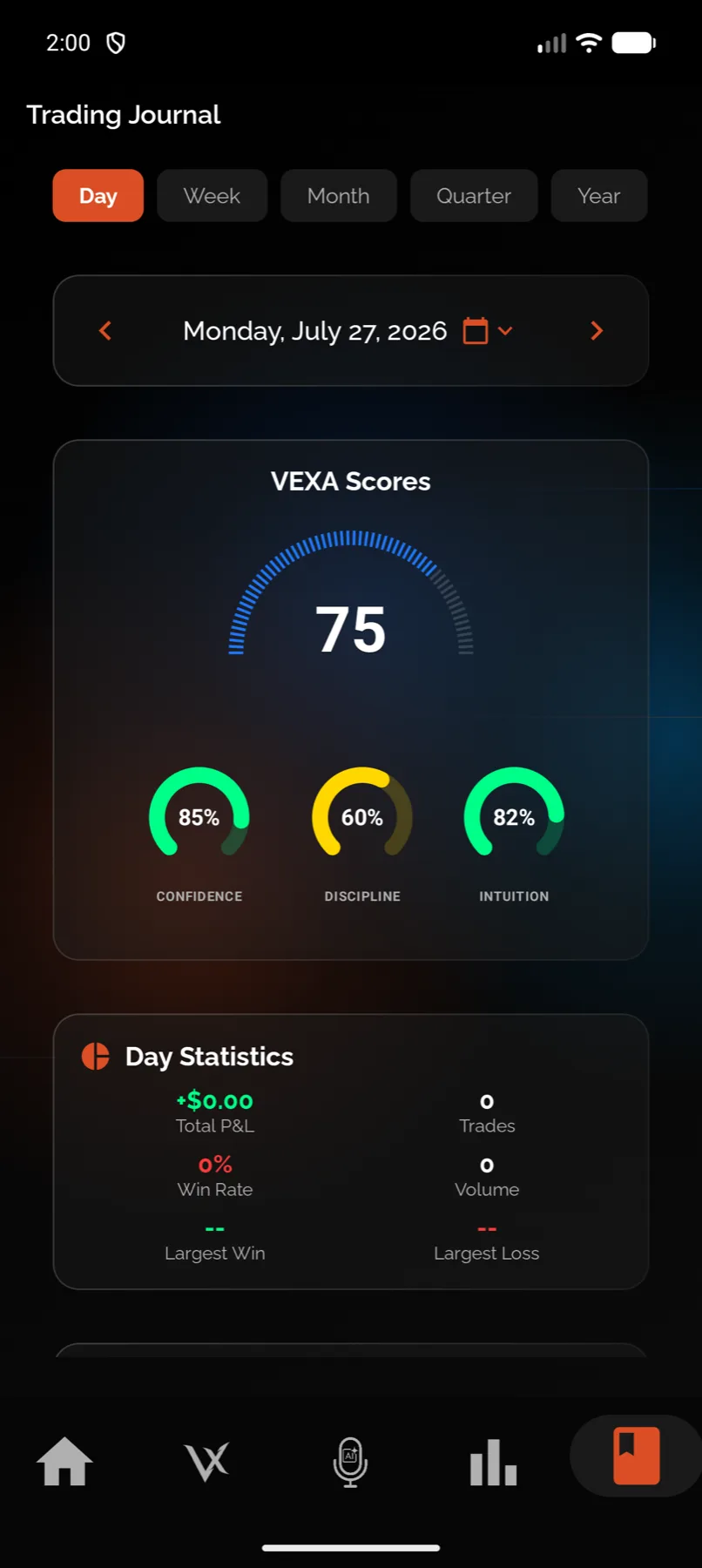
- Tap the book icon at the bottom of the screen and pick the day.
- Scroll to Daily Reflection and type into the box marked “What happened today? How did you feel during trades?”.
- Stop typing. The entry saves itself about two seconds later.
- Pick a mood from the emoji row underneath.
- Press Save Entry to commit the mood along with the text. The row next to it deletes the entry.
- Open Journal from the sidebar and pick the day.
- Scroll to the daily reflection field and type.
- Stop typing. The entry saves itself about two seconds later.
- Pick a mood from the emoji row underneath.
- Press Save Entry. For a period, switch period first, then use “Reflect on your {period} trading performance…”.
Tagging is separate from writing
Tags do not live on a day. They live on individual trades, and you apply them from the Tags tab inside Trade Analysis. This trips people up: they write a full day entry, then find the P&L by Setups chart empty, because no trade was ever tagged.
There are 30 built-in tags across three categories, and you can add your own alongside them.
| Category | Tag |
|---|---|
| Setup | Breakout |
| Setup | Pullback |
| Setup | Reversal |
| Setup | Momentum |
| Setup | Range Bound |
| Setup | Gap Fill |
| Setup | Support/Resistance |
| Setup | Moving Average Cross |
| Setup | VWAP Touch |
| Setup | News Catalyst |
| Mistake | Overtrading |
| Mistake | Revenge Trading |
| Mistake | FOMO |
| Mistake | Chasing Price |
| Mistake | No Stop Loss |
| Mistake | Ignored Plan |
| Mistake | Position Too Large |
| Mistake | Held Too Long |
| Mistake | Cut Winner Early |
| Mistake | Poor Entry |
| Emotion | Confident |
| Emotion | Anxious |
| Emotion | Fearful |
| Emotion | Greedy |
| Emotion | Frustrated |
| Emotion | Disciplined |
| Emotion | Calm |
| Emotion | Euphoric |
| Emotion | Regretful |
| Emotion | Focused |
- You can add your own tags alongside these.
To tag a trade, open it from the day’s trade list and use the Tags tab. Built-in tags cannot be deleted. Tapping one toggles it off that trade instead.
What you should see
On the web the button returns to Save and the text stays in the box after a reload. In the apps the field stops showing “Saving…”. Reopen the day to confirm the text survived.
The period keys VEXA stores against your entries are 2026-W14 for a week, 2026-04 for a month, 2026-Q2 for a quarter and 2026 for a year, so a week reflection is attached to the ISO week rather than to a floating seven days.
If it doesn’t work
- Your text vanished in the app. You navigated away inside the two-second autosave window. Type, pause, then leave.
- You cannot find the editor on the web. It is behind Expand on the day card, in the third column.
- The day has no card at all. Days with no trades, no entry and no Showed Up mark are not rendered. Mark the day as Showed Up first, then write on it. See Mark a Showed Up day.
Related
Still stuck? Email support@vexatrade.ai.