What the Rules Tracker does
It grades every trading day against rules you wrote yourself, then shows what following each one is worth in P&L.
On this page
What this does
You write down the rules you trade by. VEXA grades every day against them using your imported trades, gives the day a compliance score out of 100, and then reports what each rule has actually been worth to your P&L.
The page states its own purpose at the top: “Define your trading rules. We grade adherence and show what discipline is worth.”
Before you start
The Rules Tracker needs Pro.
It keeps its own date range. Every other analysis screen shares one sticky range. The Rules Tracker does not, and it defaults to the current calendar month. Changing the range here changes nothing anywhere else, and vice versa.
Grading happens on the server. All five surfaces read the same graded result. A day cannot be graded one way on your phone and another way in your browser.
The daily compliance score
Each active rule that could be graded that day is scored, then averaged:
followed      = 1 point
partial       = 0.5 points
not followed  = 0 points

compliance score = (Σ points / number of gradeable rules) × 100
Rules marked N/A are removed from both the top and the bottom of that fraction. A rule VEXA could not judge does not quietly count as a pass or as a failure. If every rule on a day is N/A, the day has no score at all and renders as a dash.
The bands
| Band | Score | Colour |
|---|---|---|
| Elite | 90 and above | green |
| Solid | 75 to 89 | blue |
| Needs Work | 50 to 74 | amber |
| Reset | below 50 | red |
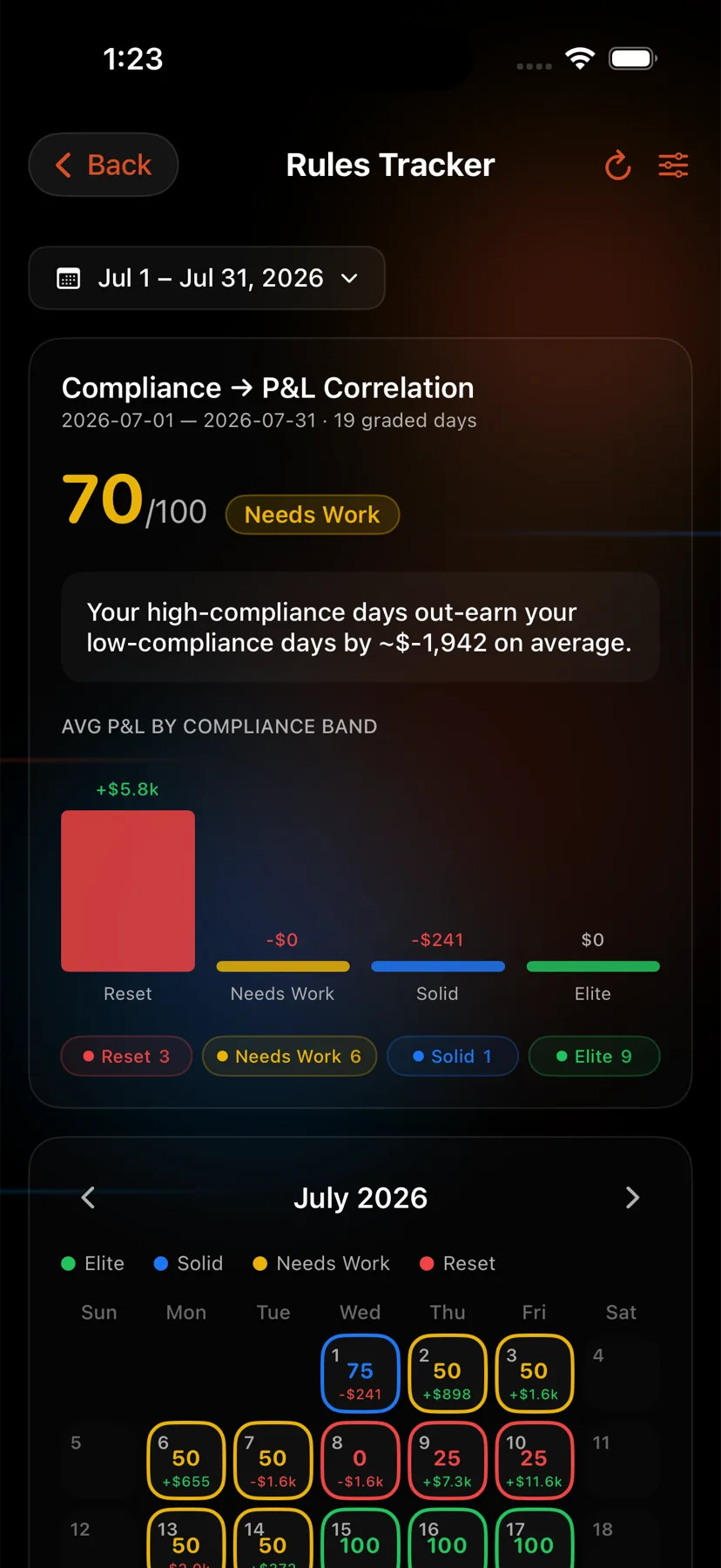
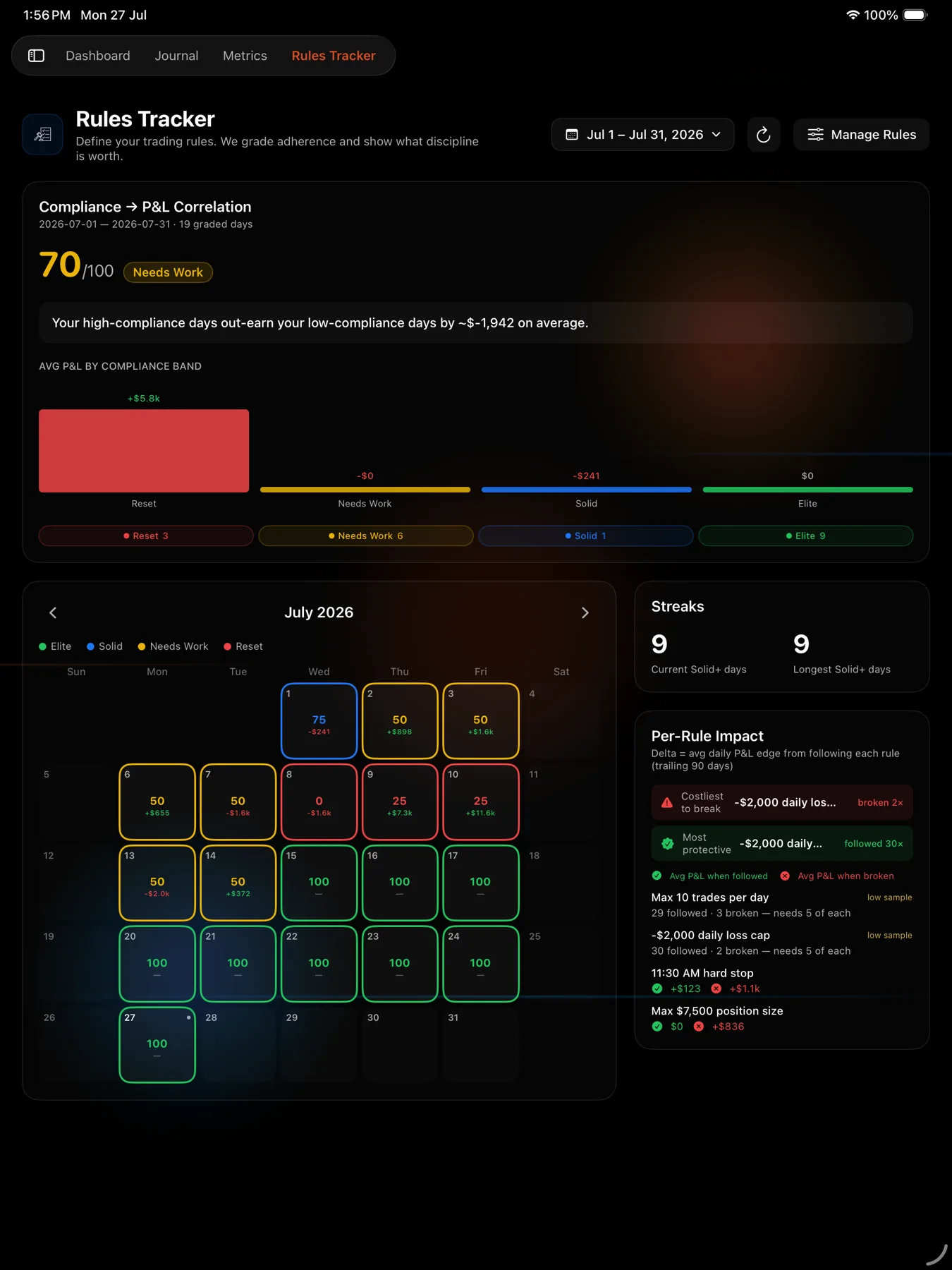
The hero figure at the top of the page is the mean of the graded days’ scores inside your selected range. Ungraded days are not averaged in.
Steps
- Open Rules Tracker from the sidebar.
- Set the date range at the top. It starts on the current month.
- Read the hero card, then the compliance calendar, then the streaks and per-rule impact cards.
- Click any day cell for the Day Detail panel.
- Open the Home tab, the house icon at the far left of the bar at the bottom.
- Scroll to the Rules Tracker card, subtitled “Grade your discipline vs P&L”, and tap it.
- Read the hero card, then the calendar, streaks and per-rule impact.
- Tap a day cell for the Rule Day Detail sheet.
- Open Rules Tracker from the sidebar.
- Read the hero card, then the calendar, streaks and trend cards.
- Tap a day cell for the Day Detail sheet.
- Open the Home tab, the house icon at the far left of the bar at the bottom.
- Scroll to the Rules Tracker card and tap it.
- Use the range pill at the top to pick a preset.
- Read the hero card, calendar, streaks and per-rule impact, then tap a day for the Day Detail sheet.
- Open Rules Tracker from the sidebar.
- Use the range control at the top to pick a preset.
- Read the hero card, calendar, streaks and per-rule impact.
- Tap a day cell for the Day Detail sheet.
What the grader reads
Your trades for that day, deduplicated first. The deduplication key is built from the account, symbol, open and close dates, quantity, entry price and multiplier, and it leaves P&L out. A re-import that recomputes P&L slightly differently is still caught rather than double counting against your caps.
Where a rule needs to know about individual fills, VEXA reads the executions too. If that read fails, grading falls back to trade level rather than grading you wrongly.
Days are New York market days. A trade you enter at 11pm in Dubai belongs to the US session that was open at the time.
What you should see
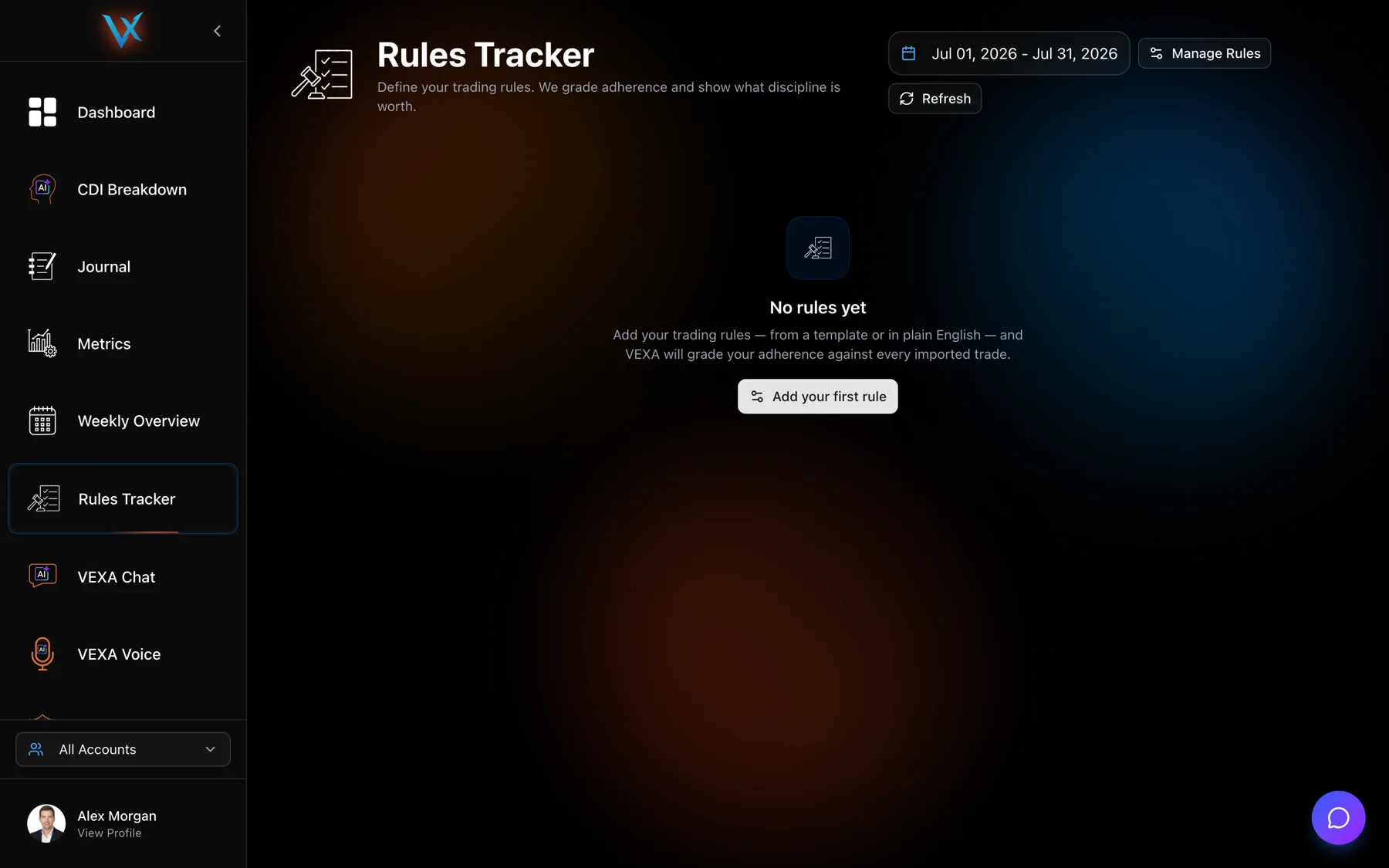
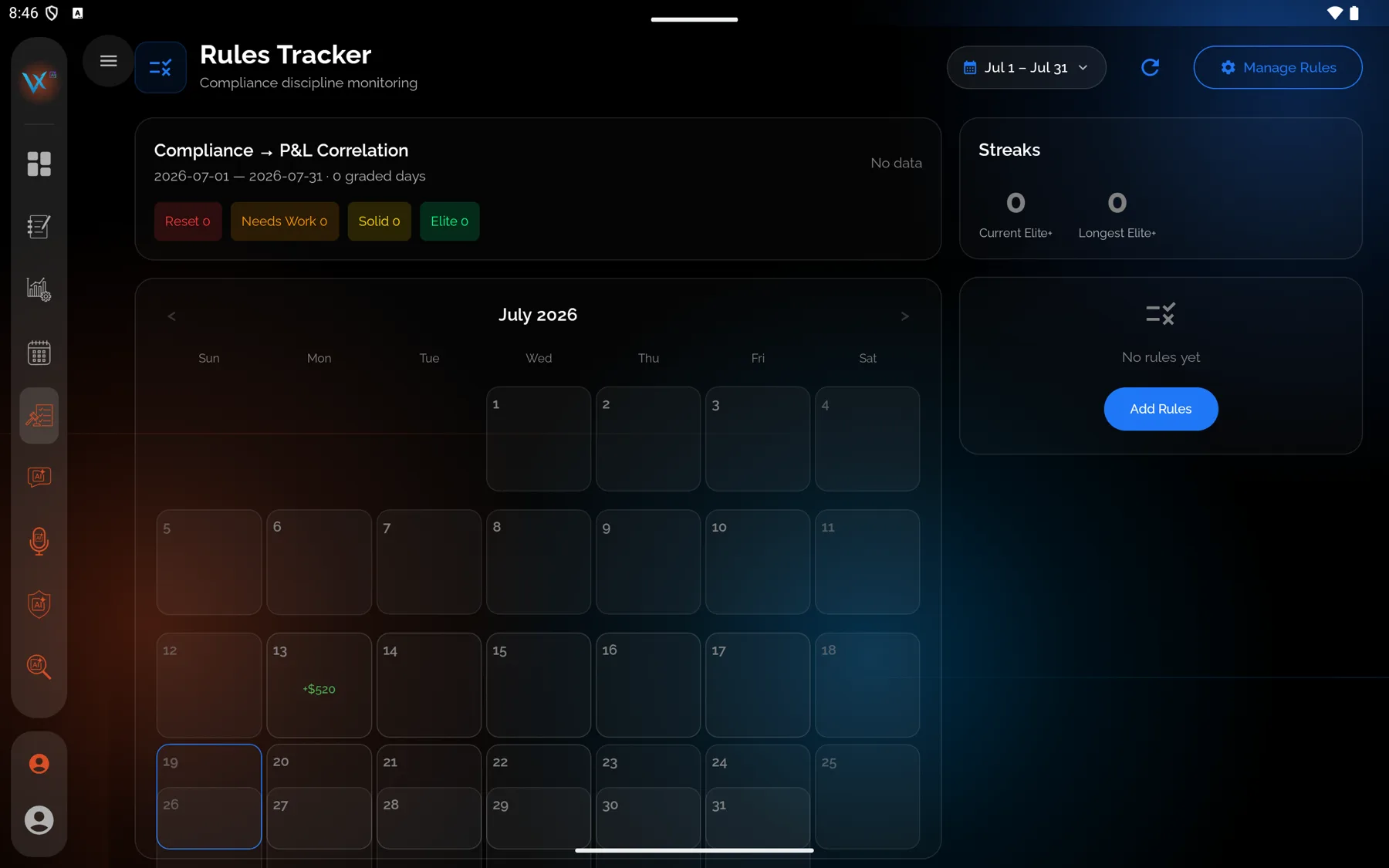
With no rules yet, the page says “No rules yet” with “Add your trading rules, from a template or in plain English, and VEXA will grade your adherence against every imported trade” and an Add your first rule button.
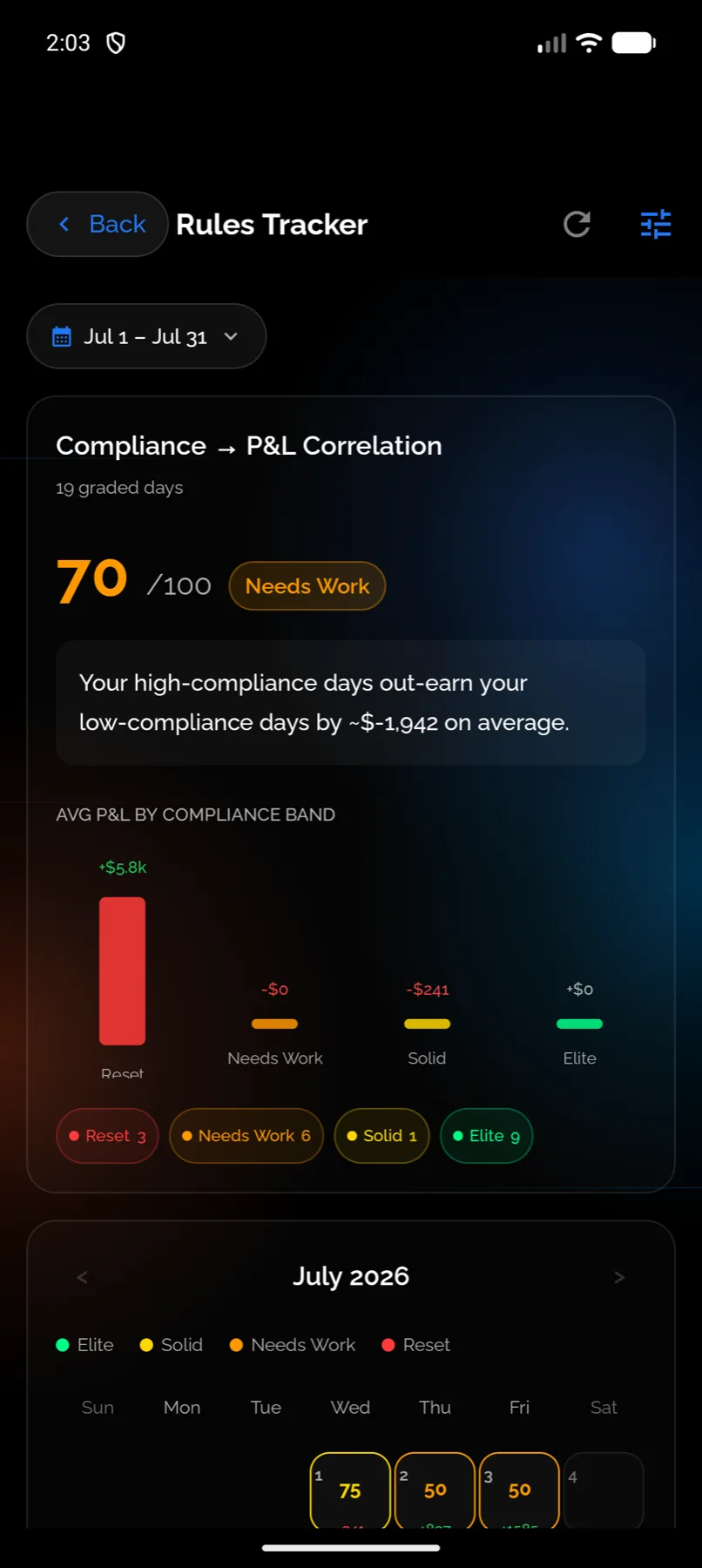
With rules and enough history, you get a compliance score out of 100 in its band colour, a bar chart of average P&L per band, a month calendar of graded days, and a per-rule impact list.
If it doesn’t work
- Every day is ungraded. Either you have no imported trades in the range, or every rule resolves to N/A. Open a day and read the evidence strings.
- The hero says there is not enough data. The correlation between compliance and P&L needs a reasonable sample before VEXA will assert anything. Until then it shows an amber note and holds off.
- A day looks wrong. You can override any rule on any day by hand. See Override a day’s grading.
Related
Still stuck? Email support@vexatrade.ai.