Per-rule impact
What each rule has been worth in average daily P&L, the 90-day window it uses, and why a rule needs five days on each side before VEXA will report a number.
On this page
What this does
Per-rule impact answers one question per rule: is this rule making me money?
For each rule it compares your average daily P&L on days you followed it against your average daily P&L on days you broke it.
The calculation
delta = average daily P&L on days the rule was followed
      − average daily P&L on days the rule was broken
The window is a trailing 90 days.
A rule with a delta of +420 dollars has, over that window, been associated with days that averaged 420 dollars better than the days you ignored it. A negative delta means the opposite. Some rules cost you money, and this is where you find out which ones.
The five-and-five threshold
VEXA will not report a delta until it has at least five days where the rule was followed and five days where it was broken. Below that, the row is greyed out and shows the counts it does have, with a note that it needs five of each.
The threshold exists because a difference computed from one or two broken days is mostly variance, and printing it as a dollar figure would make it look like a finding. Rules you almost never break sit under the threshold indefinitely, which is a good sign rather than a problem.
Steps
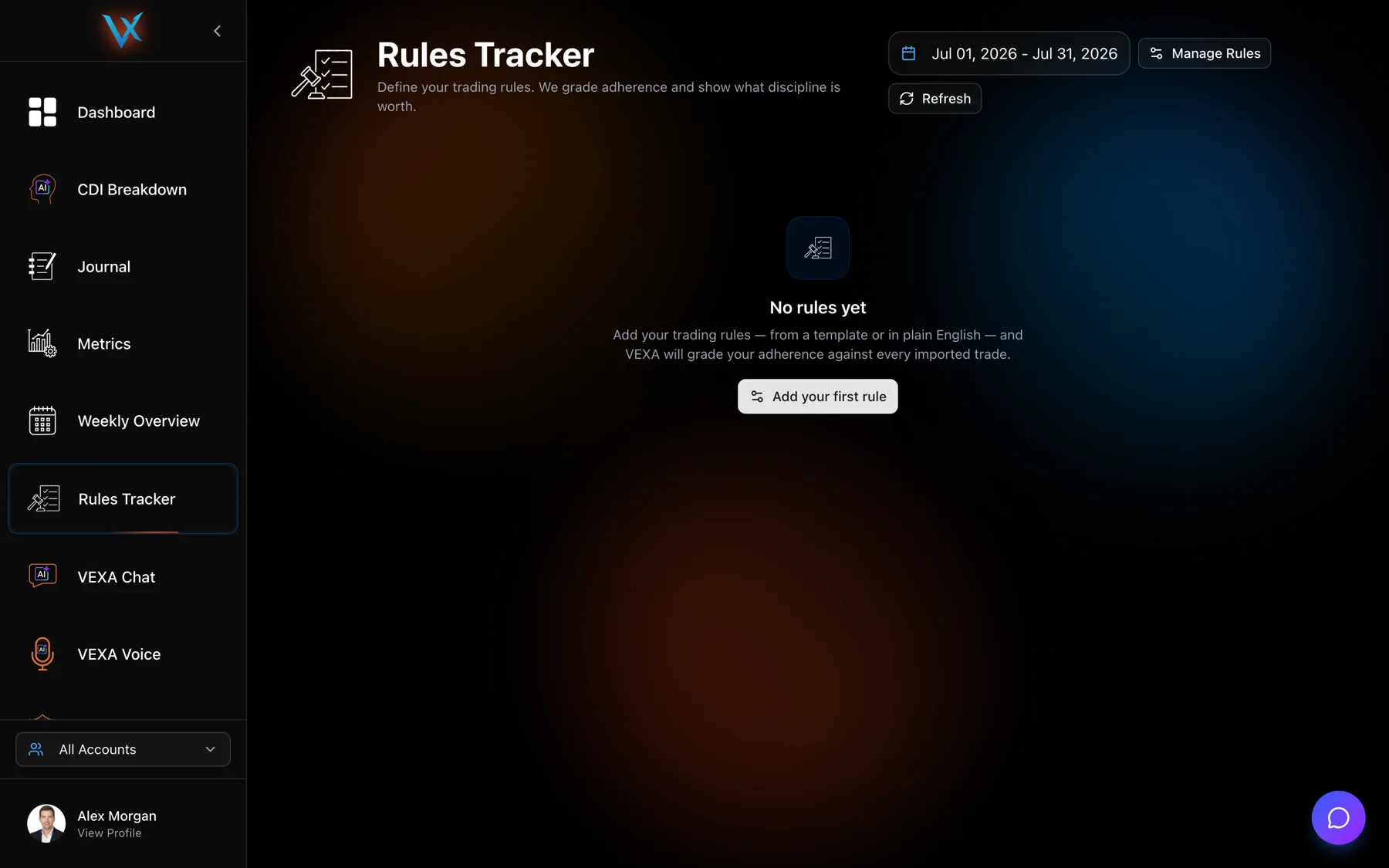
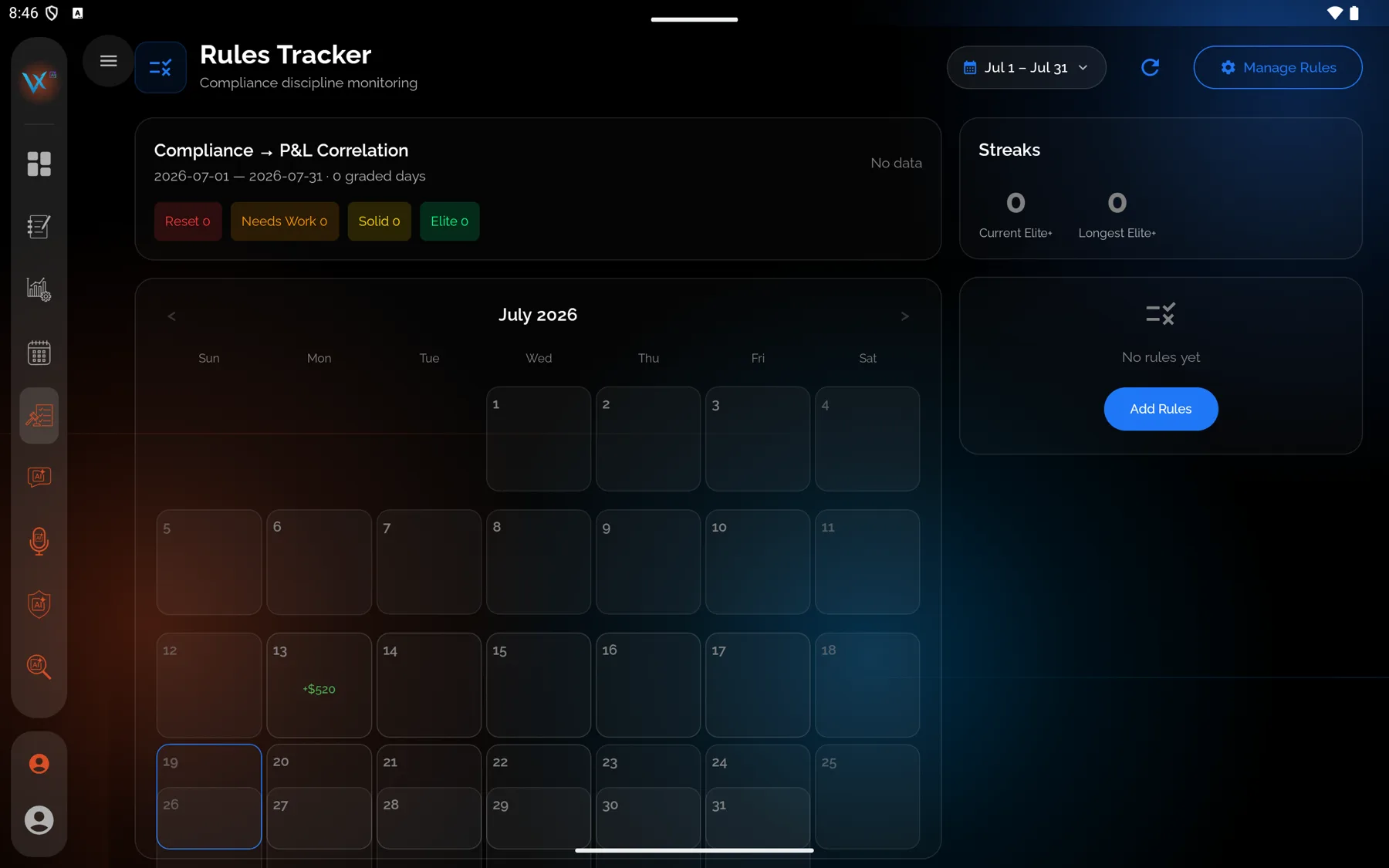
- Open Rules Tracker from the sidebar.
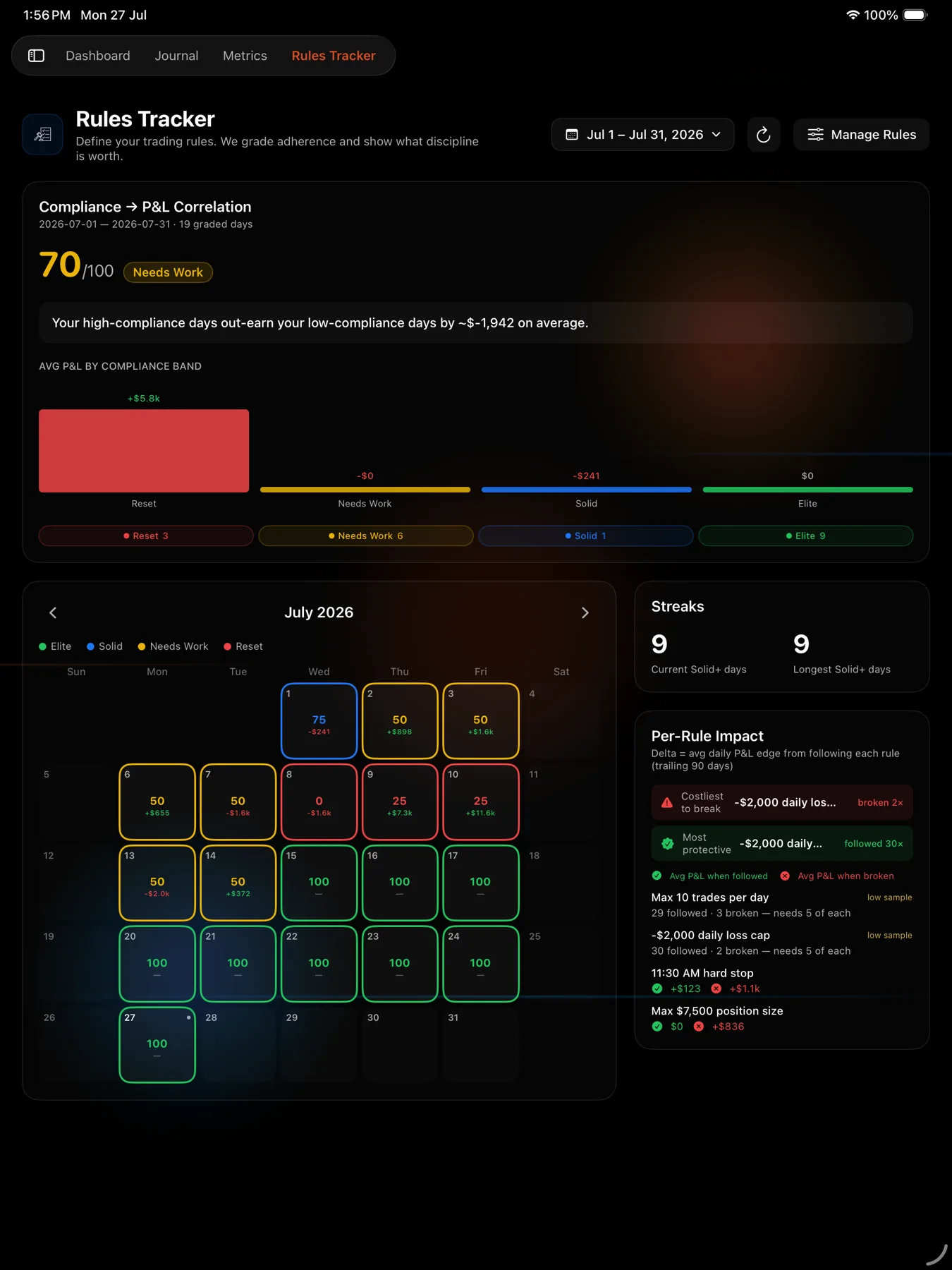
- Scroll to the per-rule impact card.
- Read the two summary rows at the top, then the list underneath.
- Green is your average P&L when the rule was followed. Red is your average when it was broken.
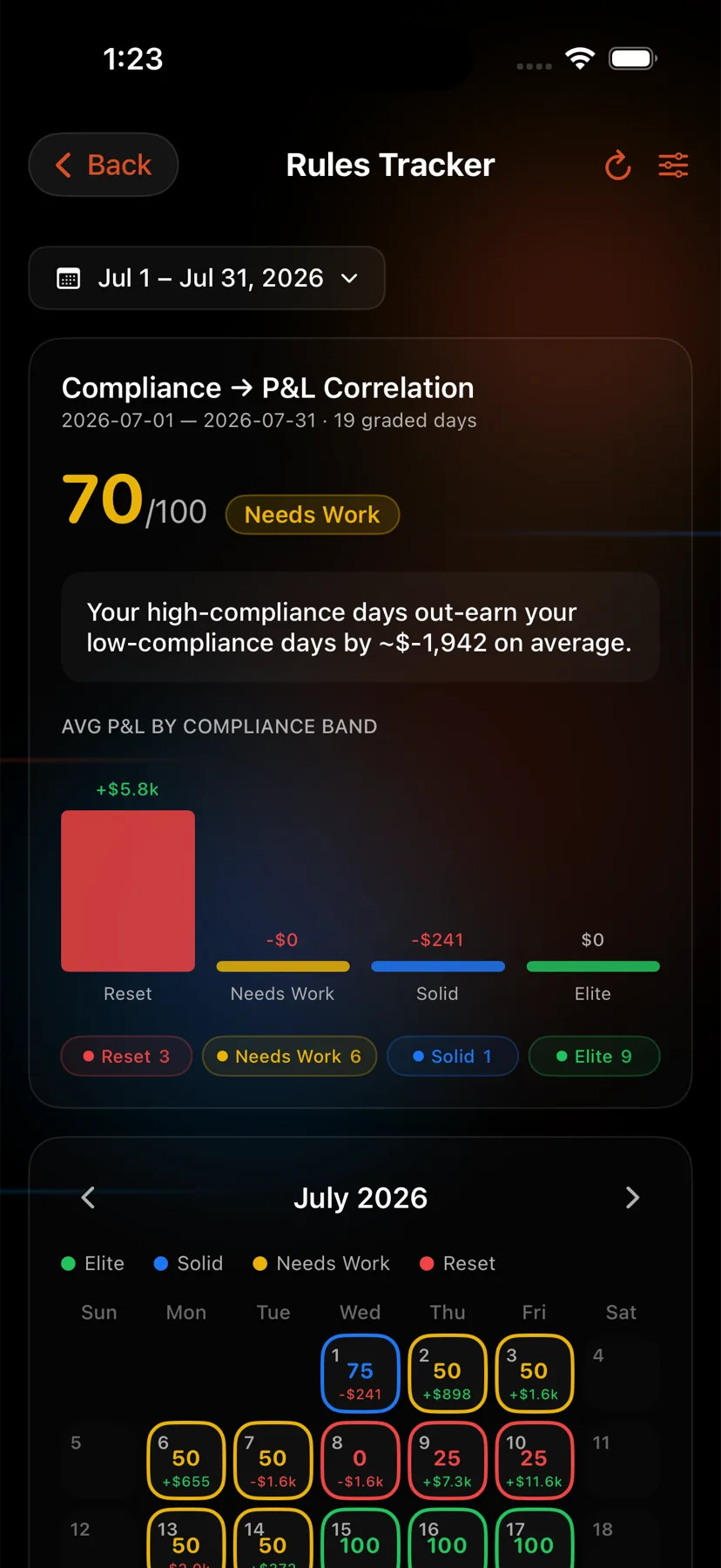
- Open the Home tab, the house icon at the far left of the bar at the bottom, then tap the Rules Tracker card.
- Scroll to Per-Rule Impact.
- Read the two callouts at the top, then the rule list.
- Open Rules Tracker from the sidebar.
- Scroll to the per-rule impact card.
- Read the two callouts at the top, then the rule list.
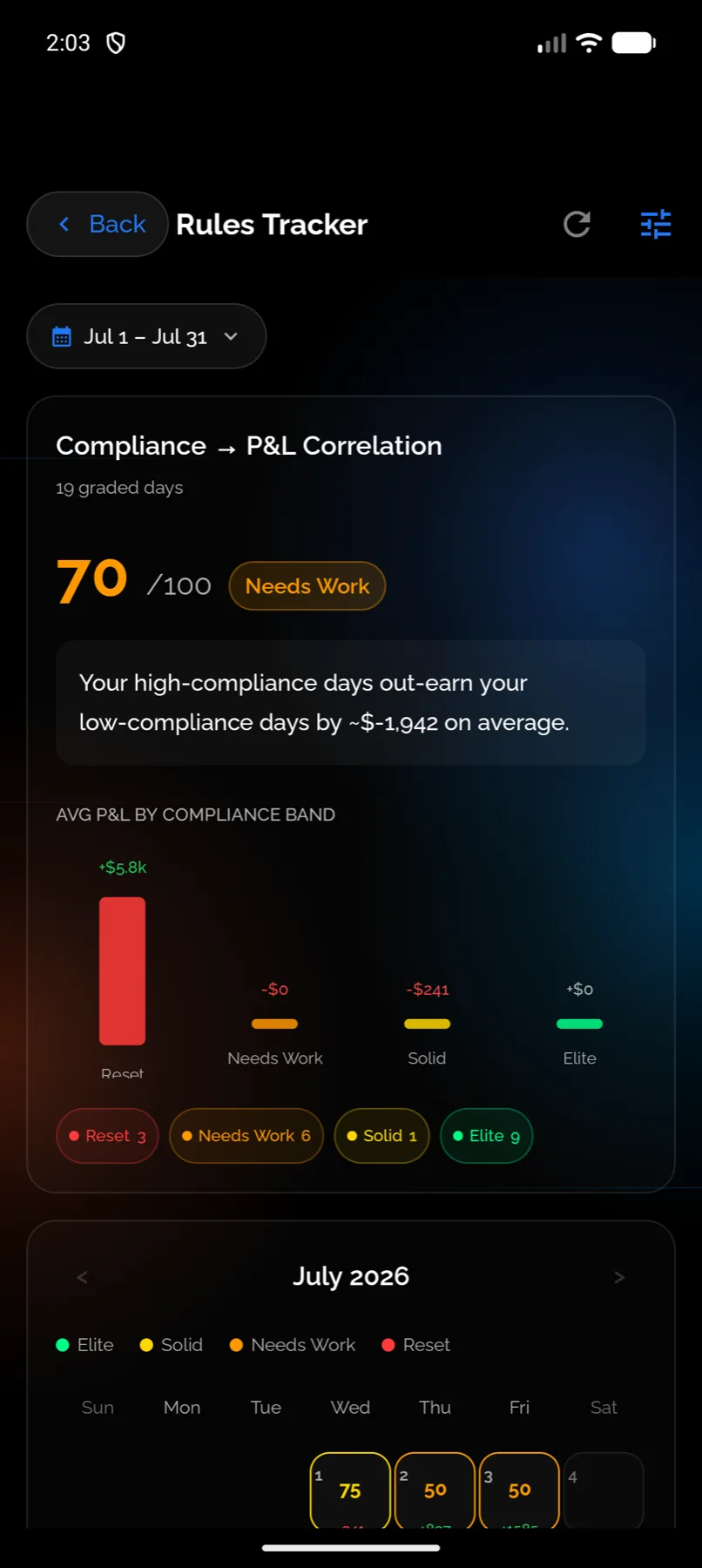
- Open the Home tab, the house icon at the far left of the bar at the bottom, then tap the Rules Tracker card.
- Scroll to the per-rule impact card. It shows up to six rules.
- Rules without enough history show a progress line and the threshold hint instead of a delta.
- Open Rules Tracker from the sidebar.
- Scroll to the per-rule impact card.
- Rules without enough history show a progress line and the threshold hint instead of a delta.
The two callouts
Above the list sit two summary rows:
- Costliest to break, naming the rule with the worst delta and how many times you broke it.
- Most protective, naming the rule with the best delta and how many times you followed it.
If you only read one thing on the page, read those two.
What you should see
A list of your rules, each with an average P&L when followed, an average when broken, and the difference. Rules with a thin sample are visibly greyed rather than silently omitted, so you can tell “not enough data” from “no effect”.
With nothing to report at all, the card says “No rule impact data yet.”
If it doesn’t work
- Every rule is greyed out. You have fewer than 90 days of history, or you follow your rules too consistently for a comparison to exist. Both are fine.
- A delta looks implausibly large. Check the counts. Five days on each side is the minimum, not a large sample, and one outsized day inside a five-day bucket moves the average a long way.
- A rule you deleted still shows up in the numbers. Rules with graded history are kept rather than erased, so past days still resolve correctly. See Edit or delete a rule.
- The delta did not change after you edited a rule. Editing is not retroactive. The 90-day window still contains days graded against the old version.
Related
Still stuck? Email support@vexatrade.ai.