Create a rule from a template
The 27 built-in rule templates across five categories, and how to add one on each platform.
On this page
What this does
Templates are ready-made rules. Pick one, adjust the number if you want to, save it. It is the fastest way to get the Rules Tracker grading something useful on your first day.
Before you start
The Rules Tracker needs Pro.
There are 27 templates, sorted into five categories: Risk, Timing, Sizing, Process and Psychology. The same 27 ship on the web, iPhone, iPad, Android and Android tablet, with identical thresholds. A template called the same thing on two devices is the same rule.
You can add the same template more than once with different numbers, for example two position size caps for two different accounts. Be aware of one consequence: a rule that tightens a template will tighten every rule you made from that template.
Every template
| Rule | Category | What it does | Where you can add it |
|---|---|---|---|
| Max 2 trades before 9:45 | Timing | No more than 2 entries before 9:45 AM — avoid the open-bell chop. | All platforms |
| Max $7,500 position size | Sizing | No single position larger than $7,500 notional. | All platforms |
| 11:30 AM hard stop | Timing | No new trades after 11:30 AM. | All platforms |
| Max 10 trades per day | Process | Cap total trades at 10 per day to curb overtrading. | All platforms |
| -$5,000 daily red line | Risk | Stop for the day if your net P&L reaches -$5,000 across accounts (wins offset losses). | All platforms |
| Daily journaling | Process | Write a journal entry every trading day. | All platforms |
| 5-min cooldown after a -$2k loss | Psychology | Wait at least 5 minutes before re-entering after a loss worse than -$2,000. | All platforms |
| Low-sleep tightening | Psychology | If you slept under 6.5h, tighten your "Max 10 trades" rule to 5 and your "-$5,000 daily red line" to -$2,000 (only affects those rules if you have them). | All platforms |
| No journal, no trade | Process | Only trade on days you have completed your journal. | All platforms |
| -$2,000 daily loss cap | Risk | Stop for the day if your net P&L reaches -$2,000 in your worst single account. | All platforms |
| Max single-trade loss -$1,000 | Risk | No single trade may lose more than $1,000. | All platforms |
| -$10k account red line | Risk | Hard stop if your net P&L reaches -$10,000 across all accounts. | All platforms |
| -$7,500 intraday red line | Risk | Stop the moment your running net P&L dips to -$7,500 across accounts — even if you later recover to green. Catches the deep-drawdown day a net-only rule would miss. | All platforms |
| -$2,500 per-account red line | Risk | Stop if ANY single account nets -$2,500 for the day (a green account cannot mask a blown one). | All platforms |
| No trades in the first 5 minutes | Timing | Skip 9:30–9:35; let the open settle (max 0 before 9:35). | All platforms |
| No trades after 3:00 PM | Timing | Avoid the late-afternoon chop; stop at 15:00. | All platforms |
| Stop before lunch (12:00) | Timing | No new trades after noon. | All platforms |
| Max $5,000 position size | Sizing | Cap notional per position at $5,000. | All platforms |
| Max $15,000 position size | Sizing | Cap notional per position at $15,000. | All platforms |
| Max 5 trades per day | Process | Keep it tight — 5 trades max. | All platforms |
| Max 3 trades per day | Process | High-conviction only — 3 trades max. | All platforms |
| Pre-market plan written | Process | Have a written plan before the open. | All platforms |
| Reviewed watchlist | Process | Reviewed the watchlist before trading. | All platforms |
| 3-min cooldown after a -$1k loss | Psychology | Pause 3 minutes after any loss worse than -$1,000. | All platforms |
| 10-min cooldown after a -$3k loss | Psychology | Step away 10 minutes after a loss worse than -$3,000. | All platforms |
| Low-sleep size cut | Psychology | If you slept under 6h, cut max position size to $3,000. | All platforms |
| No revenge re-entry | Psychology | After a -$1,500 loss, wait 15 minutes. | All platforms |
Steps
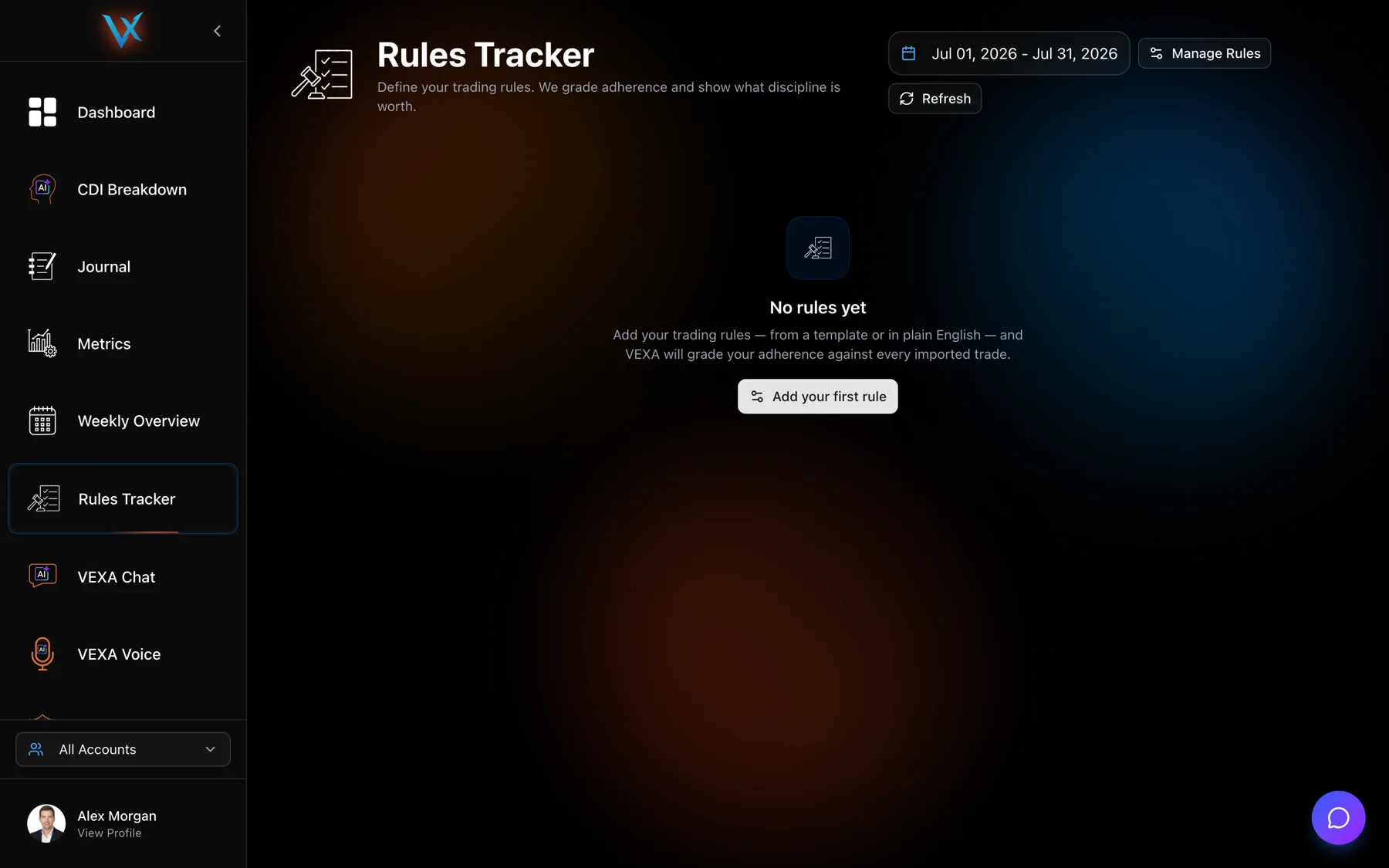
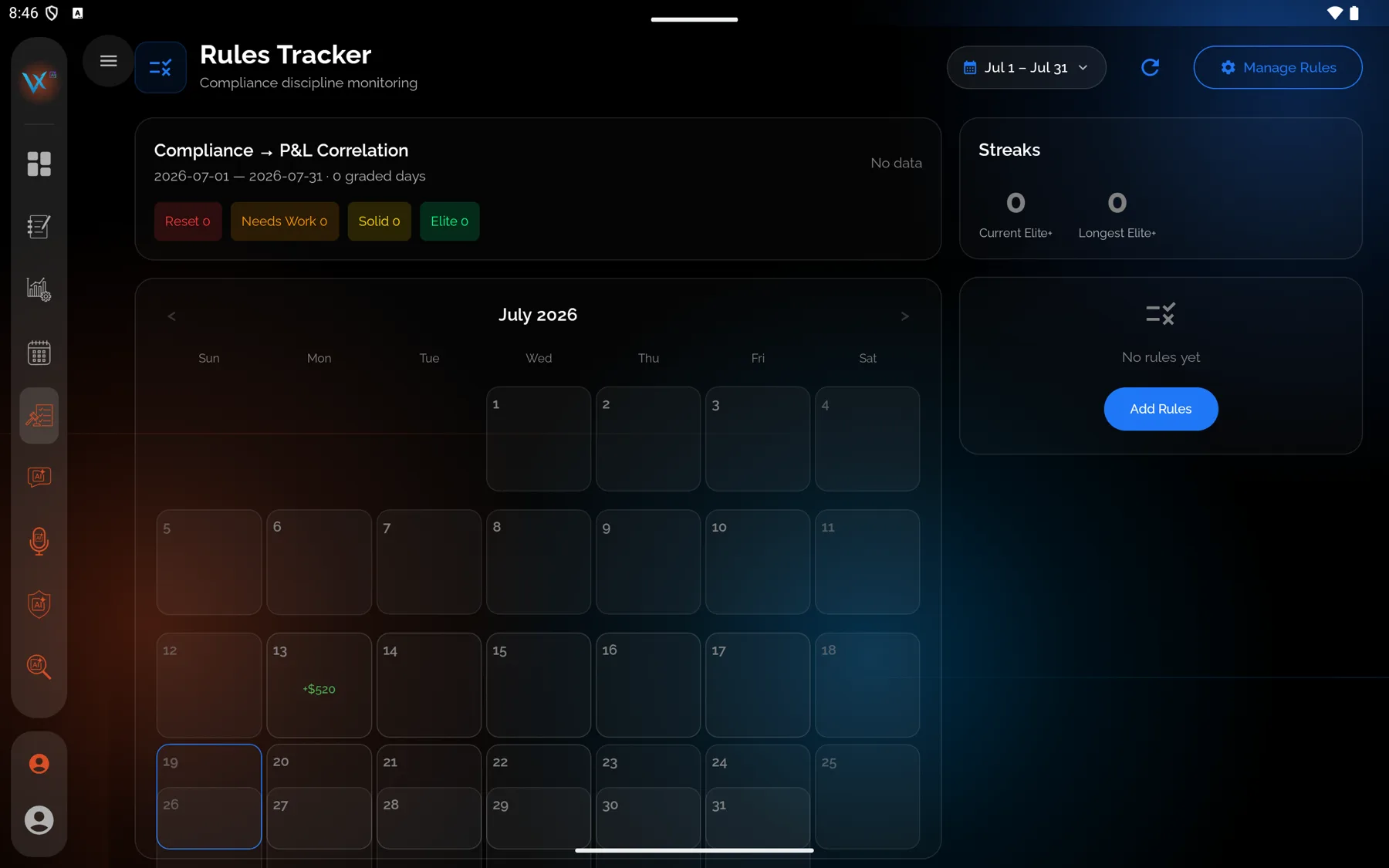
- Open Rules Tracker from the sidebar and press Manage Rules.
- Press Add rule.
- Choose the Templates tab.
- Find your template under its category heading and click it. The builder fills in with its settings.
- Change the name or the numbers if you want to, then press Add rule.
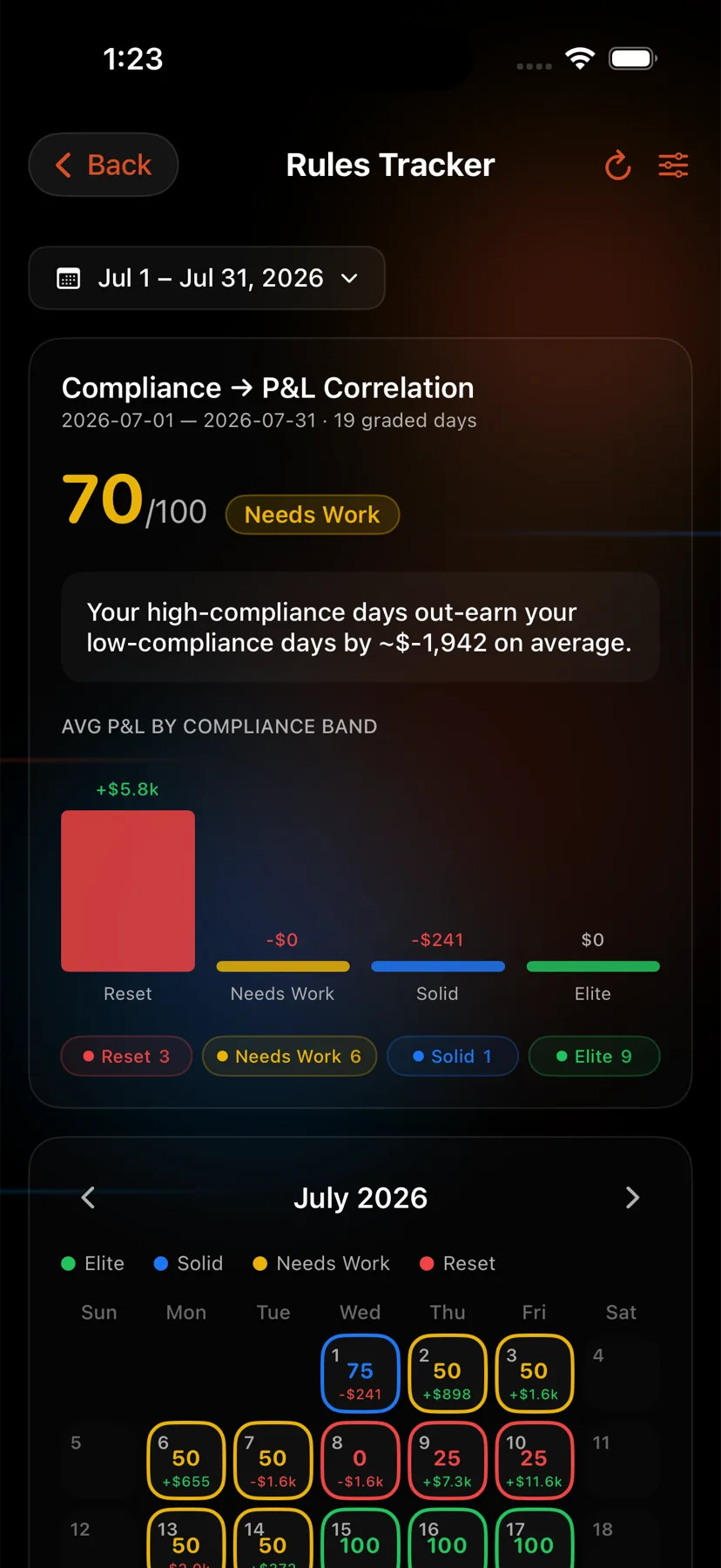
- Open the Home tab, the house icon at the far left of the bar at the bottom, then tap the Rules Tracker card.
- Tap Manage Rules, then Add Rule.
- Choose Templates from the selector at the top.
- Find your template under its category heading and tap it.
- Confirm to save it.
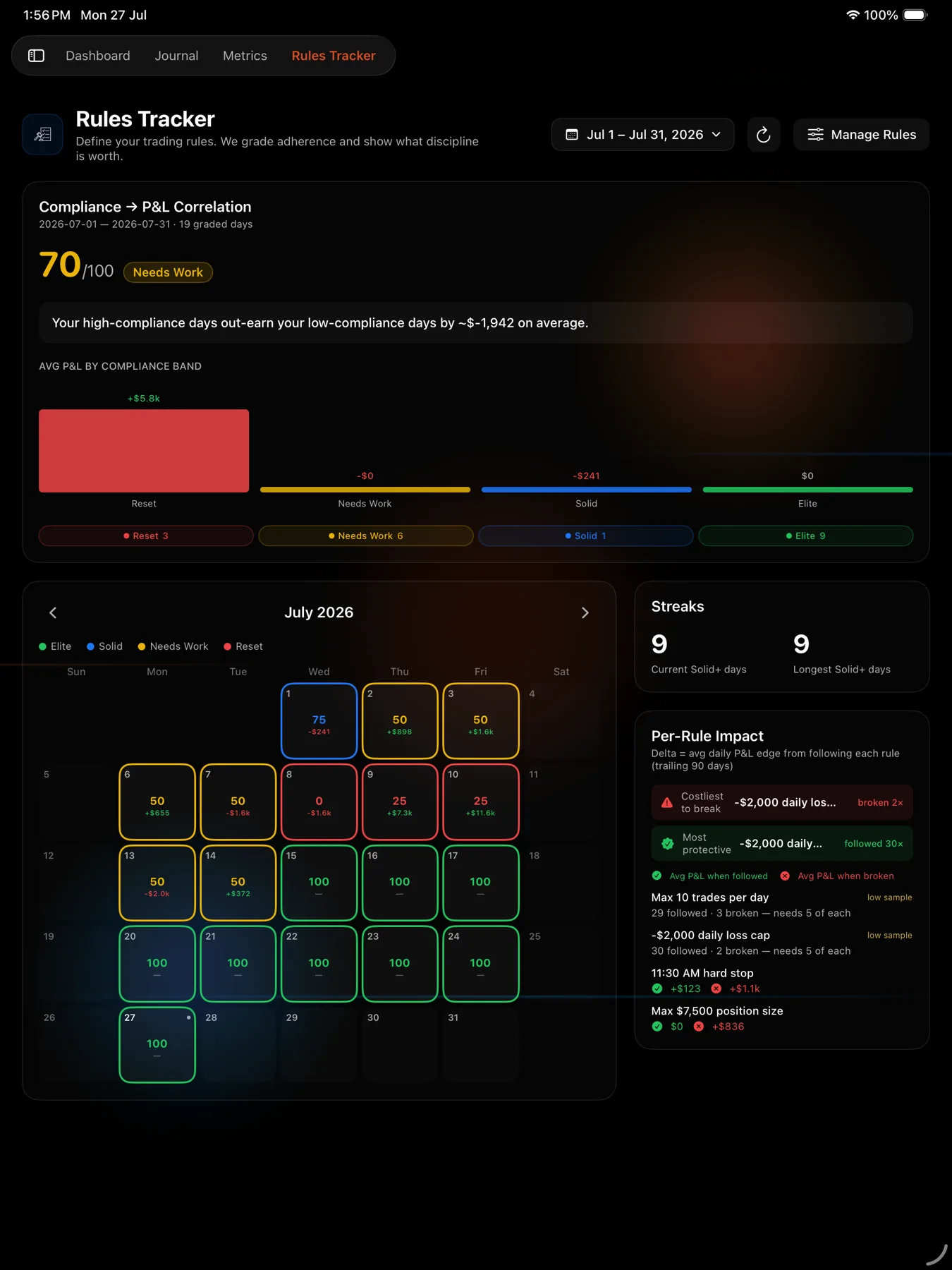
- Open Rules Tracker from the sidebar.
- Tap Manage Rules, then Add Rule.
- Choose Templates from the selector at the top.
- Find your template under its category heading and tap it.
- Confirm to save it.
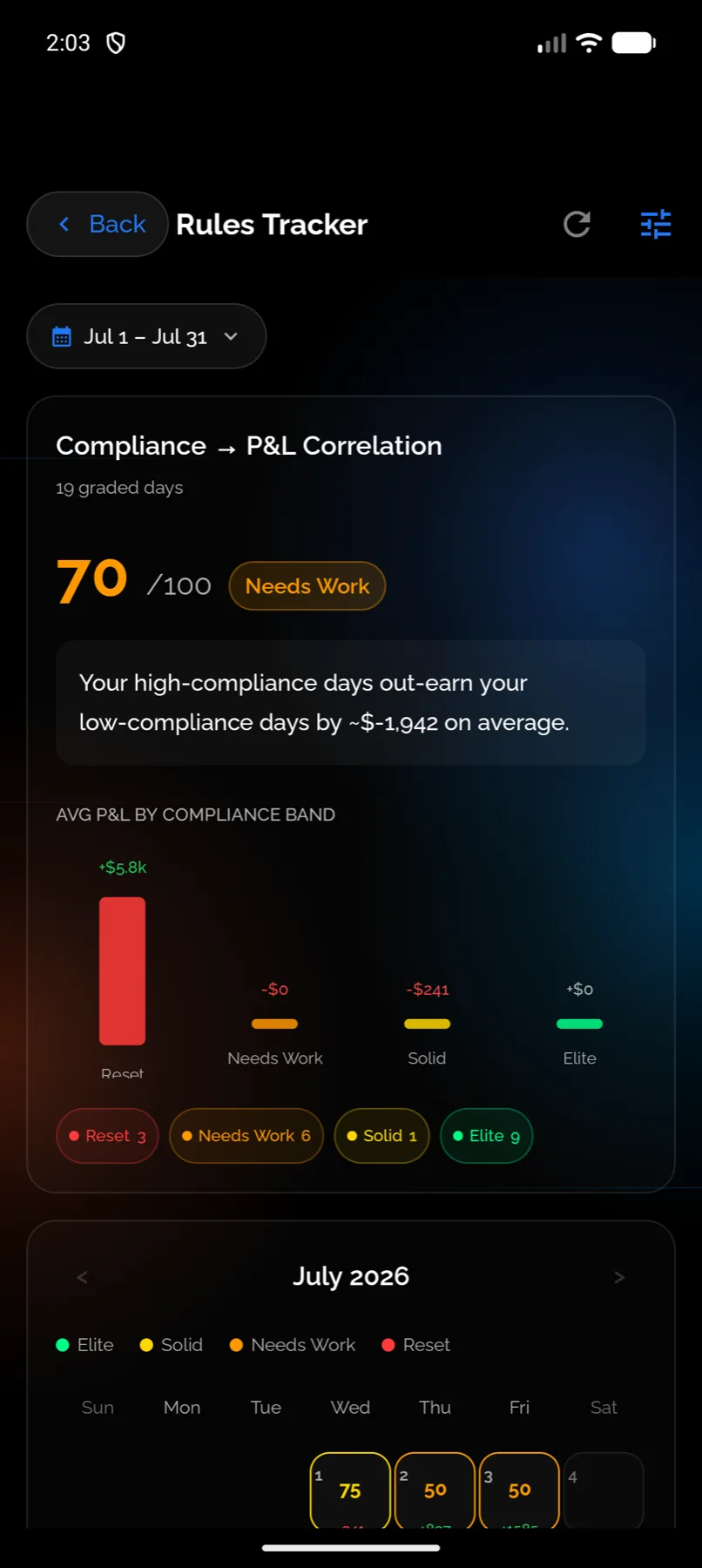
- Open the Home tab, the house icon at the far left of the bar at the bottom, then tap the Rules Tracker card.
- Tap the sliders icon in the top bar to open Manage Rules.
- Choose the Templates tab.
- Press Add next to the template you want.
- Open Rules Tracker from the sidebar.
- Press Manage Rules.
- Choose the Templates tab.
- Press Add next to the template you want.
Which ones to start with
If you are not sure, two templates cover the most common failures and grade cleanly from day one:
- A daily red line, so a bad day has a floor.
- A cooldown after a loss, so the next trade is not a reaction to the last one.
Add a time gate once you know which part of the session actually pays you.
What you should see
The rule appears in your rules list with a plain-English description of what it does. Grading starts from today unless you set a past start date when you created it.
If it doesn’t work
- The template list is empty. You are looking at the Sentinel rule templates, which are a different feature with a similar name. Rule templates for grading live inside Manage Rules on the Rules Tracker.
- You added a sleep-based template and it never grades. Those need sleep data for the day. See Sleep-based rules.
- You want a limit the templates do not offer. Build it yourself. See Build a custom rule.
Related
Still stuck? Email support@vexatrade.ai.