Read the CDI breakdown
The three tabs, what the component rows are actually measuring, and why they can disagree with the ring above them.
On this page
What this does
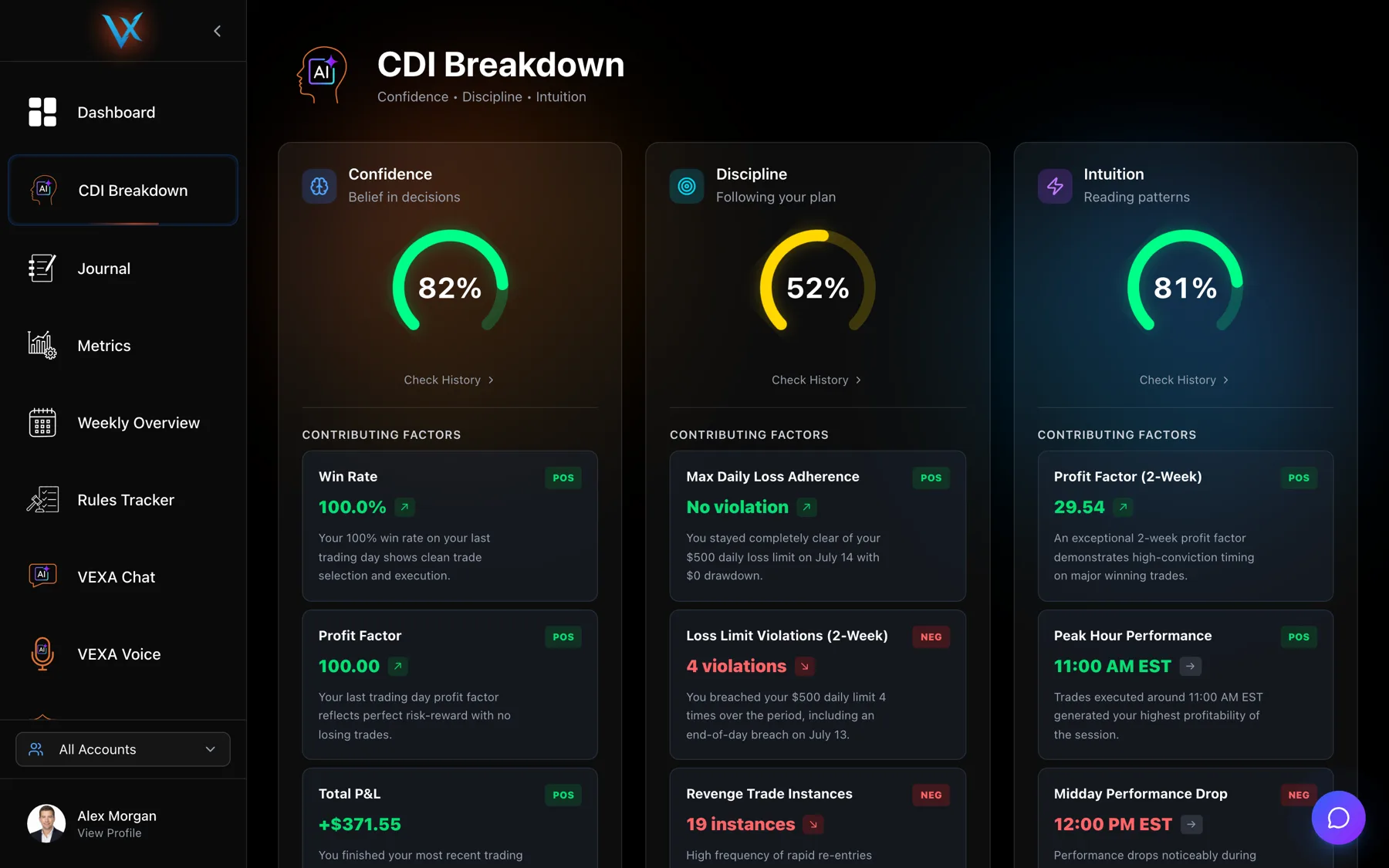
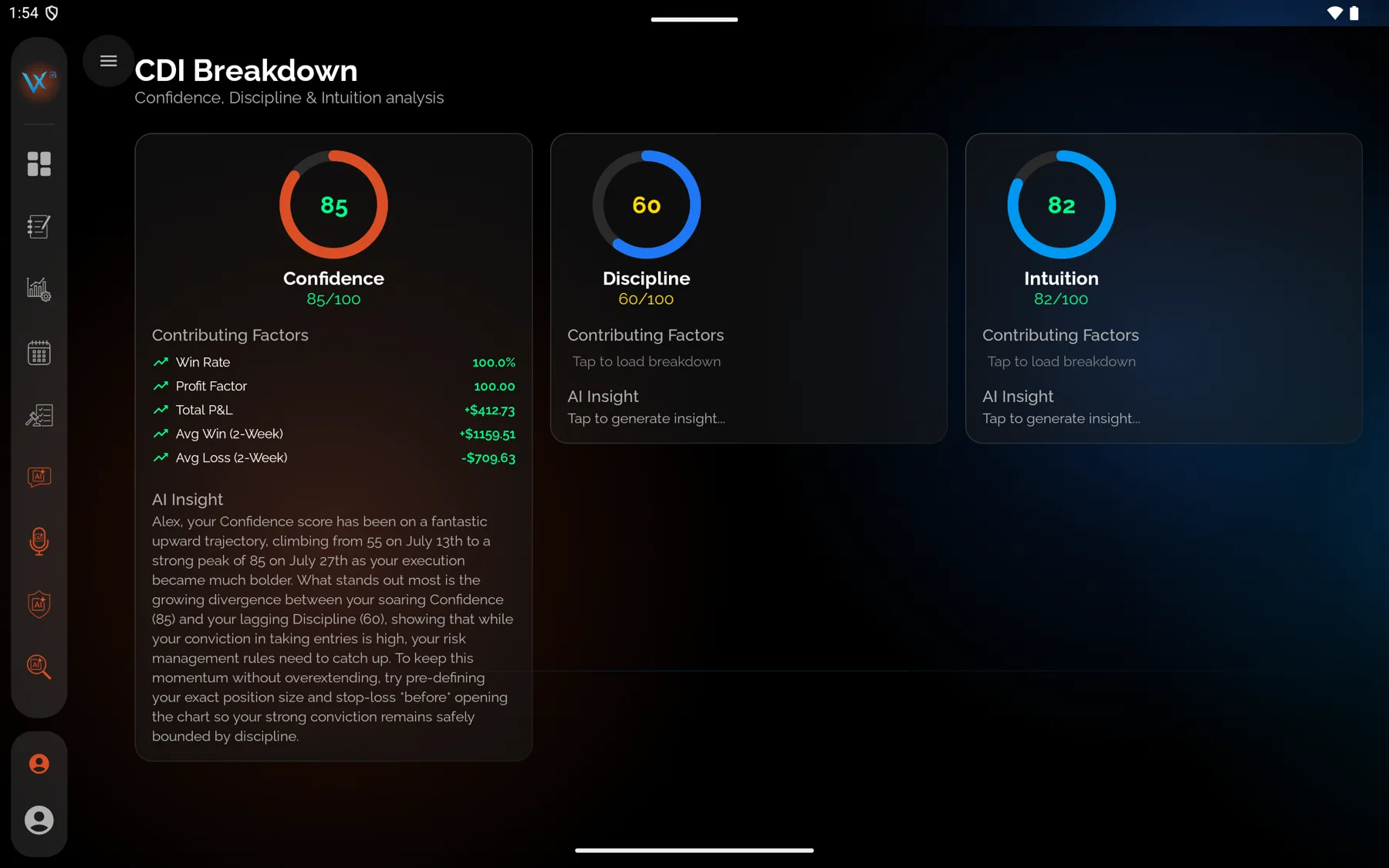
The CDI breakdown explains one sub-score at a time. Each tab shows the ring, a list of component rows, the AI’s contributing factors, and a written insight.
The one thing to understand first
There are two different things on this screen and they are computed in two different places.
| Part | Where it comes from | Window |
|---|---|---|
| The ring, the contributing factors and the insight | VEXA’s AI, on the server | Your recent trading days, your baseline and your prior scores |
| The component rows with the percentage labels | Your own device | The last five trading days only |
The rows are there to make the score legible. They are not the score, and they are not a recalculation of it. Expect them to agree with the ring in direction rather than in level. A row saying “35% weight” is describing the row’s place inside that explanatory panel, not a coefficient the AI applied.
Steps
- Open CDI Breakdown from the sidebar.
- Choose Confidence, Discipline or Intuition.
- Read the ring, then the component rows.
- Scroll to the AI contributing factors and the insight paragraph.
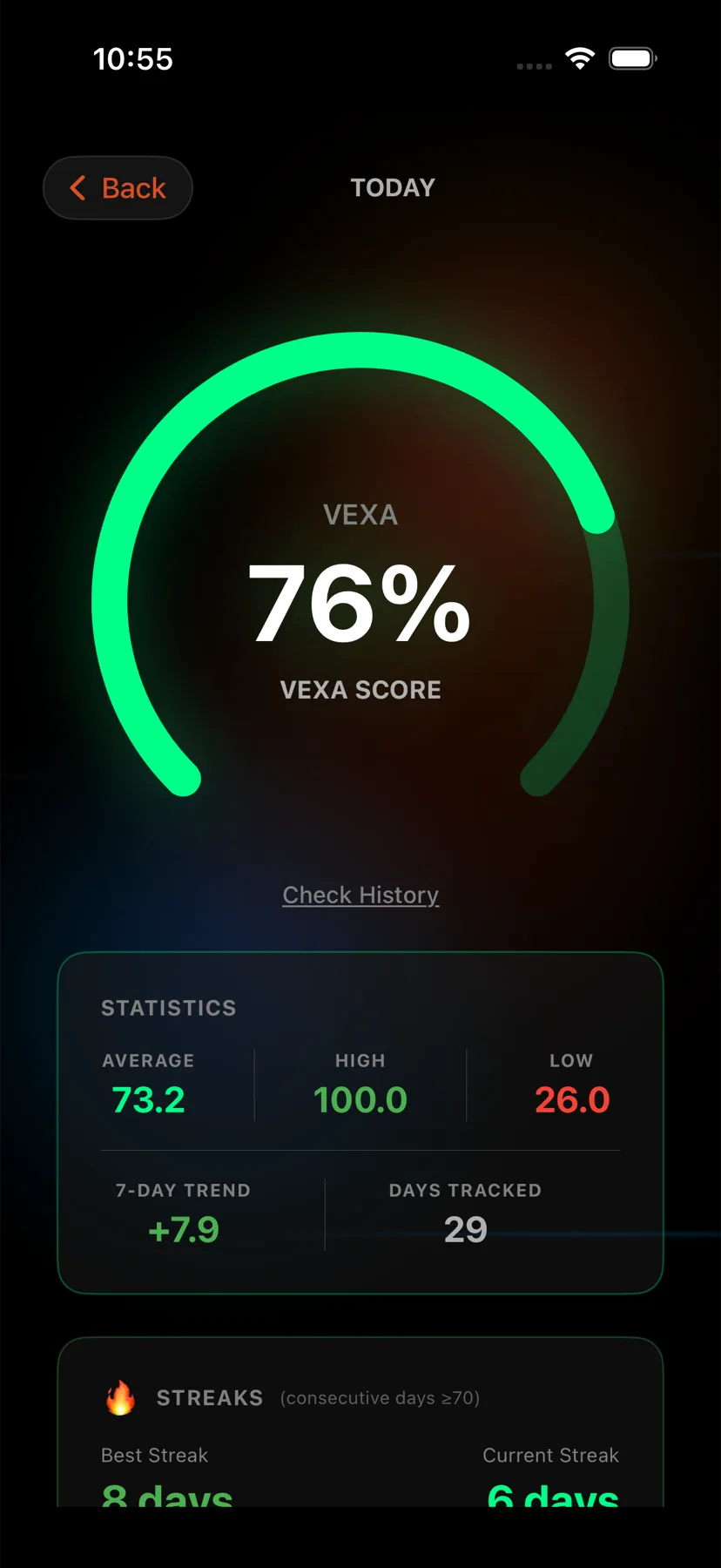
- Open the Home tab, the house icon at the far left of the bar at the bottom.
- Tap the ring you want: CONFIDENCE, DISCIPLINE or INTUITION.
- Read the ring, then the contributing factors.
- Scroll to the VEXA insight at the bottom.
- Open Dashboard from the sidebar.
- Tap the ring you want: CONFIDENCE, DISCIPLINE or INTUITION.
- Read the ring, then the contributing factors.
- Scroll to the VEXA insight at the bottom.
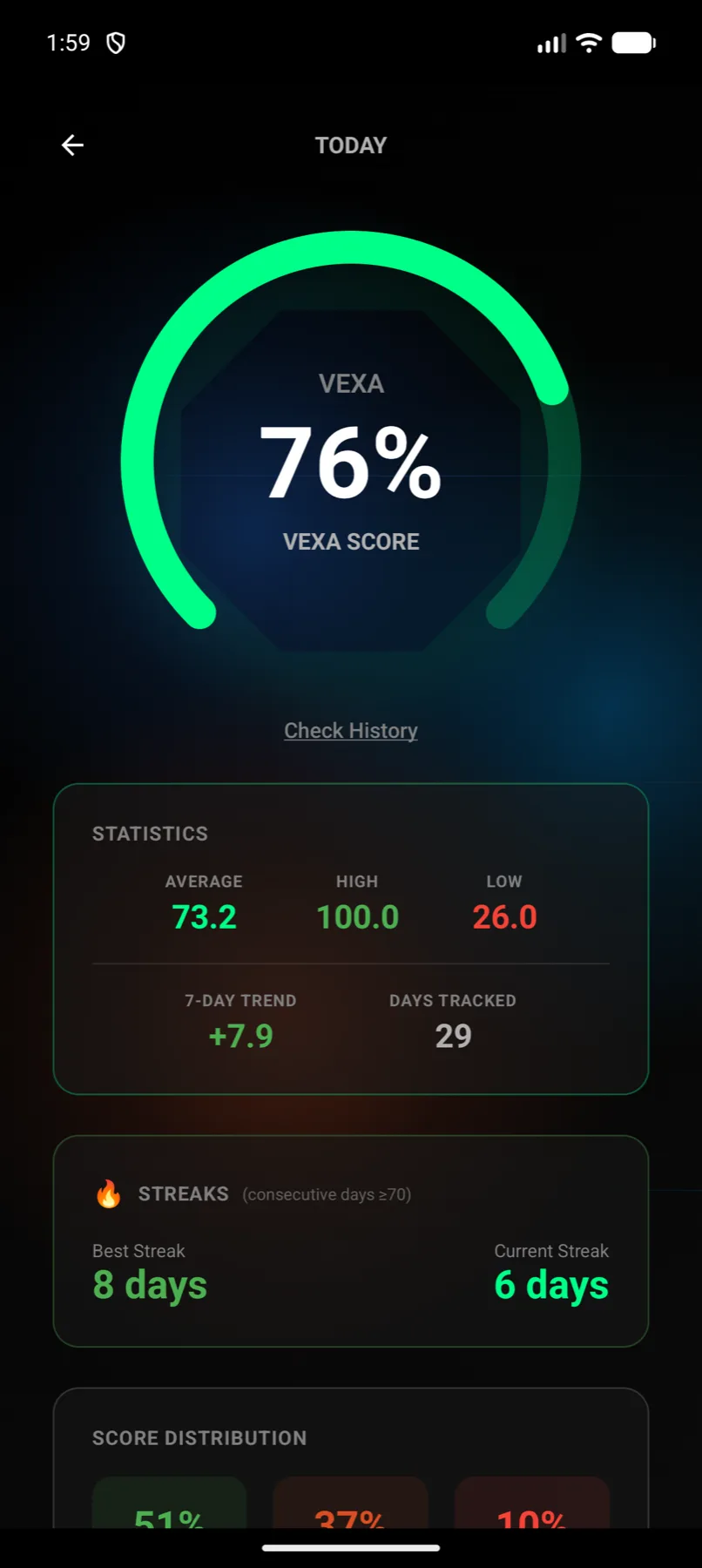
- Open the Home tab, the house icon at the far left of the bar at the bottom.
- Tap the ring you want: CONFIDENCE, DISCIPLINE or INTUITION.
- The header reads TODAY. Read the ring, then the contributing factors.
- Scroll to the VEXA INSIGHT card. The circular arrow on it regenerates the text.
- Swipe right anywhere on the page to go back.
- Open Dashboard from the sidebar.
- Tap the ring you want: CONFIDENCE, DISCIPLINE or INTUITION.
- Read the ring, then the contributing factors.
- Scroll to the VEXA insight at the bottom.
What a component row contains
An icon, the row name in capitals, a weight label, a one-line description, the value, an arrow that points up, down or sideways, and sometimes a second line such as “2 violations” or “Ratio: 1.24”.
The full row lists and their formulas are in the three sub-score articles:
What an AI contributing factor contains
A name, a value, a statement of its impact, and a weight of critical, high, medium or low. These come from the scoring model itself, so they reference the same window the score was built from and they usually name a specific recent day.
Two rows that mislead if you take them at face value
- DAILY LOSS ADHERENCE uses a hardcoded 500 dollar limit. It is not the max daily loss on your profile and not any rule you built in the Rules Tracker.
- SLEEP QUALITY defaults to 7.0 hours when VEXA holds no health data, so it reports a healthy figure for an account that has never synced any.
What you should see
A ring matching the number on the Home or Dashboard gauge, a handful of rows, several contributing factors, and a paragraph of text.
The insight paragraph is cached and only regenerated when your score changes, so opening the same tab twice in a day gives you the same text. That is expected.
If it doesn’t work
- The component list is empty. You have no trades in the last five trading days. The ring and the AI text still render, because they read a wider window.
- The rows contradict the ring. See the table at the top. They measure different windows on different machines.
- The insight is stale. It updates when the score does. Recalculate to force both. See Recalculate your scores.
Related
Still stuck? Email support@vexatrade.ai.