Refer & Earn: how it works
Share your link, your friend gets 30 days of full access instead of the usual 14, and you get a free month when their first payment clears.
On this page
What this does
Once your paid plan is active, VEXA gives you a referral link. A friend who signs up through it gets a longer Welcome Package, and you get a free month once they actually pay.
| Your friend gets | 30 days of full access instead of the usual 14 |
| You get | One free month per friend who pays |
| Held for | 7 days after their first payment clears |
| Cap | 12 free months per rolling year |
| Per friend | One reward, ever |
Before you start
- Your own plan has to be active. Refer & Earn opens once your paid plan starts. While you are inside your Welcome Package, or on a cancelled plan that still has time left, you see a locked card instead of your link.
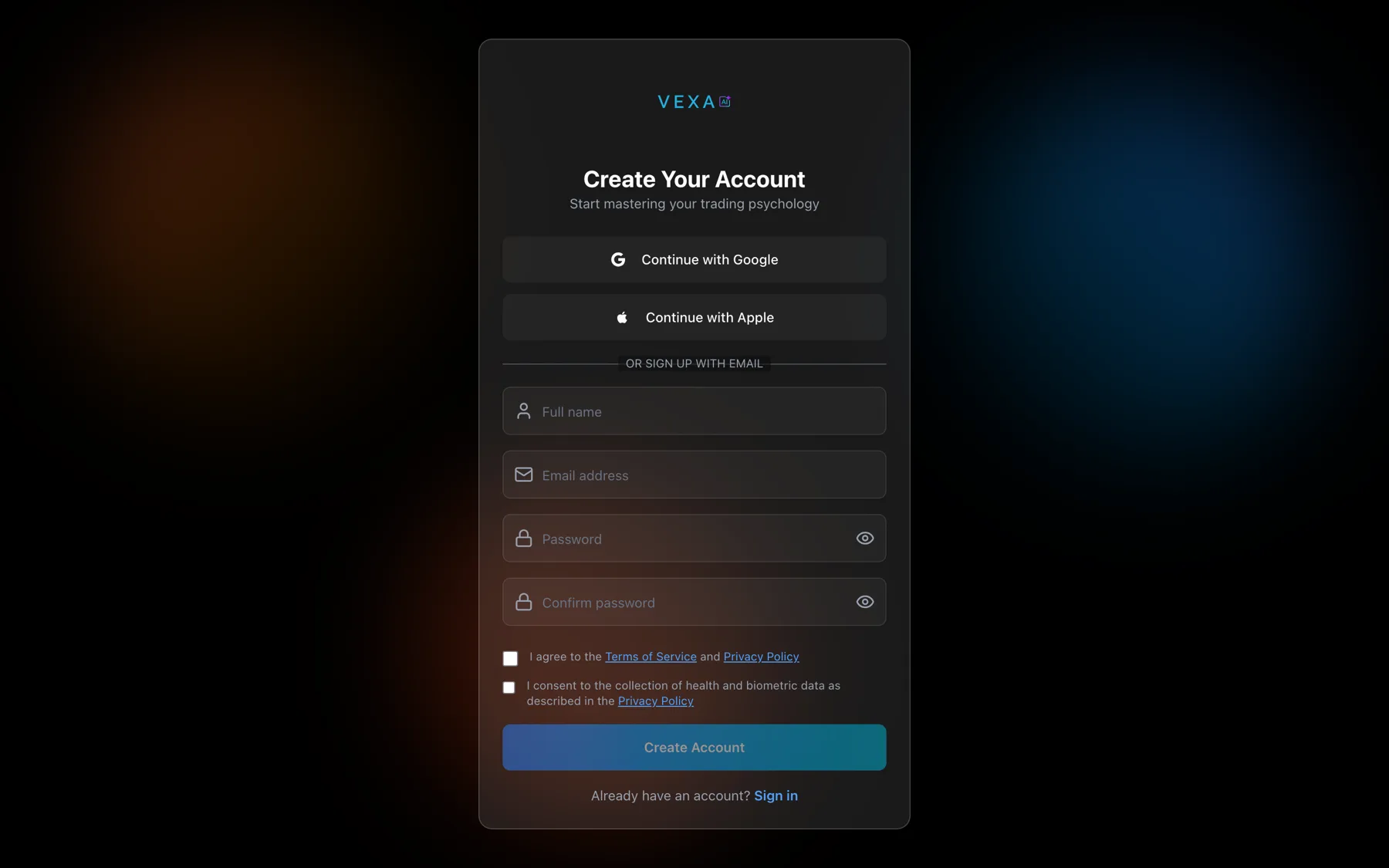
- Your friend has to sign up on the web. Referral links only work through the web signup. Once they have an account they can use any device.
- Your friend has to be new to VEXA. Anyone who has subscribed before does not qualify, and neither of you gets anything.
- You cannot refer yourself. Self-referral is blocked by account, by email address and by card.
Steps
- Open Profile from the sidebar card at the bottom.
- Find the Refer & Earn card, under Subscription.
- Press Copy next to your link. It flips to a tick for a moment.
- Send the link to your friend.
- Tap the circular avatar at the top right of Home.
- Scroll to Subscription and tap Refer & Earn.
- Copy or share your link from that screen.
- Tap the profile chip at the bottom of the sidebar.
- Scroll to Subscription and tap Refer & Earn.
- Copy or share your link from that screen.
- Tap the circular avatar at the top right of Home.
- Scroll to Refer & Earn, which sits below Connected Accounts and reads “Get a month free for each friend you refer”.
- Copy or share your link from that screen.
- Tap the profile chip at the bottom of the sidebar.
- Scroll to Refer & Earn.
- Copy or share your link from that screen.
Your link and your code
Your link looks like app.vexatrade.ai/signup?ref=VX-XXXXXX.
The code itself is VX- plus six characters, drawn from an alphabet with no I, L, O, zero or one in it, so it cannot be misread. When your friend types it manually, case does not matter and the VX- part is optional.
Tracking your referrals
The Refer & Earn card lists everyone who used your link, with a status against each:
| Status | Meaning |
|---|---|
| Invited | They signed up. No payment yet. |
| Trialing | Their subscription exists but no payment has cleared yet. |
| Credited | Their payment cleared and your month is yours. |
| Reversed | Their payment was refunded or charged back before your month was applied. |
Two counters above the list show Months banked and Months applied.
What you should see
The card shows your link in a read-only field with a Copy button. Once a friend signs up through it, they appear in the list within a few minutes.
If it doesn’t work
- The card is locked. Your paid plan has not started yet. It opens once your subscription is active.
- The card is not there at all. You are on Free or your subscription has ended. Refer & Earn is for paying subscribers.
- “Preparing your link…” stays on screen. Your code is being created. Reload after a moment.
- “Link unavailable”. Creating the code failed. Reload, then email support@vexatrade.ai if it persists.
- Your friend used the link and got 14 days, not 30. The code was not attached before they finished signing up, or they have had a VEXA account on that email address before. See Apply a referral code.
- Your friend paid and your month has not arrived. There is a 7-day hold. See When your referral reward arrives.
Full terms are at vexatrade.ai/referral-terms.
Related
Still stuck? Email support@vexatrade.ai.