Choose which columns you see
Use Edit Columns to hide columns you never read, and understand why columns disappear on their own when the browser window is narrow.
On this page
What this does
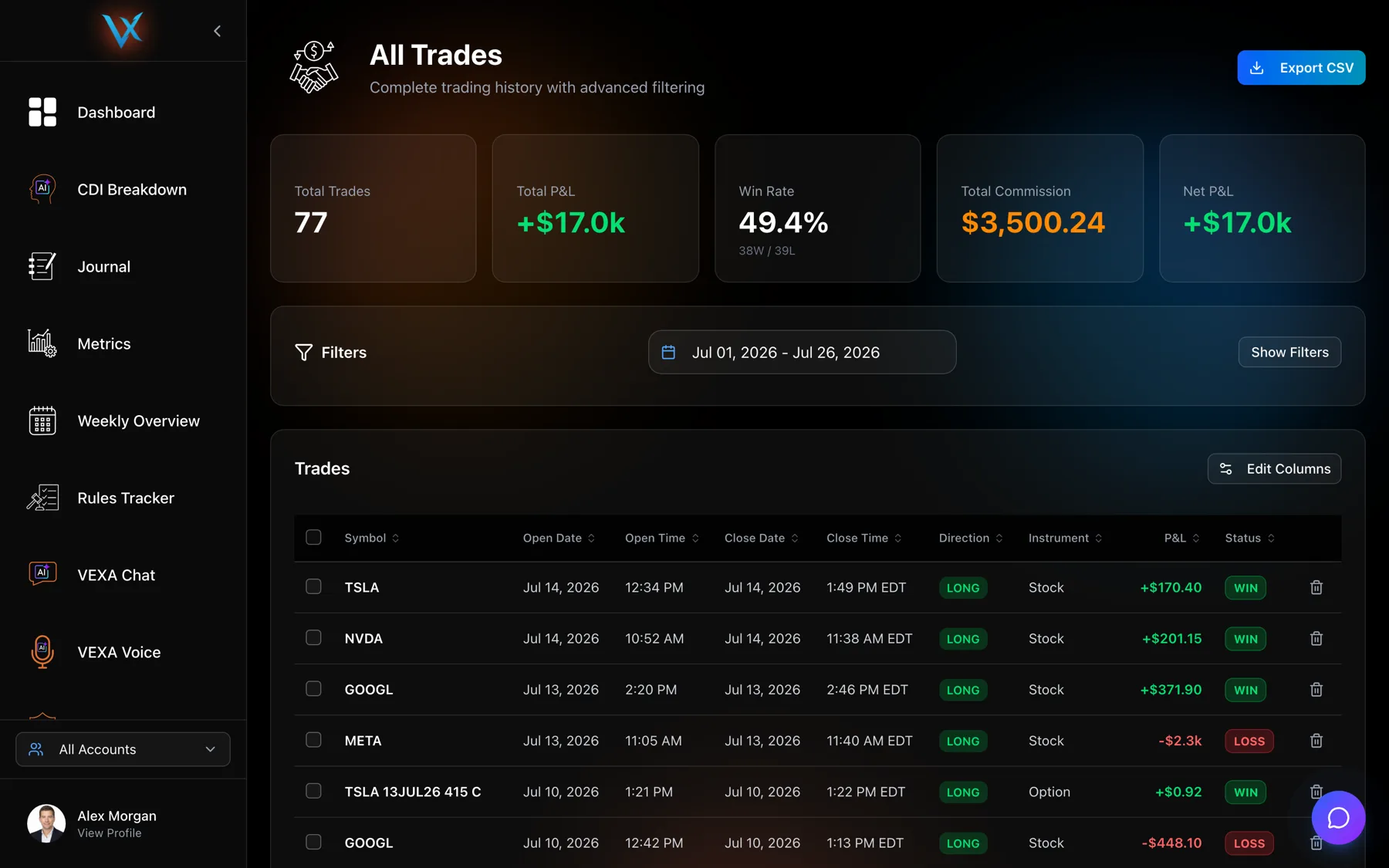
Edit Columns hides the columns of the Trades table you do not use, so the ones you care about get more room. Your choice is saved to your account, not to the browser, so it follows you to another computer.
Before you start
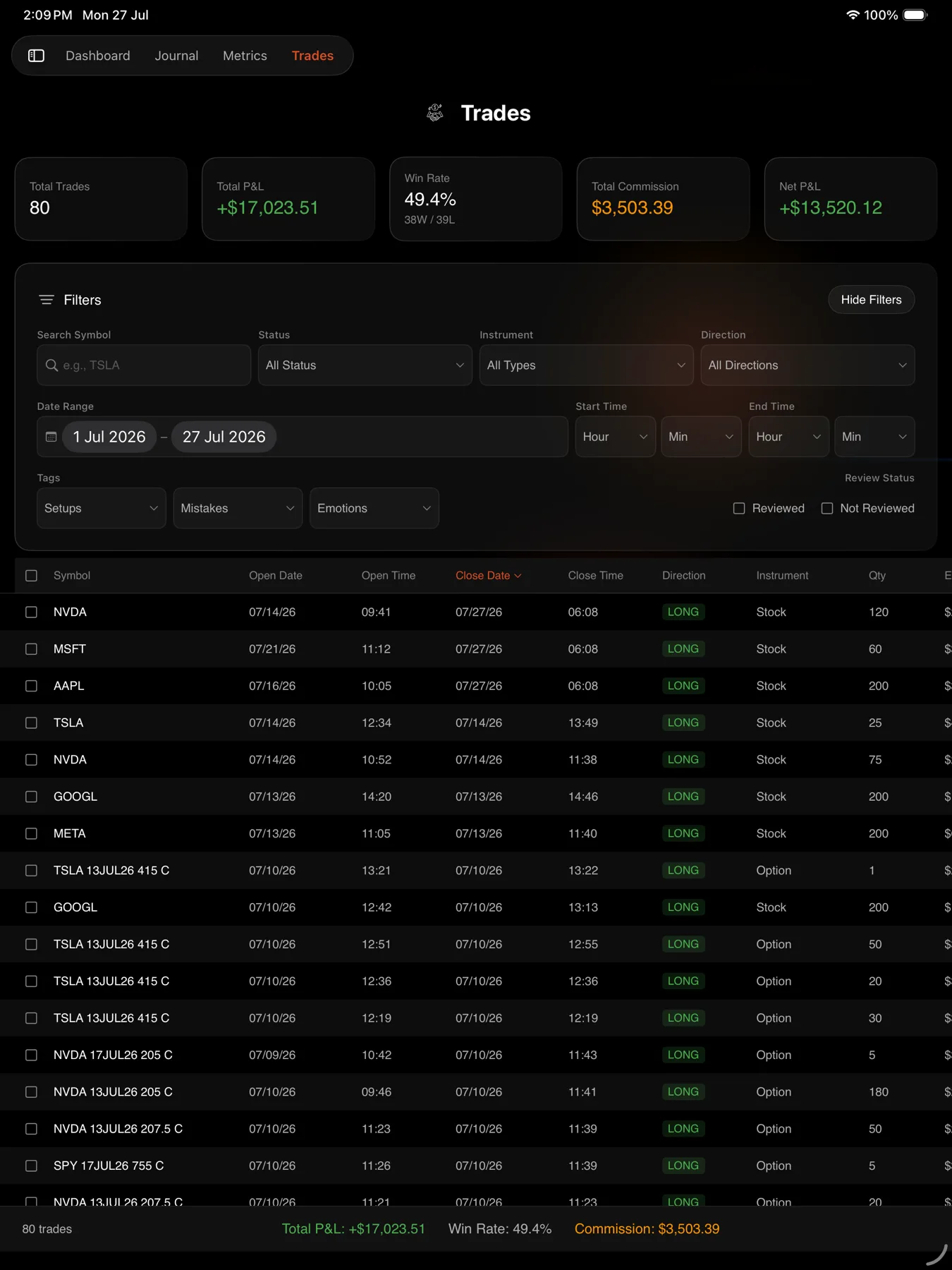
This dialog is on the web app only. The iPad and Android tablet tables have a fixed column set that scrolls sideways instead.
Hiding a column changes the table only. The CSV export always contains its own full set of columns. See Export your trades to CSV.
Steps
Web only
- Open Trades in the sidebar.
- Click Edit Columns above the table.
- Untick any column you want gone. The table updates behind the dialog.
- Click Done.
- To undo everything, reopen the dialog and click Reset to Default.
Columns also disappear on their own
The table sheds columns as the window narrows, from the least important outward. This is width, not a setting, and Edit Columns cannot bring back a column the window is too narrow to hold.
| Window width | Columns that survive |
|---|---|
| Narrow | Selection checkbox, Symbol, P&L, row actions |
| 1024px and up | Adds Direction, Open Date, Close Date, Status |
| 1280px and up | Adds Open Time, Close Time, Instrument |
| 1536px and up | Adds Quantity, Entry, Exit, Commission |
The Journal’s day table uses the same idea at slightly lower widths, because it has no sidebar taking up room. That is why the same laptop can show more columns in the Journal than on the Trades page.
Resizing instead of hiding
Every column can be dragged wider or narrower by its right edge, and the widths are saved to your account alongside the visibility settings. Widening Symbol is often better than hiding two other columns.
What you should see
The table redraws immediately as you tick and untick, and your layout is still there after a reload or on a different machine.
If it doesn’t work
A column is ticked but still not visible. The window is too narrow for it. Maximise the window, collapse the sidebar with the chevron in its header, or zoom the browser out.
Your layout came back wrong on another machine. The settings are saved per account, so give the page a moment to load them before judging. If the layout is still wrong, set it again on that machine and it will overwrite the stored version.
Related
Still stuck? Email support@vexatrade.ai.