Build a Sentinel rule
The seven things a Sentinel rule can watch, how conditions combine, and what each action, severity and cooldown does.
On this page
What this does
Creates a rule of your own. A rule is one or more conditions on your body plus an action to take when they are all true. Sentinel reads physiology, so the seven condition types below are the entire vocabulary. There is no condition for position size, loss count or symbol, because Sentinel has no view of your trading.
The seven condition types:
| Condition | Unit | What it means |
|---|---|---|
| Heart Rate | bpm | Your current live heart rate from your wearable device |
| Heart Rate Elevation | % | Percentage your heart rate has risen above your resting baseline over time |
| Heart Rate Variability | ms | Variation in time between heartbeats, where lower means higher stress |
| Sleep Hours | hours | Hours of sleep recorded from your wearable last night |
| Time in Session | minutes | How long your current monitoring session has been running |
| Session State | none | Your current psychological state: calm, elevated, stressed, or tilt |
| Stress Level | none | Stress level calculated from biometrics: low, medium, or high |
Operators are >, <, =, >=, <= and !=. Some conditions also take a period in minutes, so
you can require that a state has held rather than flickered.
Conditions combine with AND. Every condition on a rule has to be true at the same moment. Two conditions make a rule stricter, never broader. If you want either of two things to trigger you, make two rules.
Five actions: Send Notification, Voice Intervention, Suggest Cooldown, Escalate State and Block Trades.
Three severities: Info, Warning and Critical. Severity changes the tone of the spoken intervention, which notification channel it uses on Android, whether it can appear over the lock screen, and how many of them the fatigue limit allows.
Cooldown is the minimum gap before the same rule can fire again, in minutes. Leave it empty and it defaults to 5 minutes, whatever the severity.
Before you start
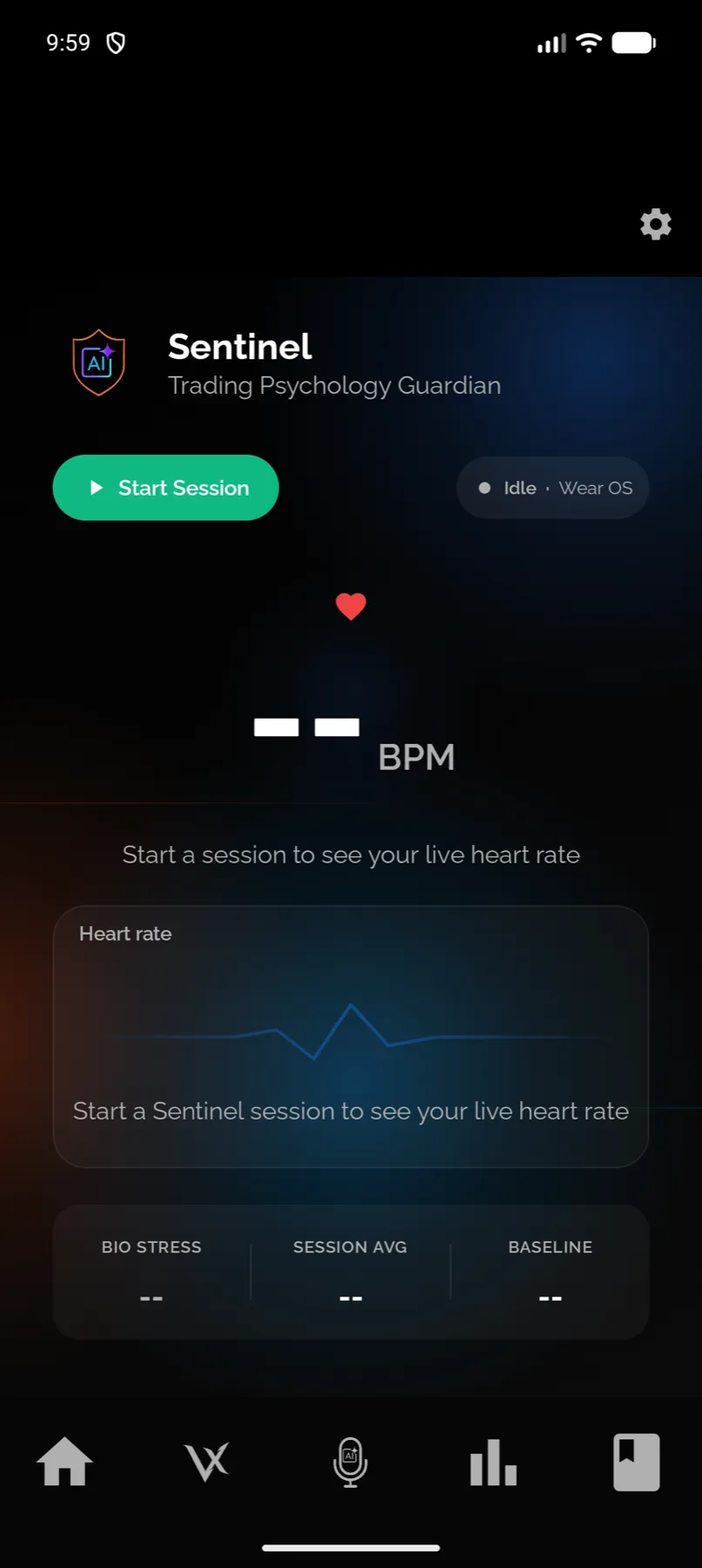
Rules are only evaluated while a session is running.
Pick a threshold you can defend. The most-used heart rate rules on real accounts sit around 90 bpm rather than at any template default, because people tune them to their own resting rate after a week of watching the live card.
Check your device supplies the metric. HRV conditions need a device that sends beat-to-beat data, and sleep conditions need something recording your sleep overnight. See Which heart rate devices work.
There is a faster route if you would rather describe the rule in words. See Build a rule with AI.
Steps
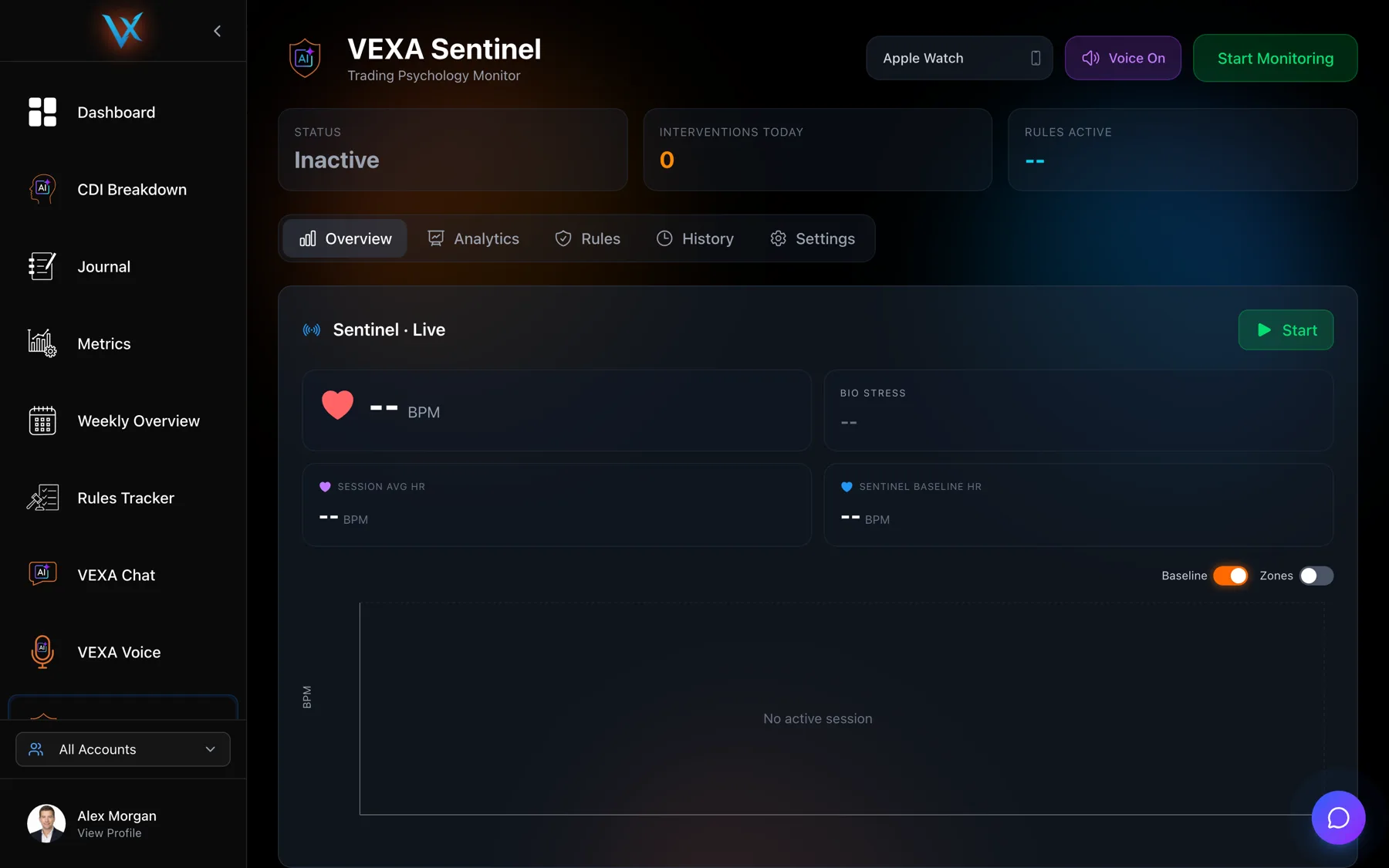
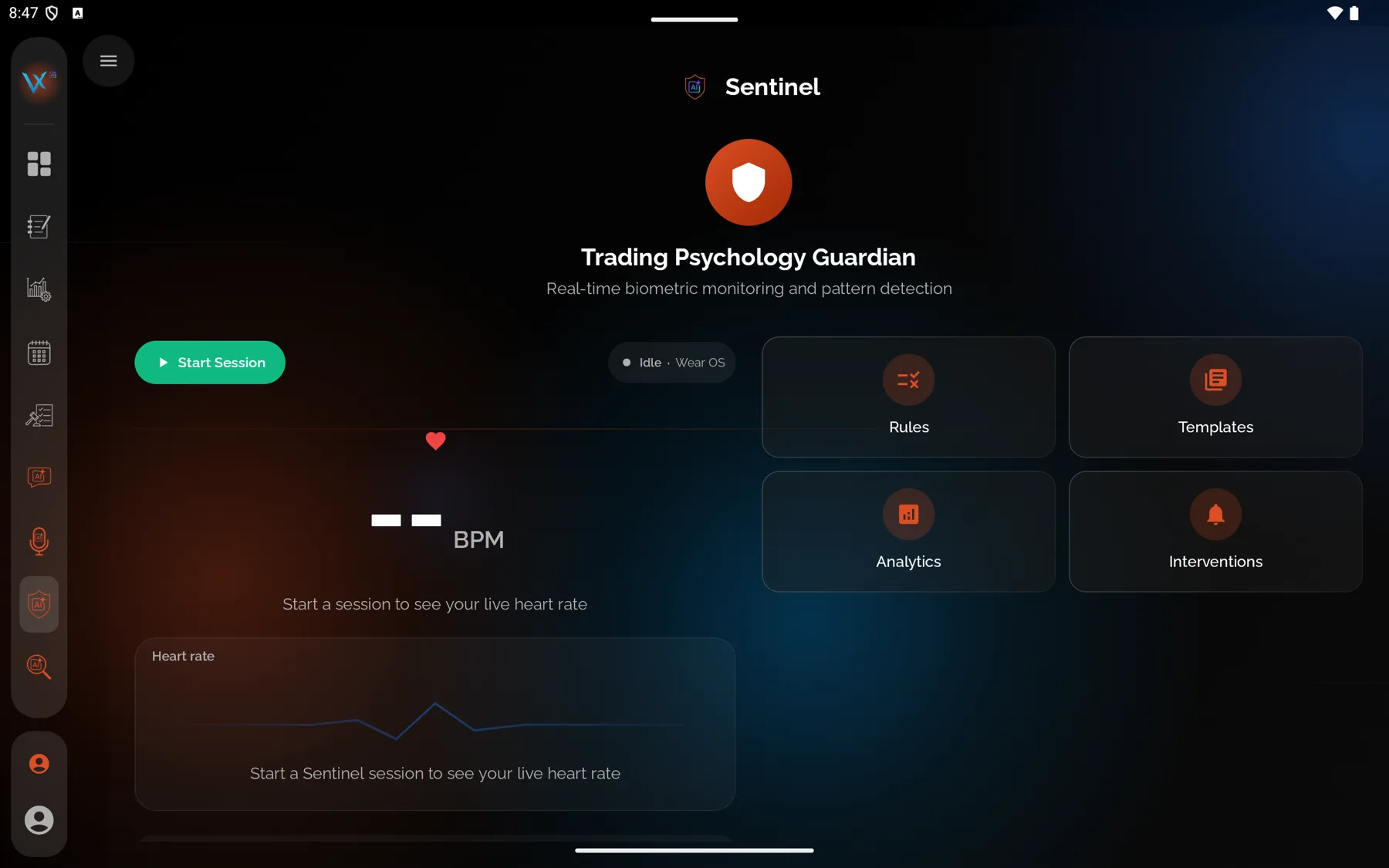
- Open VEXA Sentinel from the sidebar, then the Rules tab.
- Click Add Rule.
- Enter a Rule Name. It is required.
- Click Add Condition, choose a condition type, an operator and a value. Repeat for any further conditions, remembering that all of them must be true together.
- Choose an Action Type and a Severity.
- Write an Alert Message if you want your own wording, or leave it for the default.
- Set a Cooldown in minutes, or leave it empty to use the severity default.
- Save the rule and check the Enabled toggle is on.
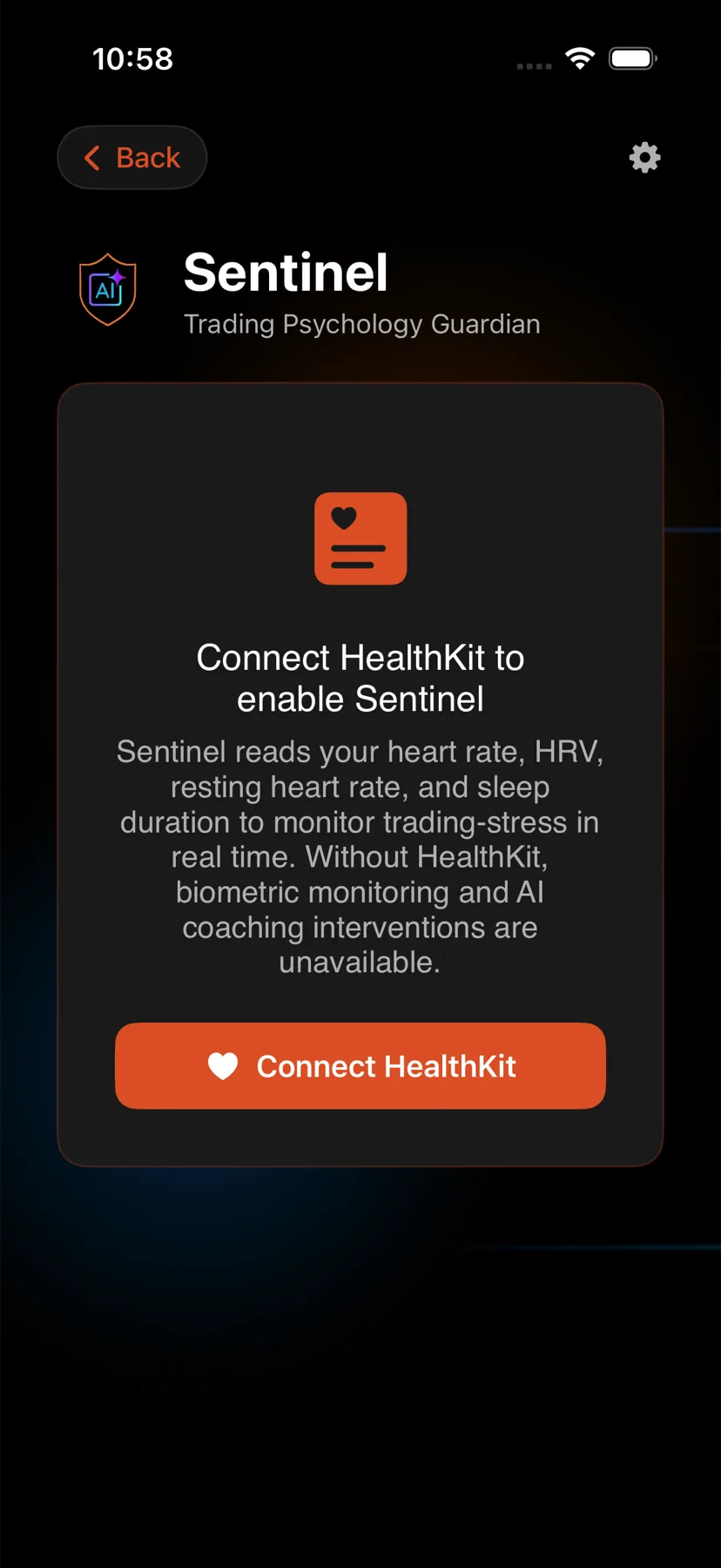
- Open Home, tap Sentinel, then Trading Rules.
- Tap the add control to open Create Rule.
- Enter a Rule Name.
- Tap Add Condition and set the type, operator and value. Add more if you need them all to be true at once.
- Choose an Action Type and a Severity.
- Write an Alert Message if you want your own wording.
- Set a Cooldown, or leave it empty.
- Save, and check the rule is enabled in the list.
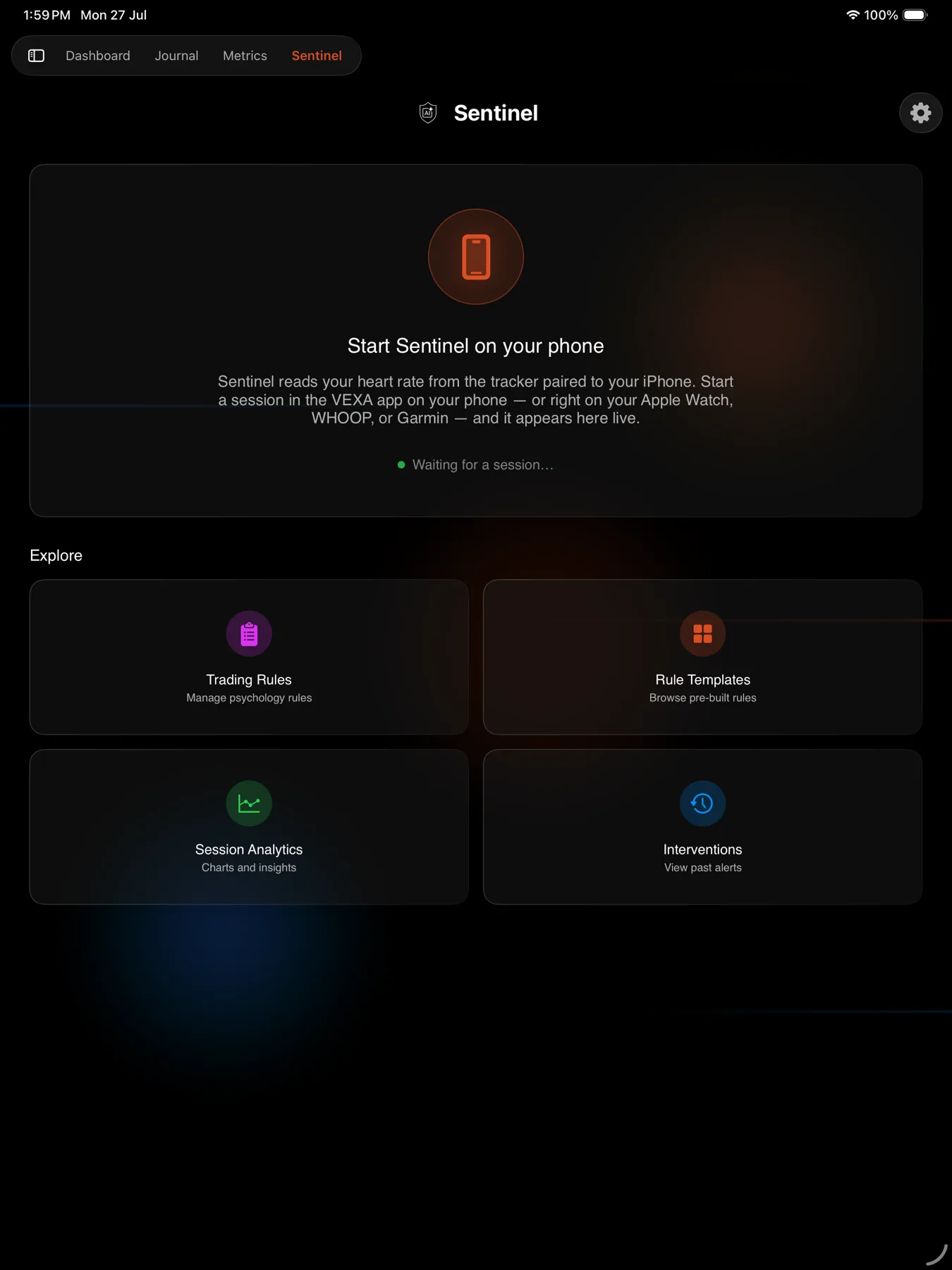
- Open Home, tap Sentinel, then Trading Rules.
- Tap the add control to open the rule editor.
- Enter a Rule Name.
- Tap Add Condition and set the type, operator and value. Add more if you need them all to be true at once.
- Choose an Action Type and a Severity.
- Write an Alert Message if you want your own wording.
- Set a Cooldown, or leave it empty.
- Save, and check the rule is enabled in the list.
What you should see
The rule appears in Trading Rules, enabled, showing its conditions in plain form such as “Heart Rate > 95”.
During a session, when the conditions are all met and no throttle is holding it back, the intervention arrives by whichever channel matches the action and severity, and it appears in the live card’s intervention list and in your history.
If it doesn’t work
“Rule name is required”. The name field is empty.
“At least one condition is required”. Add a condition before saving.
“Please fill in all required fields and ensure conditions are valid.” A condition is missing an operator or a value.
The rule saved but never fires. Work through these in order: is a session running, does your device supply that metric, are all the conditions true at the same time, and is a throttle suppressing it. See Why you did not get an intervention.
Two conditions and it never triggers. AND is strict. Both have to be true in the same reading. Split them into two rules.
You set Block Trades and orders still went through. That action sends a message. It cannot reach your broker.
Related
Still stuck? Email support@vexatrade.ai.