Set your currency and max daily loss
Where the trading currency and the daily loss limit live on each surface, and how the limit feeds your Discipline score.
On this page
What this does
Max Daily Loss is the most you are willing to lose in a day. VEXA holds you to it: your Discipline score is affected by how well you stay inside it, and you get an alert as you approach it. Trading Currency is the currency your figures are denominated in.
Before you start
The loss limit is scored, not decorative. Going past it on a trading day pulls your Discipline score down. That is the point of the field. Set a number you actually intend to respect rather than a number that sounds acceptable.
Currency is chosen during setup. On iPhone and iPad you can change it afterwards, next to the loss limit. On web and Android, only the amount is editable after setup. The choices offered at setup are USD, EUR, GBP, CAD, AUD, JPY, CHF and INR.
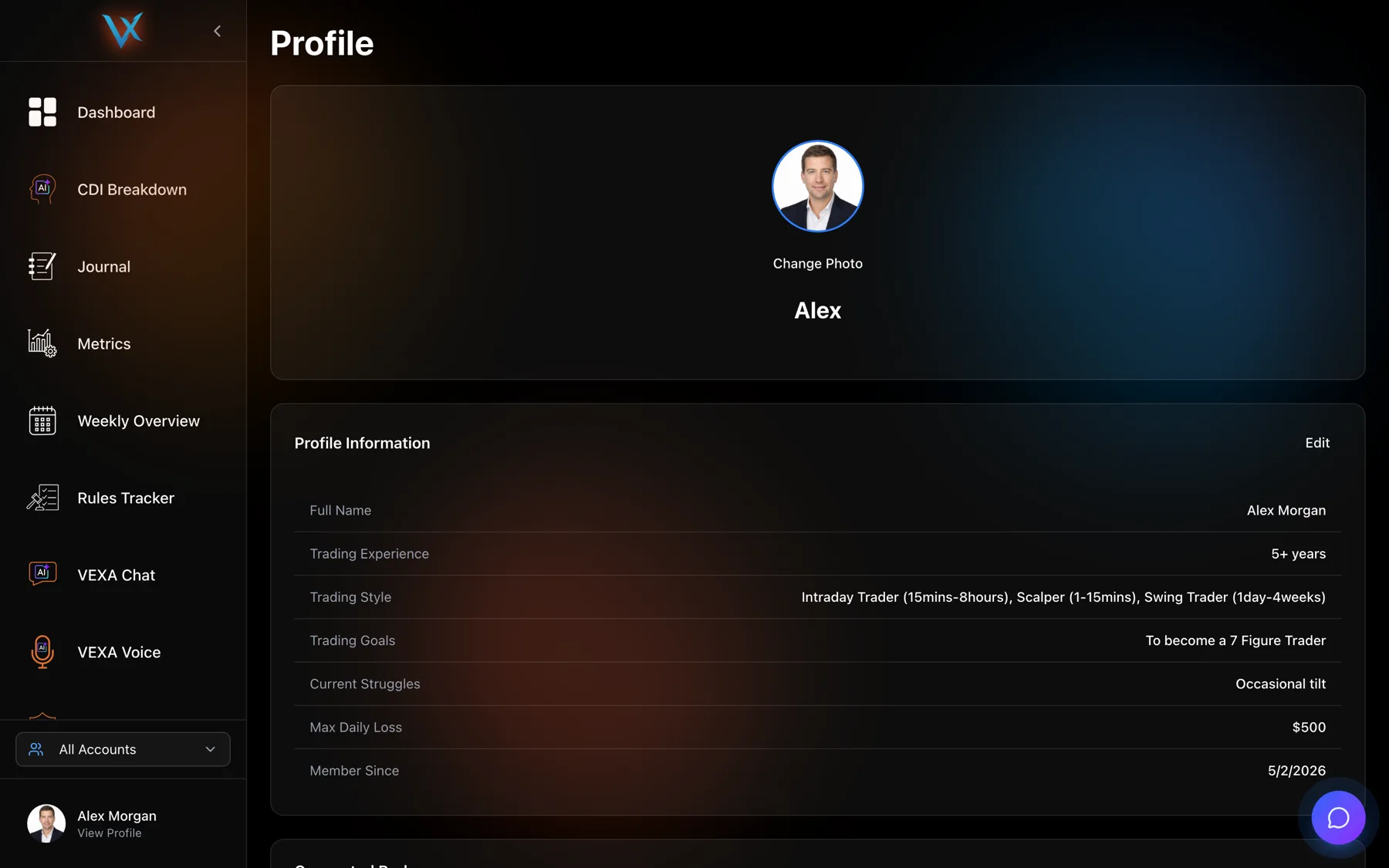
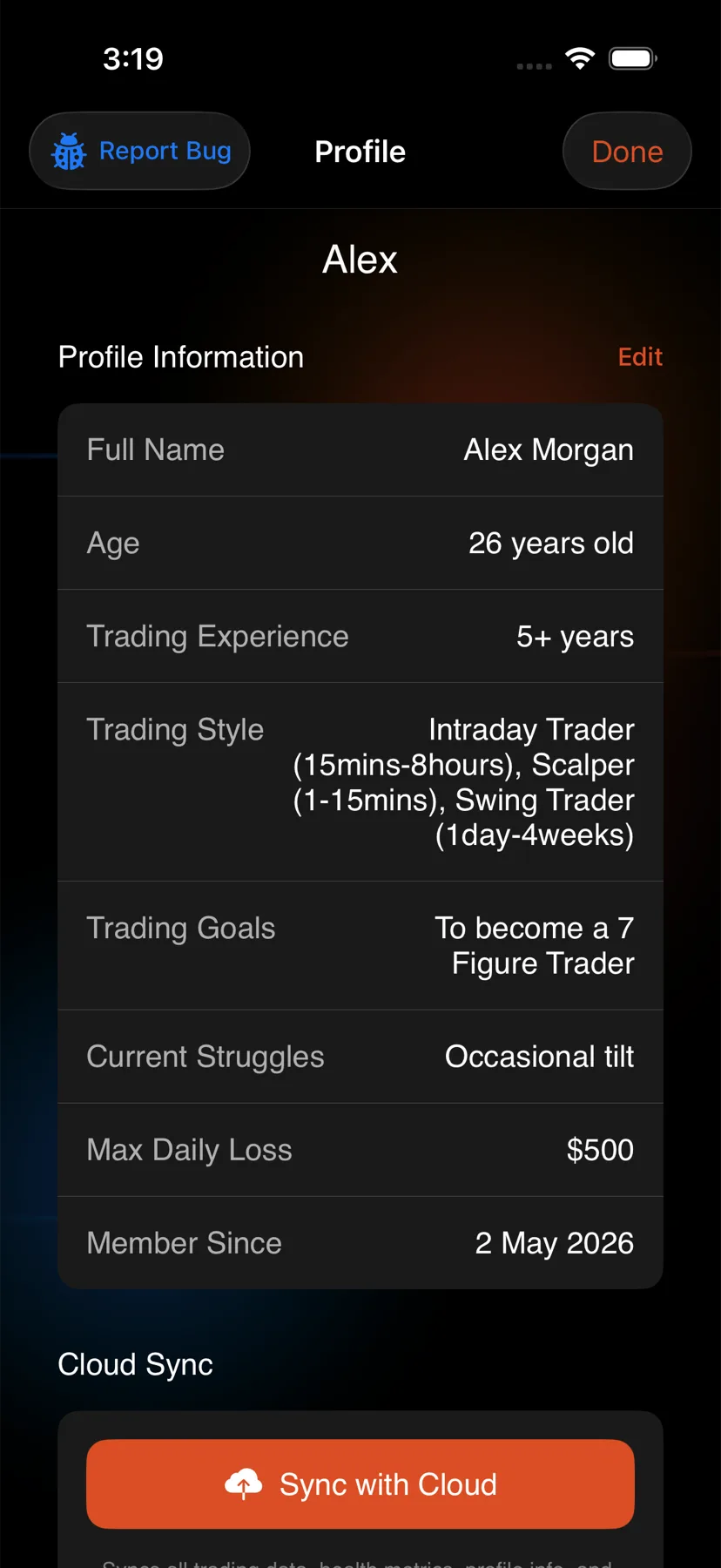
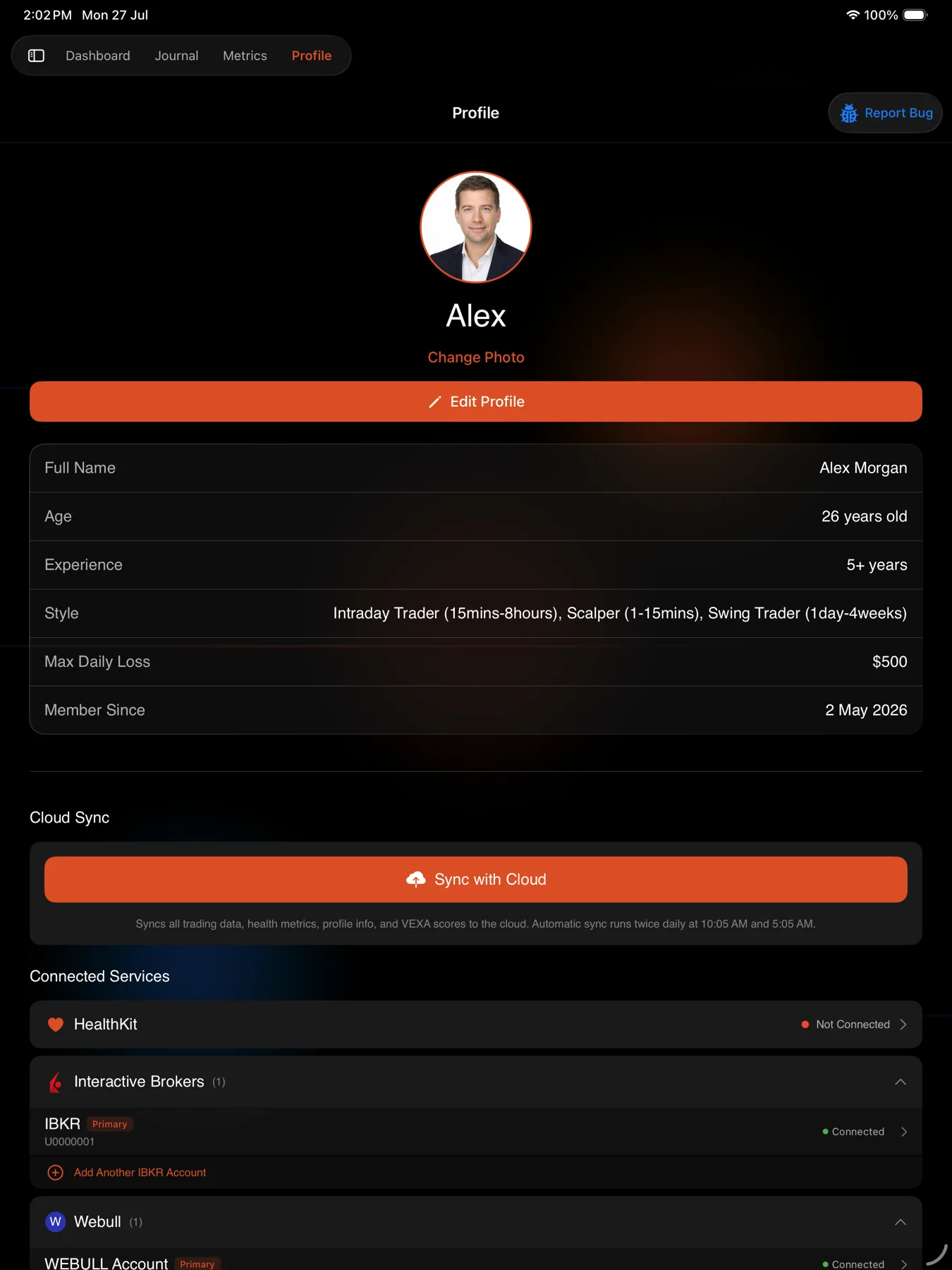
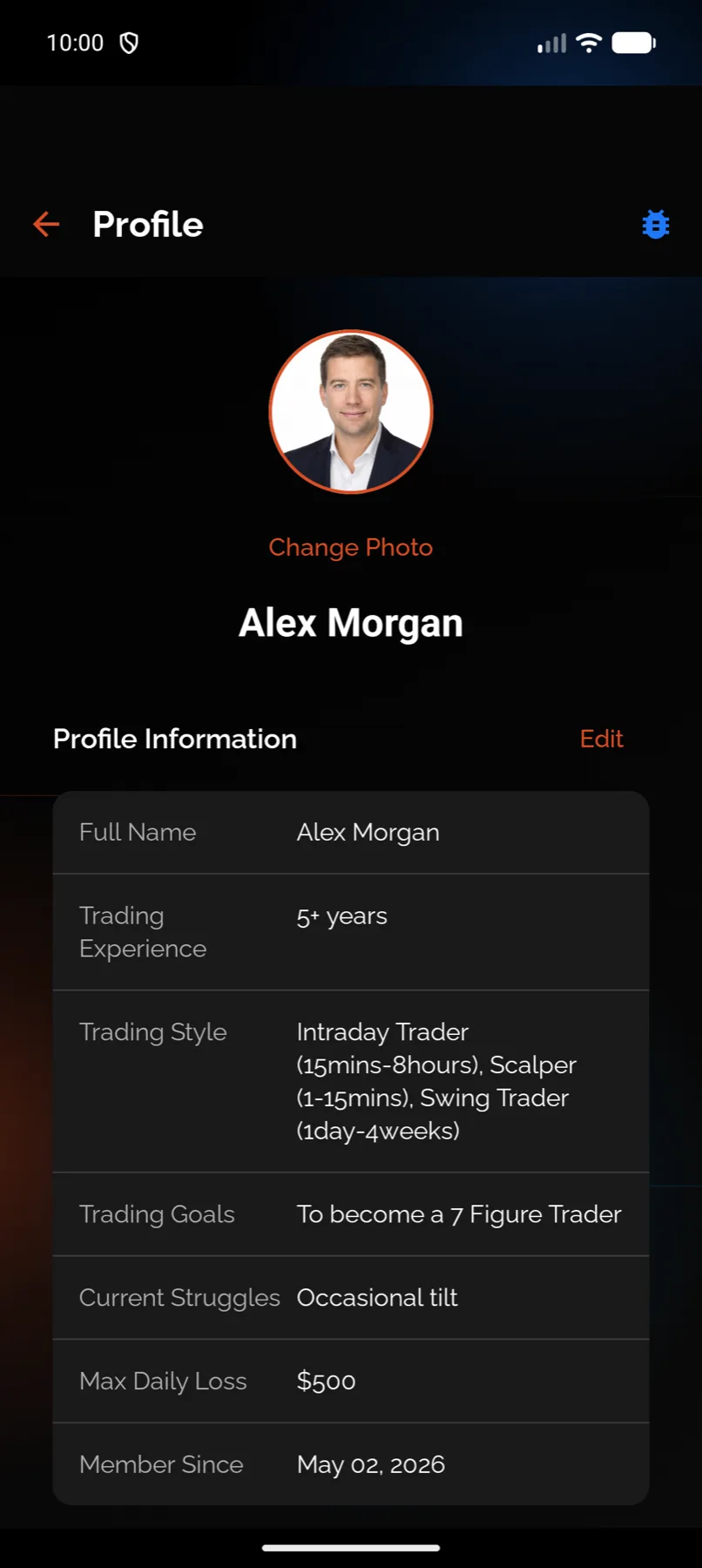
Where the field lives differs by surface. On the web it is a row inside the profile editor. On the phones and iPad it has its own Risk Management screen.
Do not set it from Android tablet. The Risk Management pane there is display only, and the figures it shows are examples rather than your own settings. Set the limit from your phone or the web app, where it saves to your account.
Steps
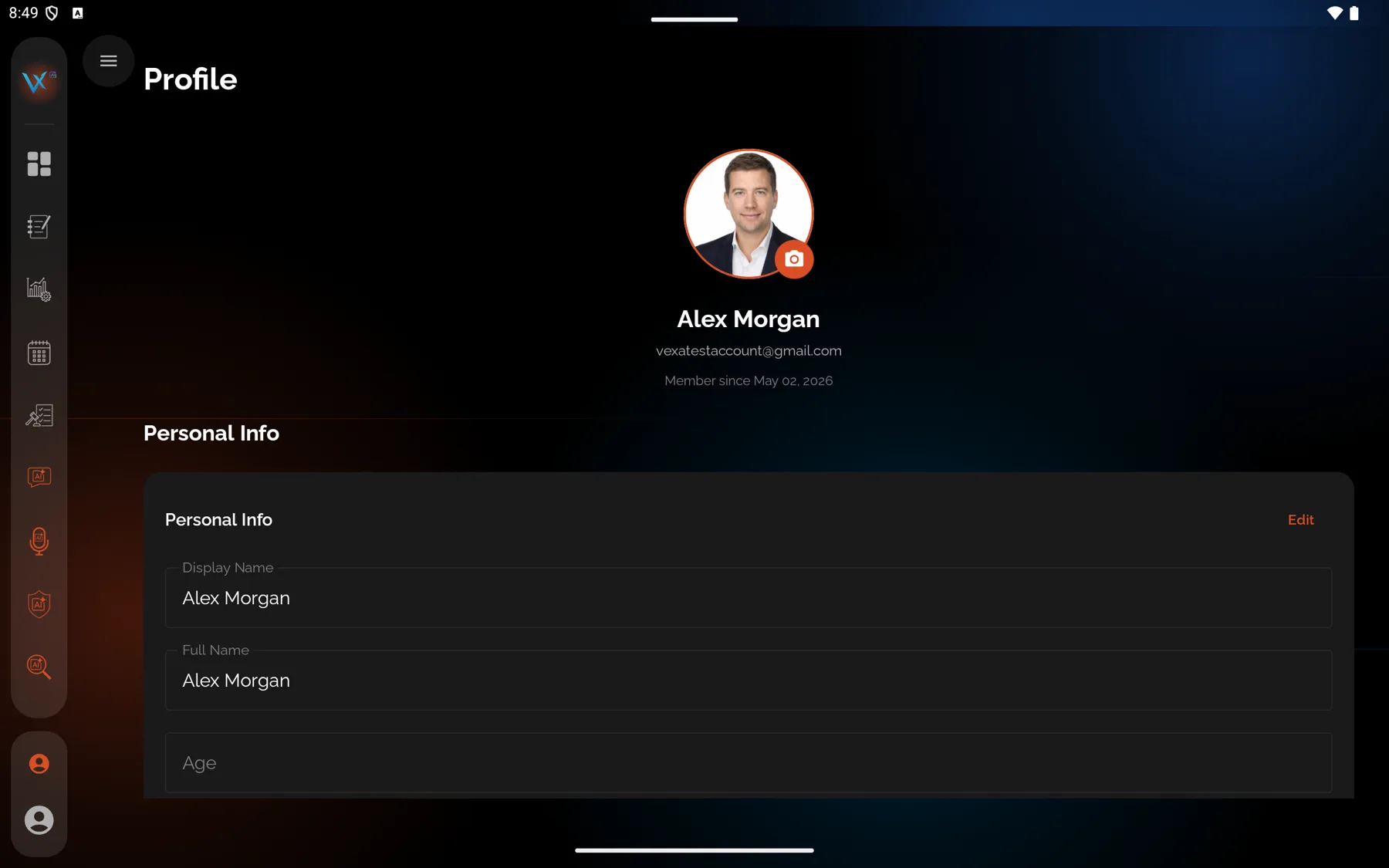
- In the sidebar, click your name at the bottom, under which it reads View Profile.
- Find Profile Information and click Edit.
- Set Max Daily Loss.
- Save.
- Tap the circular avatar at the top right of Home.
- Open Risk Management.
- Set Max Daily Loss, and Trading Currency if you want to change it.
- Save.
- Tap the profile chip at the bottom of the sidebar.
- Open Risk Management.
- Set Max Daily Loss, and Trading Currency if you want to change it.
- Save.
- Tap the circular avatar at the top right of Home.
- Open Risk Management.
- Set Maximum Daily Loss.
- Save.
- Tap the profile chip at the bottom of the sidebar.
- Scroll to Settings and tap Risk Management.
- The pane that opens is display only, and the figures in it are examples rather than your own. Set the limit from your phone or the web app instead.
What you should see
On Android the screen is headed Daily Loss Limit and carries a card titled “Why This Matters” that states it plainly: “Your Discipline score is affected by how well you adhere to this limit. Exceeding your max daily loss will negatively impact your VEXA scores.”
On the web, the profile row helper reads “VEXA will alert you when you approach this limit.”
Your saved figure then shows on the Max Daily Loss row of your profile on every surface.
If it doesn’t work
The row shows a dollar sign but you trade in another currency. The number is the one you set. The symbol on that profile row is fixed to a dollar sign, and it is cosmetic rather than a conversion.
The row shows a figure you never entered. It falls back to a placeholder when nothing has been saved. Open the editor, enter your figure and save it.
You cannot find a currency picker on web or Android. There is not one after setup on those
surfaces. Change it on an iPhone or iPad if you have one, or write to support@vexatrade.ai.
Your Discipline score dropped and you do not know why. Check this figure first. A limit left at a placeholder value can be far lower than you intended, which makes ordinary days look like breaches.
Related
Still stuck? Email support@vexatrade.ai.