Export your data
Download a single JSON file holding your profile, trades, health data and more, from the web app or any of the four apps, and see what it leaves out.
On this page
What this does
Export My Data builds one JSON file from a fixed list of around thirty collections and hands it straight to you. It is there so you can keep your own copy or check what is stored.
It is a large part of your account rather than all of it. The list is maintained by hand, so there are things VEXA holds that are not on it. What is left out is set out below.
Before you start
The download link is live for one hour. The file is generated, stored, and given to you as a link that expires. If you leave it and come back tomorrow, request a fresh export rather than retrying the old link.
Chat history is capped. Up to 100 chat sessions, and up to 500 messages within each of those, are included. If you have more, the export is not the full record of your conversations.
Some of what VEXA stores is not in the file. The notable gaps are the long-term facts the coach
has learned about you, your Rules Tracker rules and their per-day grades, notification history, the
embeddings used to retrieve your past sessions, cached insights and summaries, your billing and plan
records, MetaTrader sync settings, and your bug reports and community memberships. All of those are
still erased when you delete your account. If you need a copy of something on that list, write to
privacy@vexatrade.ai.
It can take a while on a large account. There is a lot to walk through. The button tells you it is working.
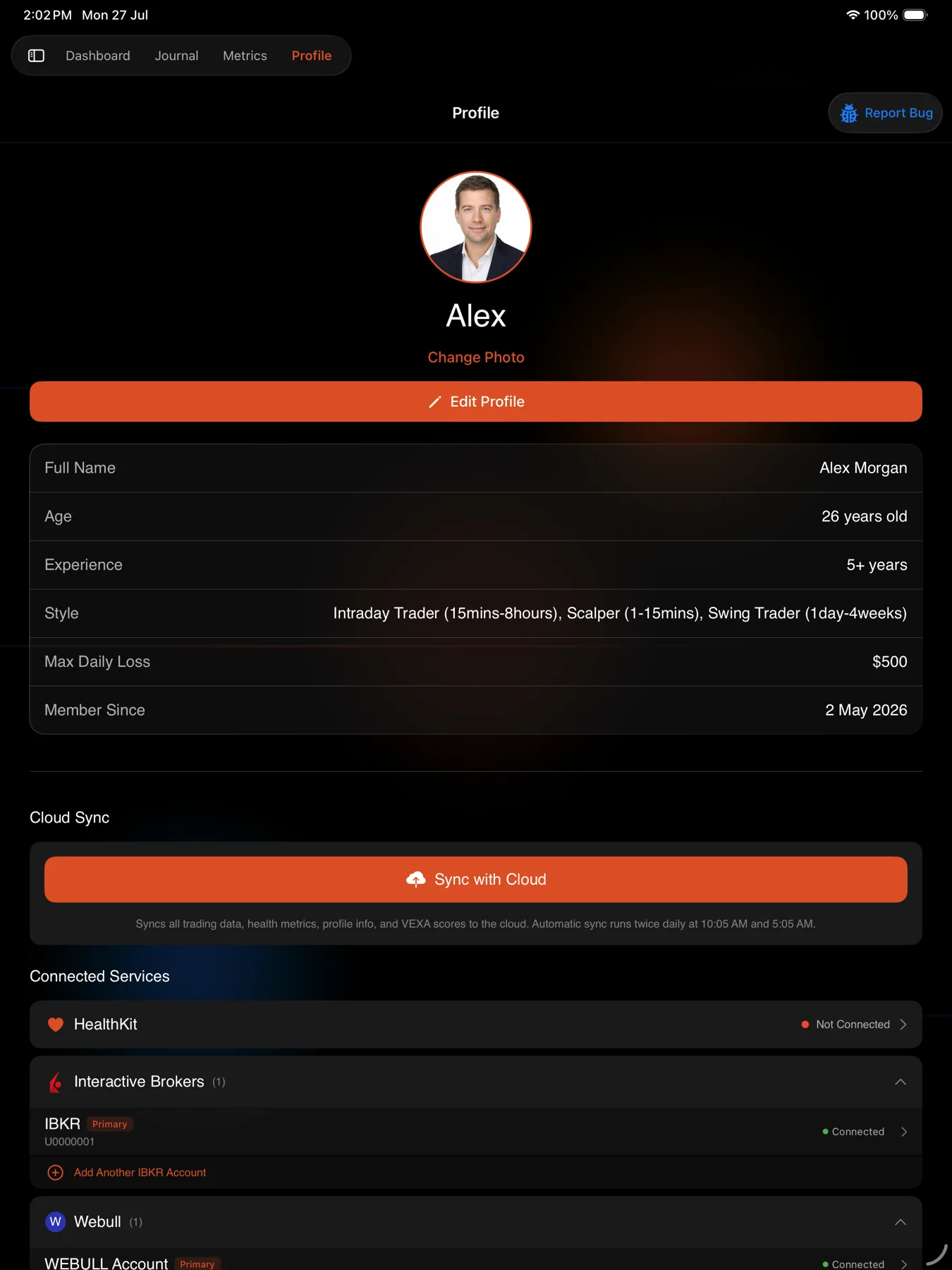
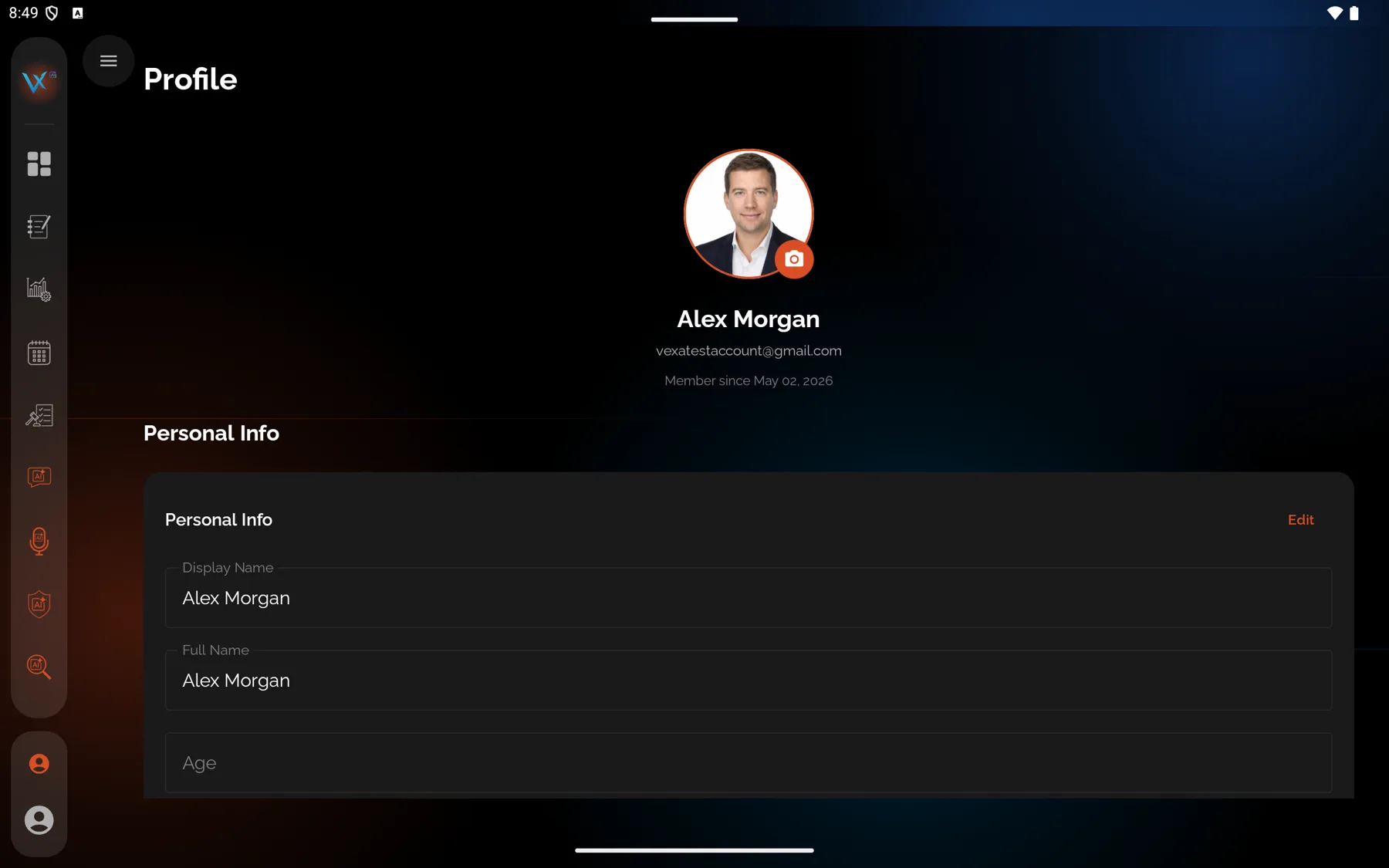
On Android tablet it is one level deeper. The Privacy row opens a two-pane Settings screen, and Export sits in the right pane under Data Export.
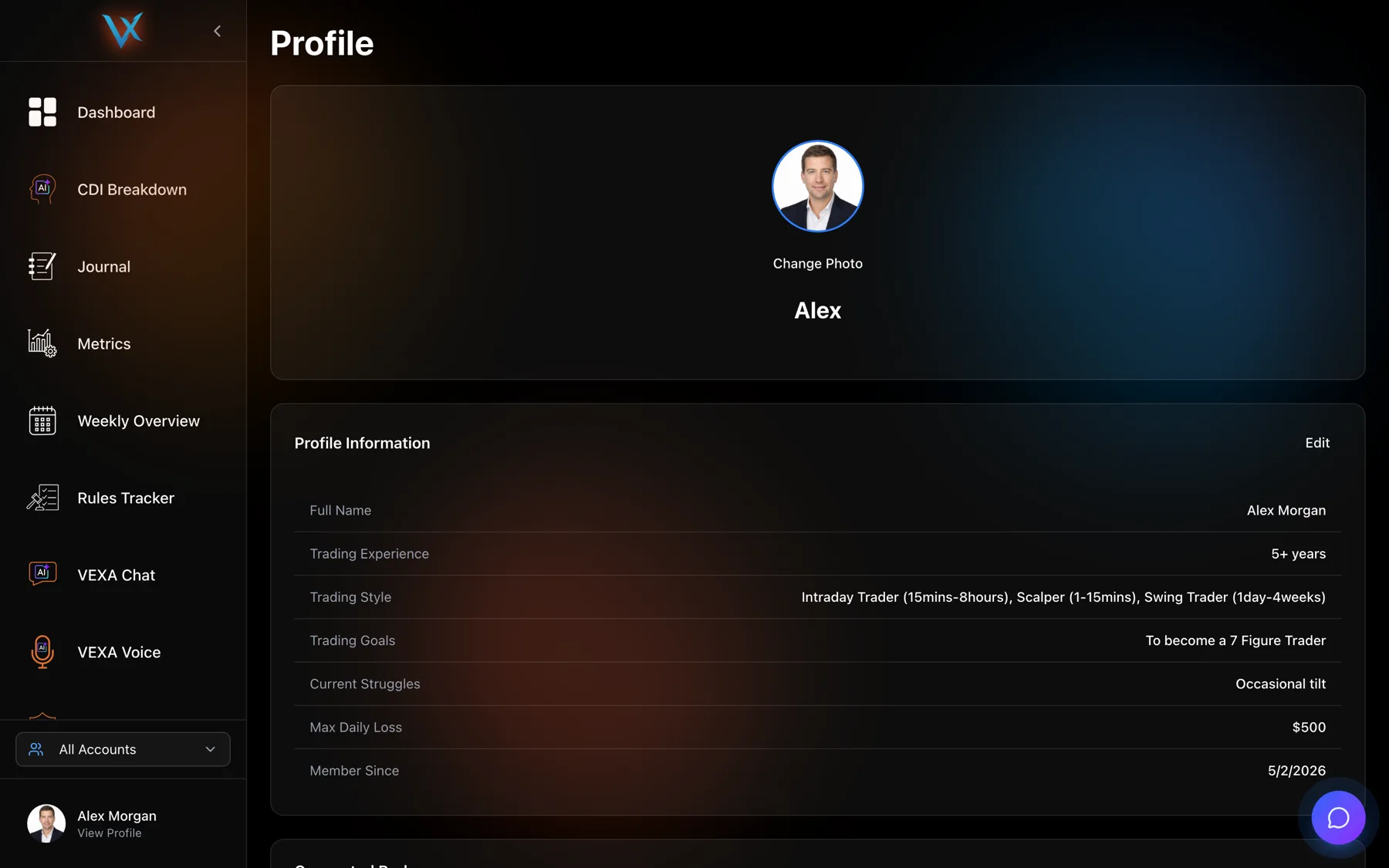
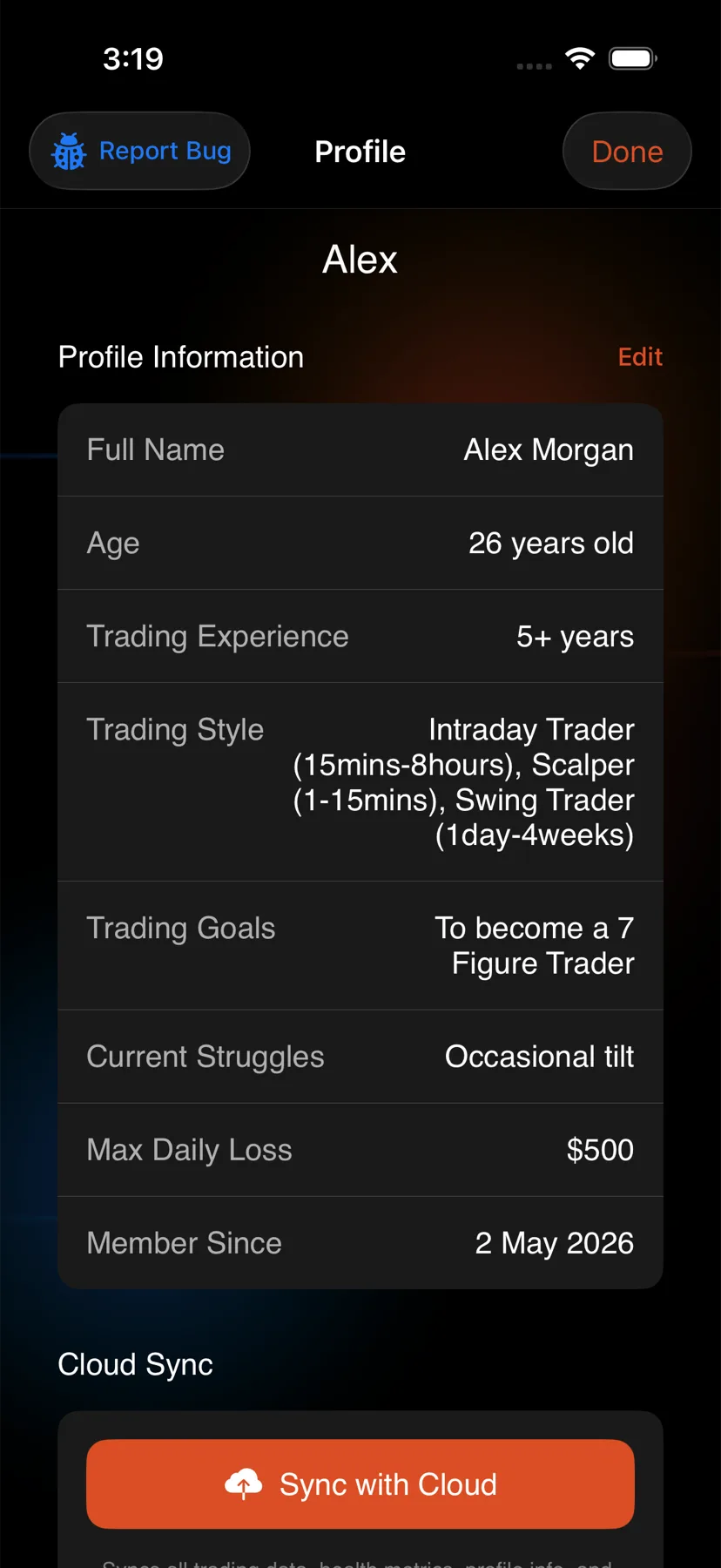
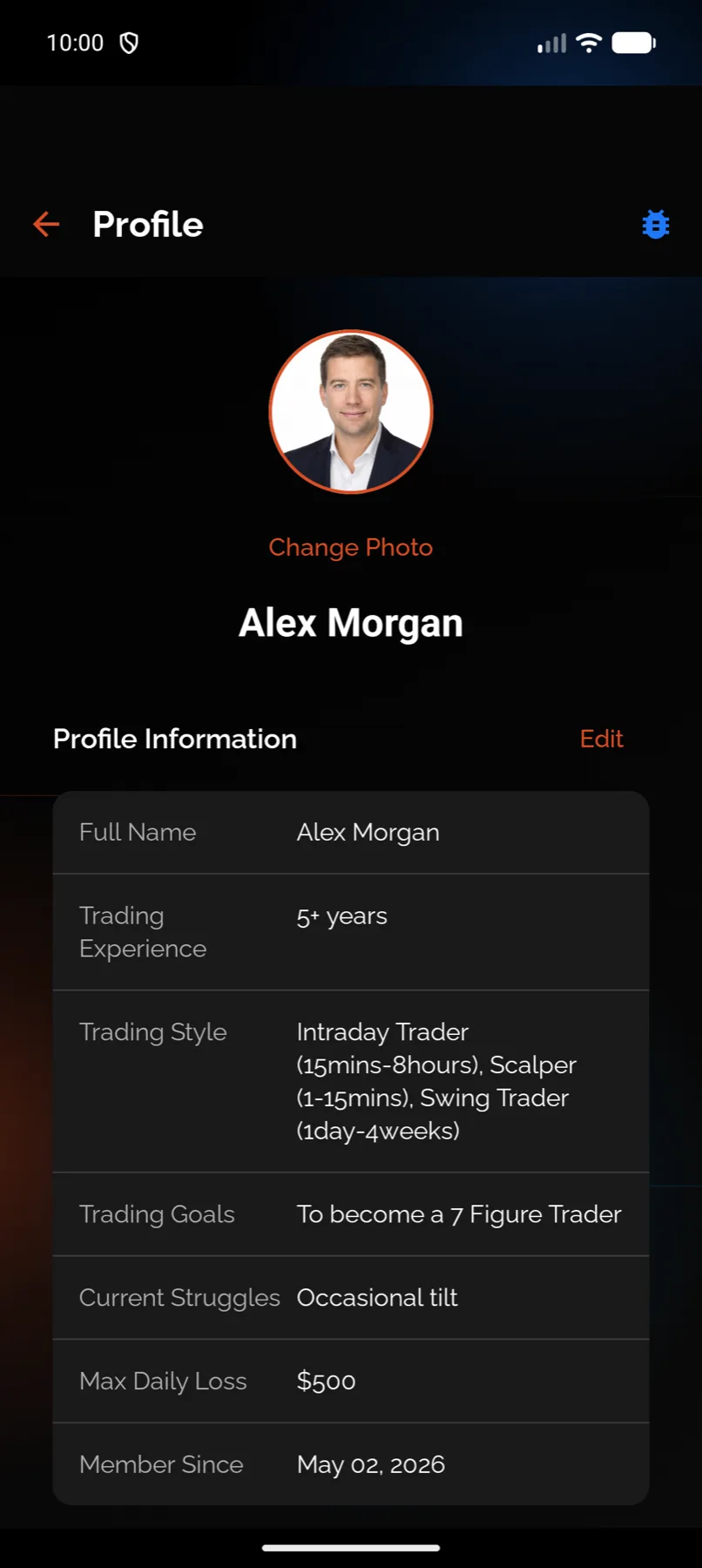
Where it lives is not the same on web as on mobile. On the web it is a row in the Settings section of your profile. On the apps it is inside the Privacy screen, which is itself a Settings row.
Steps
- In the sidebar, click your name at the bottom, under which it reads View Profile.
- Scroll to Settings.
- Click Export My Data.
- Wait for the download to start.
- Tap the circular avatar at the top right of Home.
- Scroll to Settings and tap Privacy.
- Tap Export My Data.
- Save or share the file when the sheet appears.
- Tap the profile chip at the bottom of the sidebar.
- Scroll to Settings and tap Privacy.
- Tap Export My Data.
- Save or share the file when the sheet appears.
- Tap the circular avatar at the top right of Home.
- Scroll to Settings and tap Privacy.
- Tap Export My Data.
- Save or share the file when the sheet appears.
- Tap the profile chip at the bottom of the sidebar.
- Scroll to Settings and tap Privacy.
- Tap Export My Data.
- Save or share the file when the sheet appears.
What you should see
The button changes to Preparing export… with a spinner while the file is assembled. On the web
it then downloads as vexa-data-export.json. On the apps a share sheet opens so you can put it
wherever you keep files.
The file is JSON, so it opens in any text editor and can be read by a script. Inside it are your profile and the collections behind it: trades, open positions, health metrics, insights, score history, weekly overviews, Sentinel sessions and interventions, Sentinel rules and configuration, broker accounts, reminders, voice sessions, preferences, pattern recognition, trade analysis, tags, playbooks, biometric baselines, broker uploads, and your chat sessions within the cap above.
Journal entries are not in it. The export reads a per-user journal store that entries are not
actually written to, so that part of the file comes back empty. Your journal itself is safe and
unaffected. It is only missing from this copy, and we are fixing it. Ask privacy@vexatrade.ai if
you need your entries in the meantime.
Your day-by-day biometric readings are missing for a similar reason. The baseline is exported, the daily readings filed under it are not.
A success message confirms the download. On the web it reads “Your data export has been downloaded.”
If it doesn’t work
“Failed to export your data. Please try again or contact privacy@vexatrade.ai.” Try once more, since a long export can time out on a slow connection. If it fails twice, use that address and say which surface you tried on.
The link no longer works. It expires an hour after it was created. Run the export again.
Nothing downloaded on the web. Check whether your browser blocked the download, then check your
downloads folder for vexa-data-export.json.
You cannot find Export on Android tablet. It is not on the Profile screen itself. Open
Privacy, then look in the right pane under Data Export. If the Privacy row does not
respond on your tablet, open app.vexatrade.ai in the tablet’s browser and export from there, or
use your phone. The export is identical whichever surface you run it from.
Your chat history looks incomplete. It is capped at 100 sessions and 500 messages per session. Nothing has been deleted from your account.
Related
Still stuck? Email support@vexatrade.ai.